Client check-ins
Client check-ins that arrive on schedule, and get answered.
Write a check-in once, set it to repeat and it lands in the client’s app with a reminder. Answers come back to their profile and chart over time, and your overview lists the clients you should check in with this week.
14-day free trial · No credit card
Build the check-in
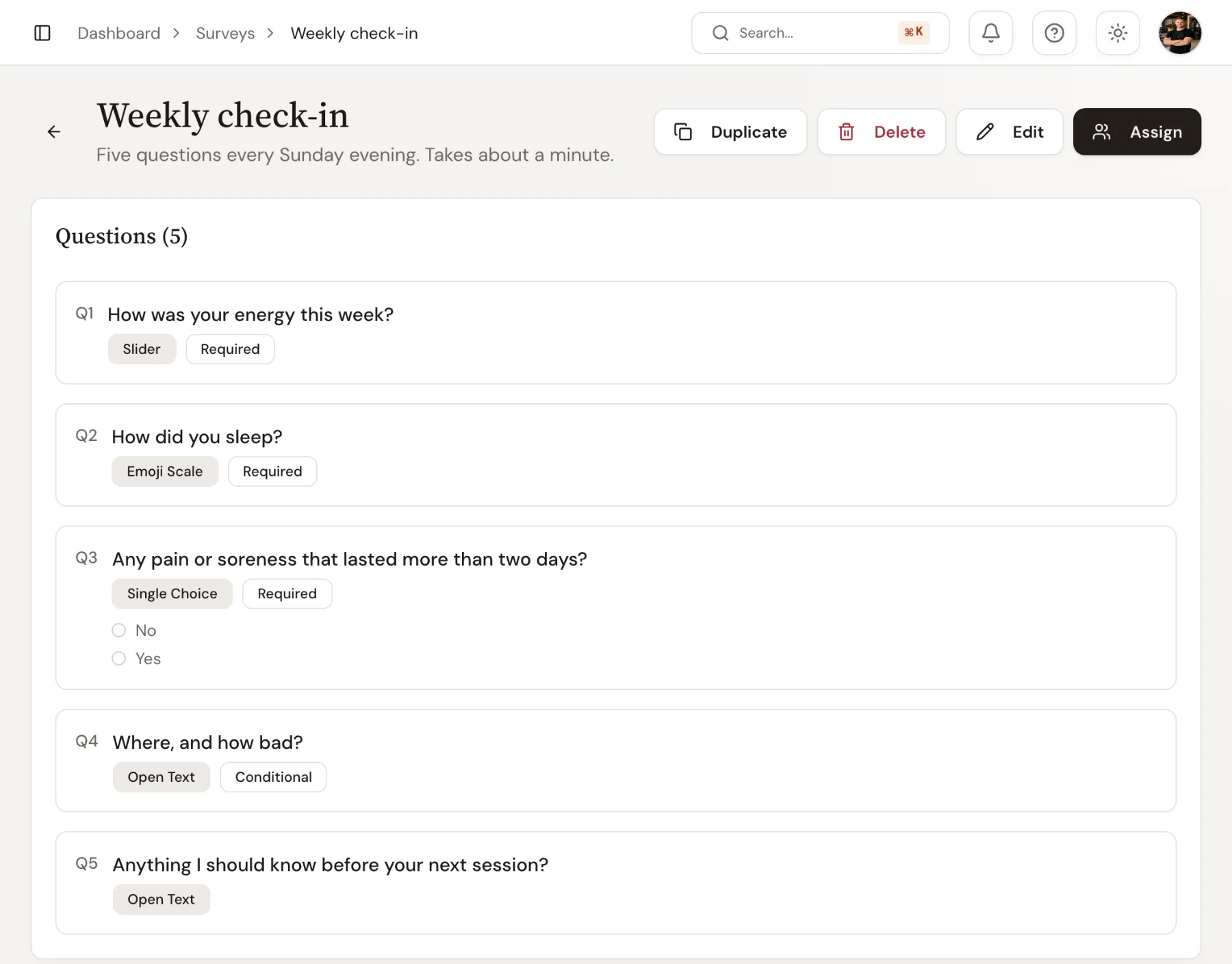
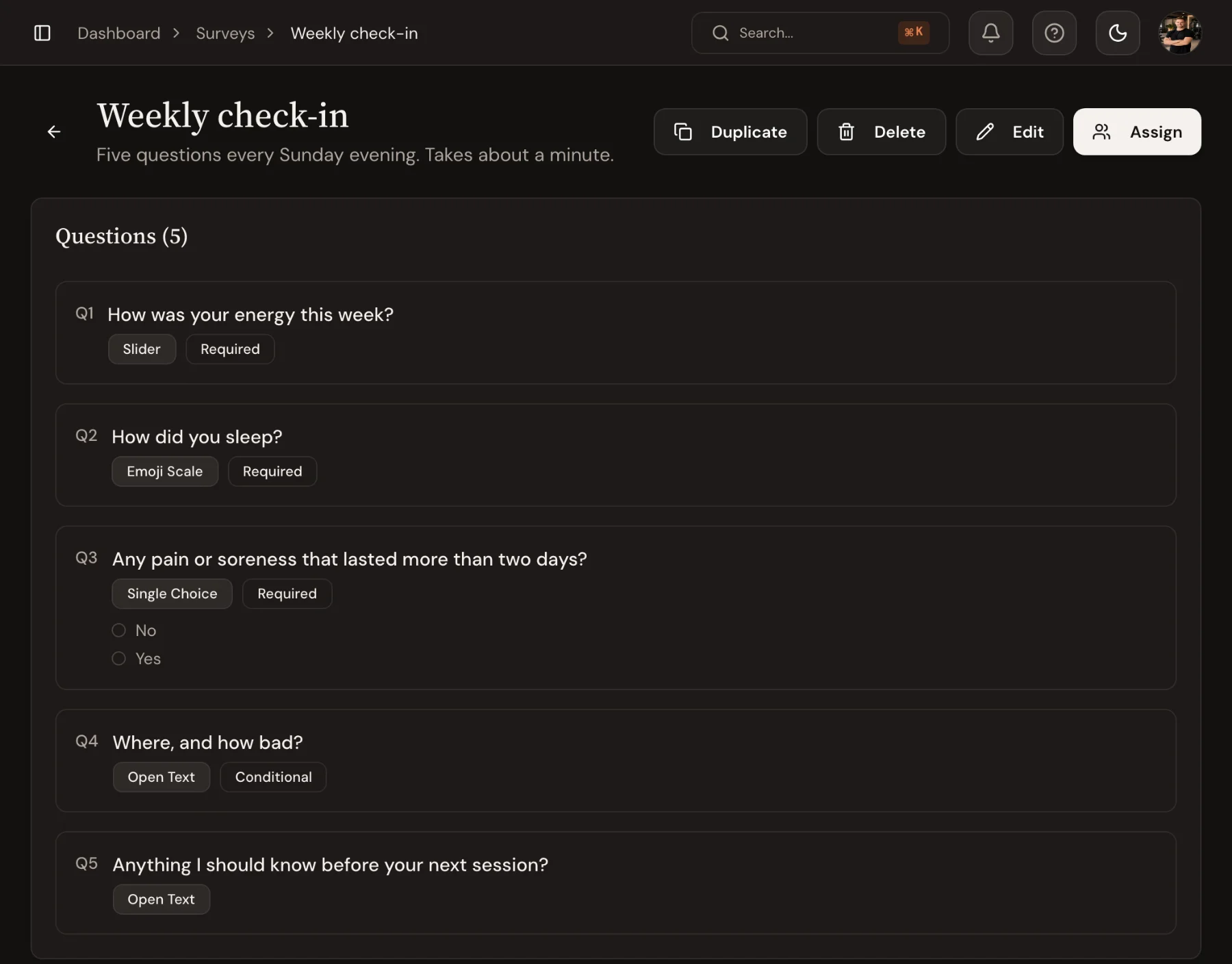
Ask the right question in the right format.
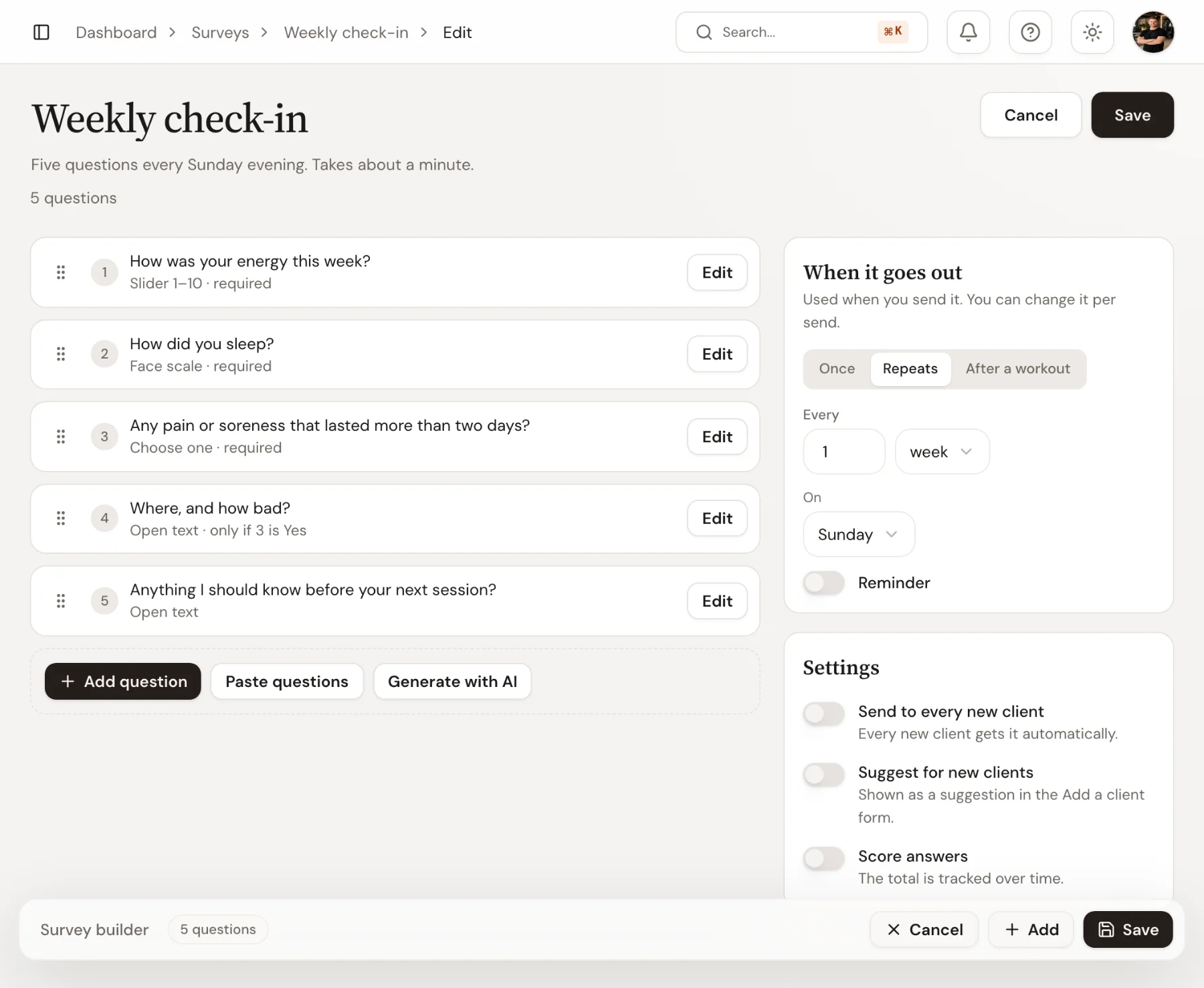
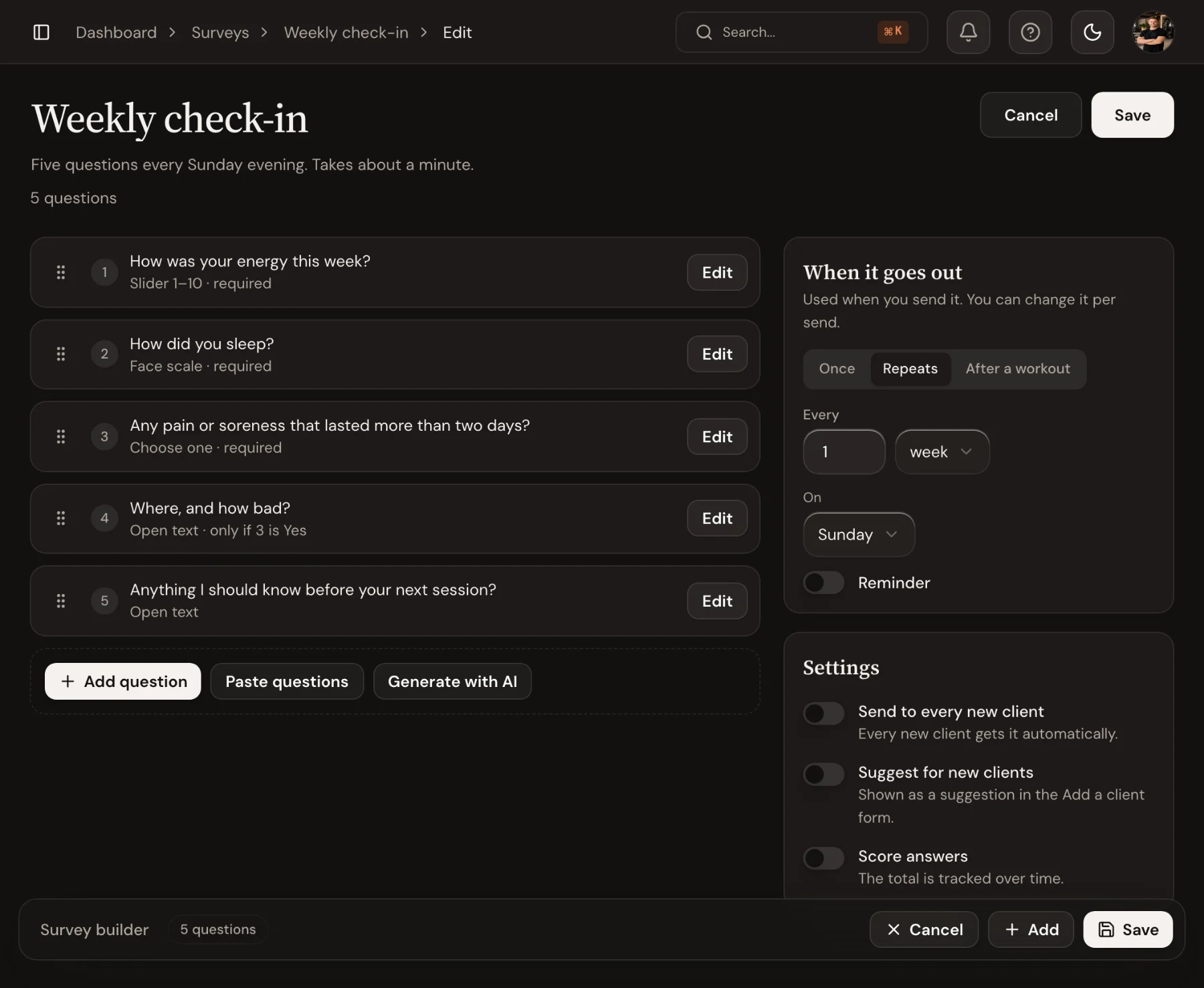
Mix sliders, face scales, choose one or several, open text and measurements. A follow-up question can appear only when an earlier answer calls for it, and you can score the answers or let Generate with AI write a first draft.
- Slider, face scale, choice, open text and measurement questions
- Follow-up questions shown only when relevant
- A first draft written by AI, if you want one
In the app
A minute for the client, on the day you choose.
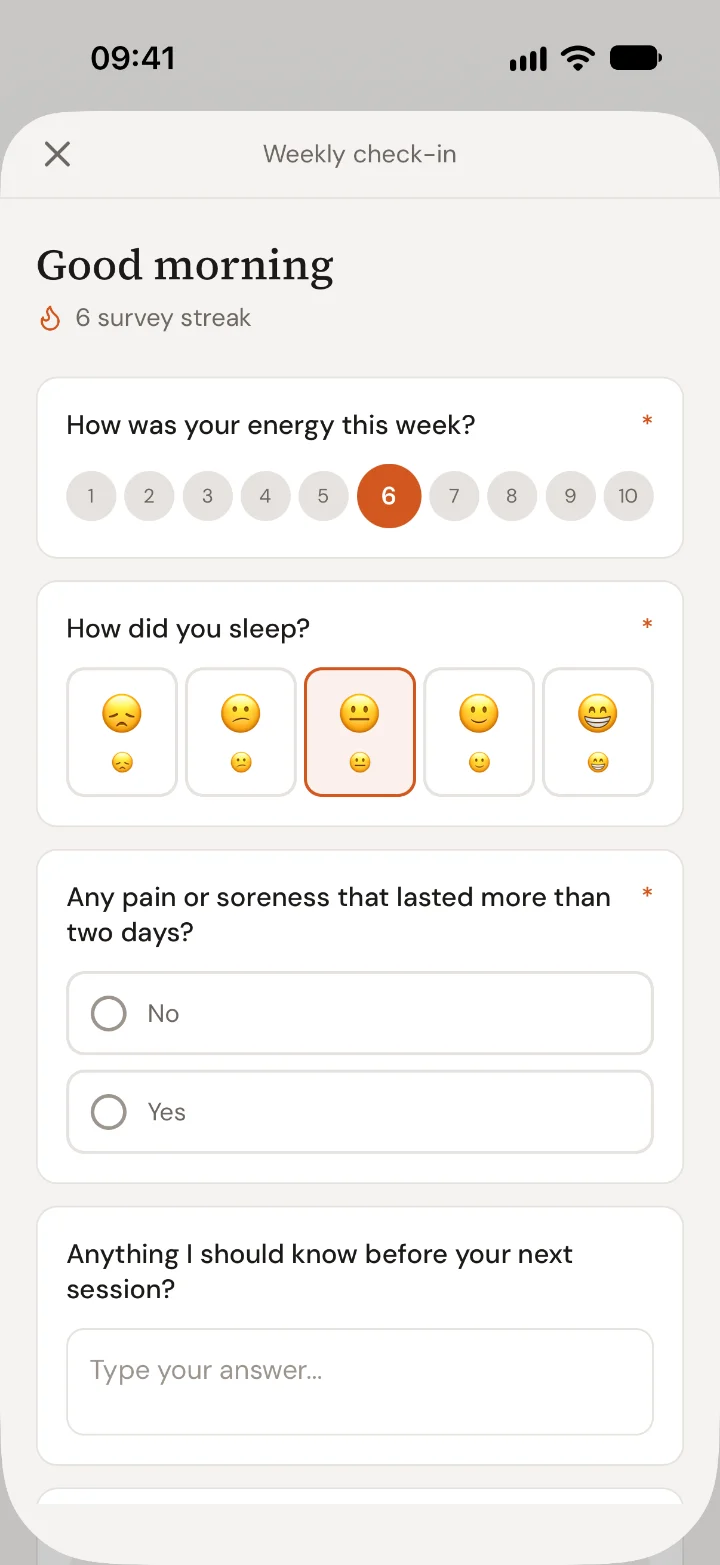
The check-in arrives in the app on schedule, once, every week or after a workout, with a reminder at the time you set. The client answers one question at a time under your name, with a tap for most answers, and sees their streak when they send it.
- One-time, recurring or after a workout
- One question per screen, asked by you
- Reminders and a streak the client can see
One-off surveys
An intake form that opens like a note from you.
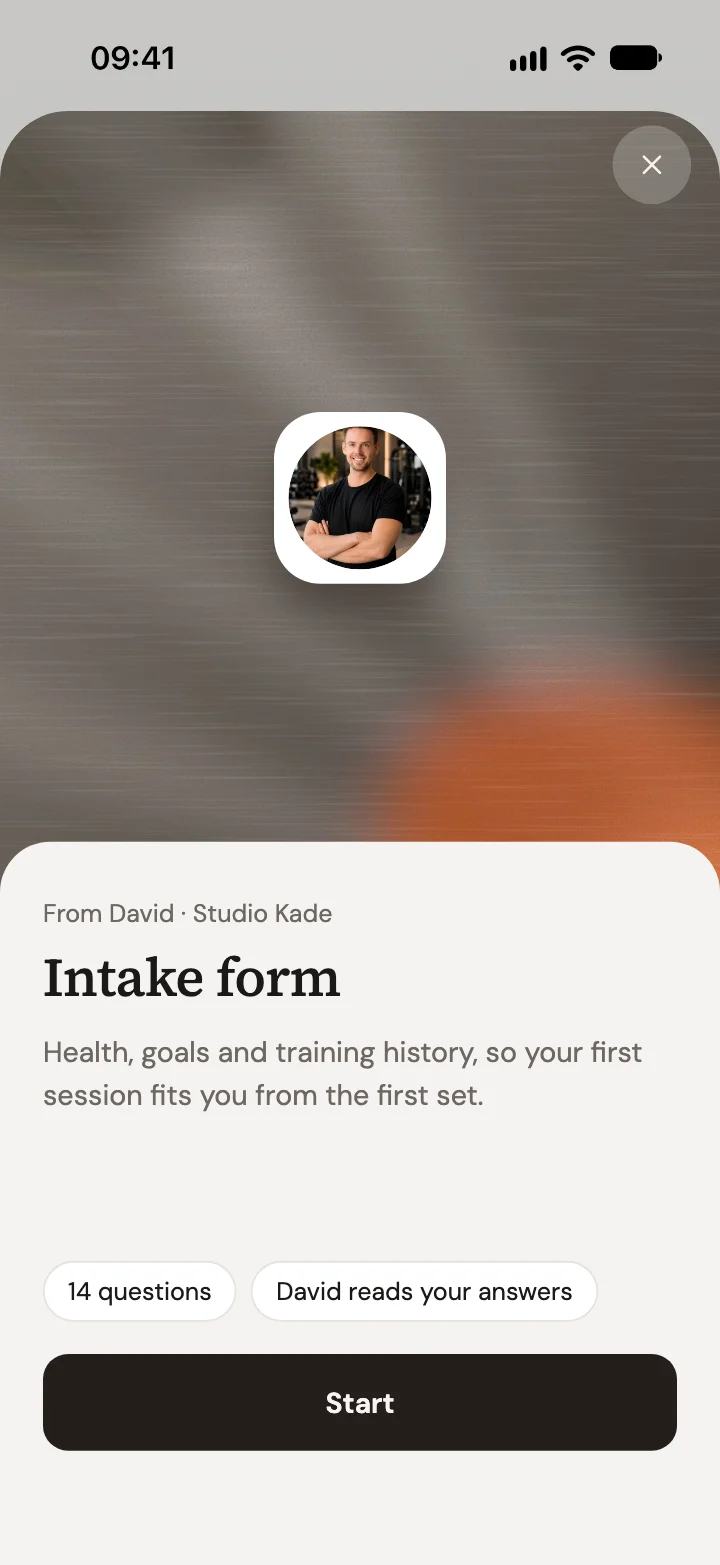
Send a survey once, such as an intake form before the first session. It opens with your photo, its name and your description, and says how many questions it has and that you read the answers. The client starts now or later, and picks up where they left off.
- Your photo, name and description up front
- Start now or later, answers kept on the phone
- Answers saved on the client’s page
On your overview
See who to check in with this week.
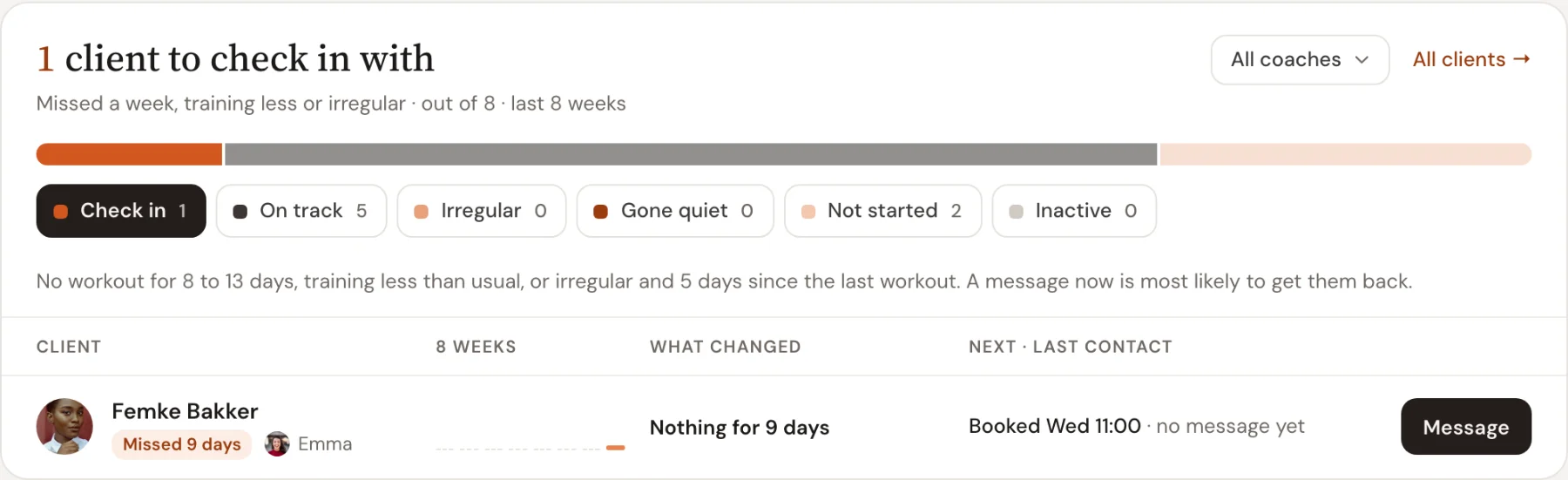
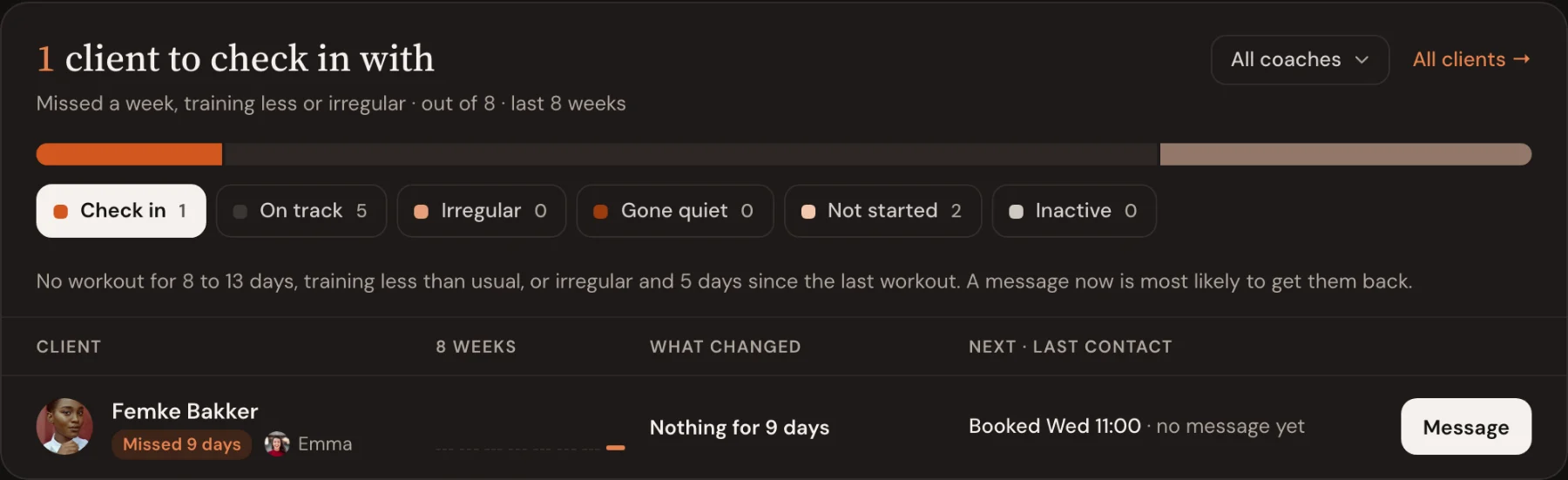
The overview sorts your clients by how they train: on track, irregular, gone quiet, not started. Those who missed a week or train less than usual sit under Check in, with a Message button beside each one.
- Clients grouped from eight weeks of training
- Message one client, or all of them at once
- Dips in check-in answers show on the client
Client Check-ins: guides and templates
Step-by-step help from the Trainnode guides, with screenshots of the screens above.
- How-toSet up automatic check-insBuild a weekly check-in survey, send it on a schedule with a reminder, and read the answers on each client’s page in Trainnode.
- PlaybookCheck-in questions for personal training clientsThe weekly check-in questions that tell a coach what they need to know before the next session, how often to send them, and what to do with the answers.
- TemplateIntake form and health questions for new PT clientsA free intake form for personal training: health screening questions like a PAR-Q, goals, training history and consent. Copy it and adapt it.
- TemplateWeekly check-in questions templateFive weekly check-in questions for personal training clients, with answer types, that take under a minute to fill in. Copy them or set them up in Trainnode.
Frequently asked questions
- How often can check-ins go out?
- However you like: once, daily, weekly or monthly, or automatically after a client completes a workout, each with an optional reminder.
- Can I write a check-in with AI?
- Yes. Click Generate with AI, describe what you want to ask, and Trainnode drafts the questions for you to edit before the check-in goes out.
- What happens to the answers?
- They go to the client’s profile and chart over time, and can feed a tracked metric like a soreness score.
- Can questions adapt to a client’s answers?
- Yes. A follow-up question can be set to appear only after a specific answer, so clients only see what is relevant to them.
Ready to coach with less admin?
Start your free trial today, or see everything Trainnode does.