Client messaging
Client messaging without giving out your number.
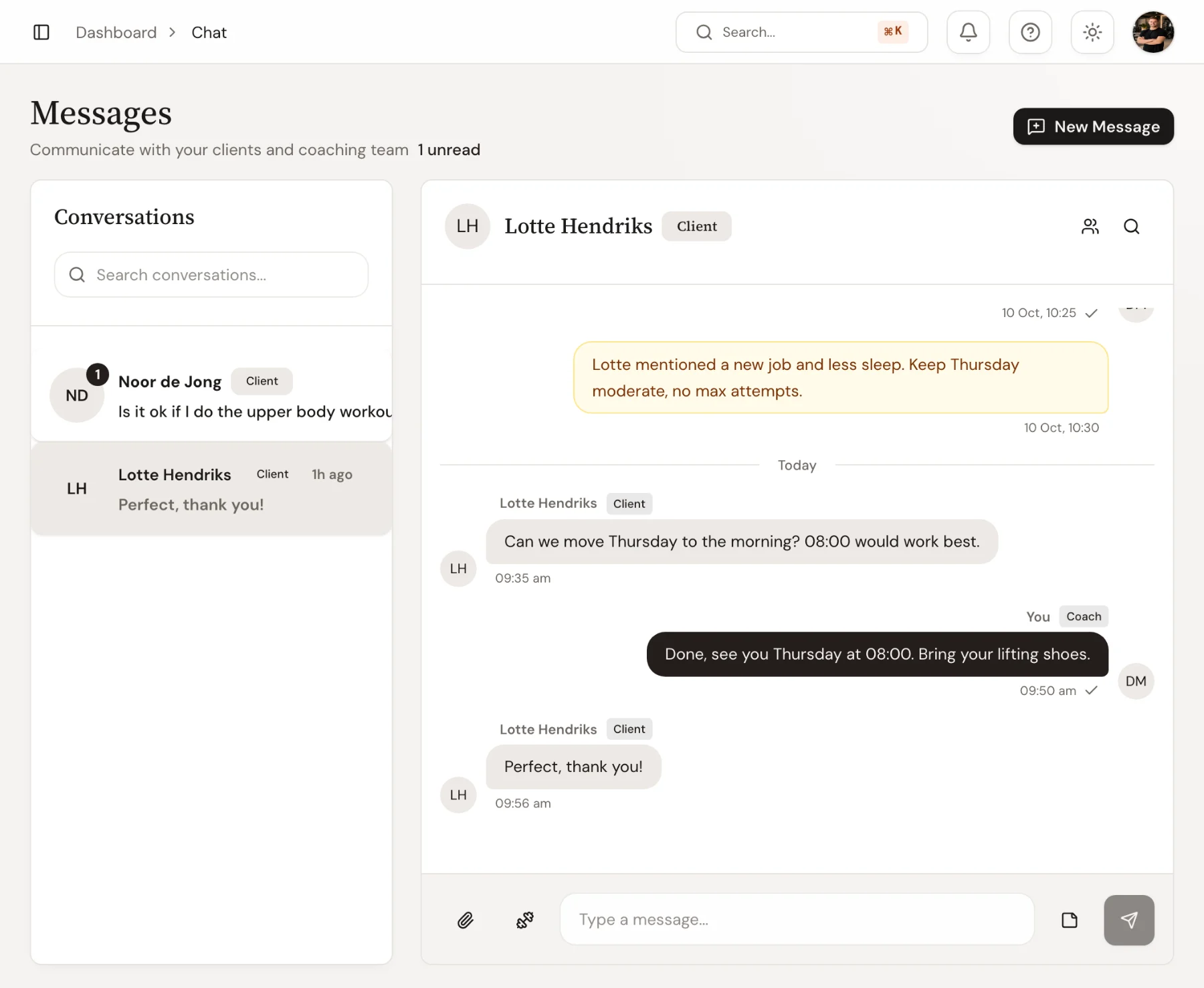
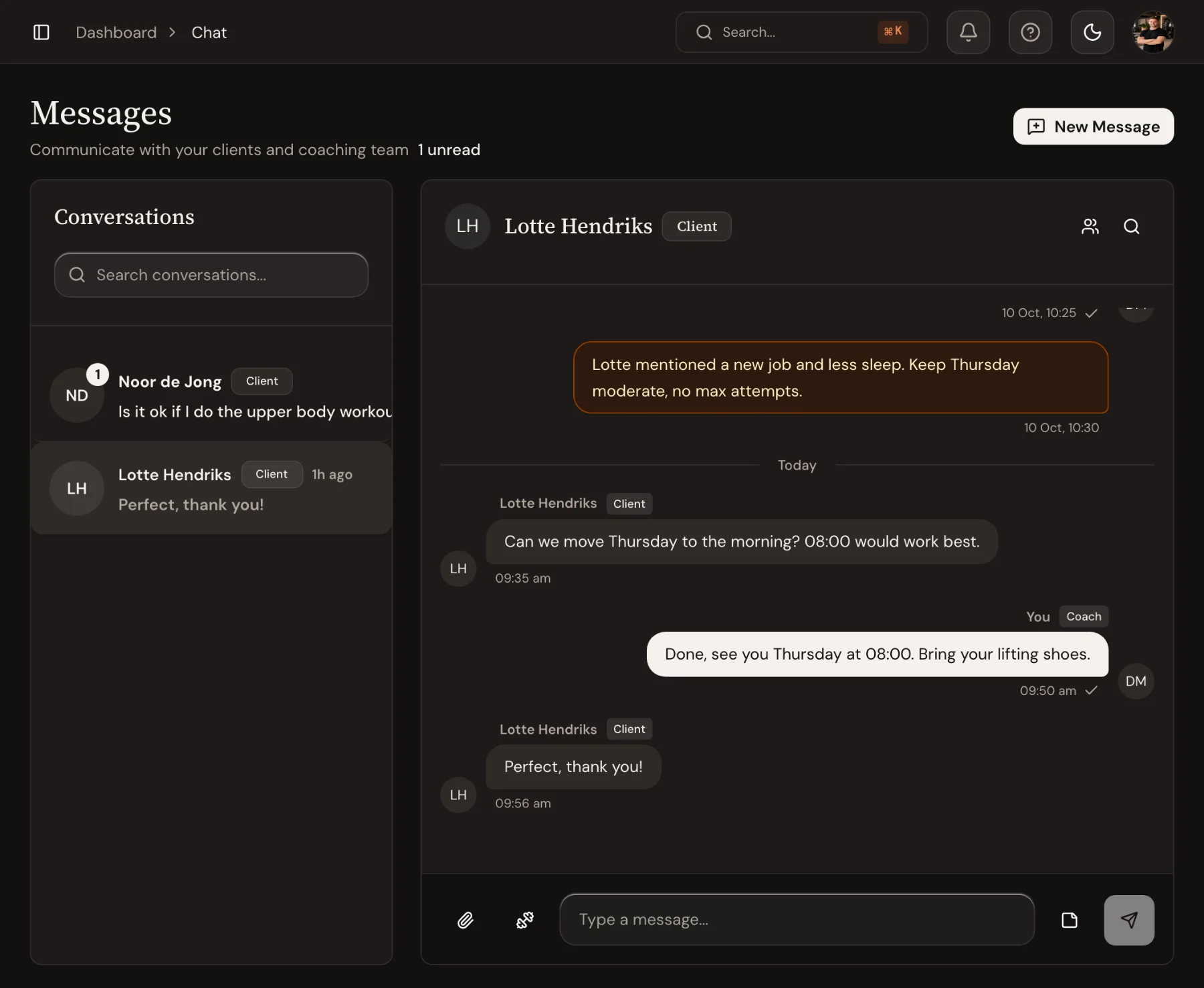
Each client has one thread with your coaching team, in the app and the dashboard. Share a workout, a photo or a file, leave an internal note the client never sees, and never lose a message between WhatsApp and email.
14-day free trial · No credit card
Never missed
Unanswered messages wait on your overview.
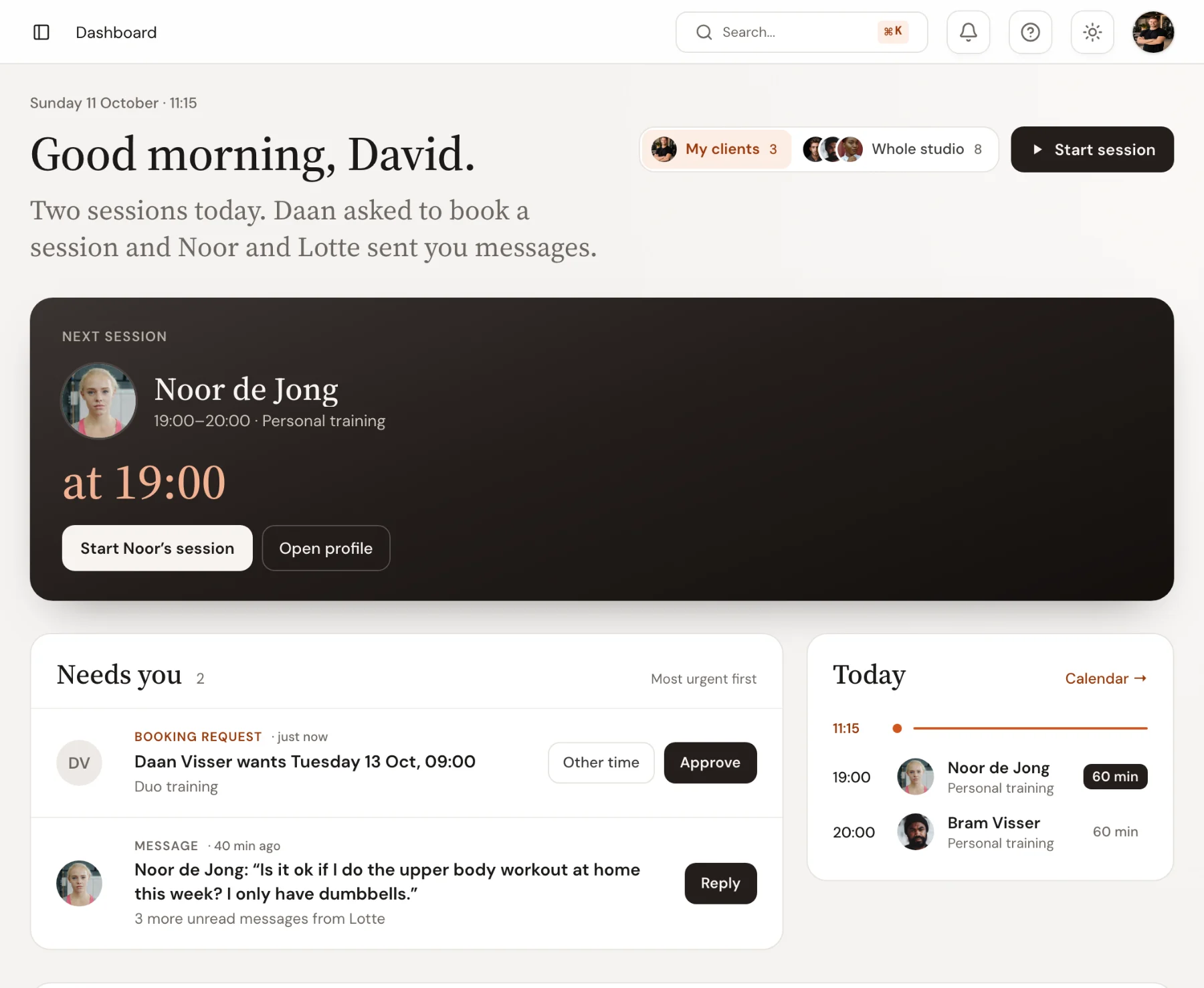
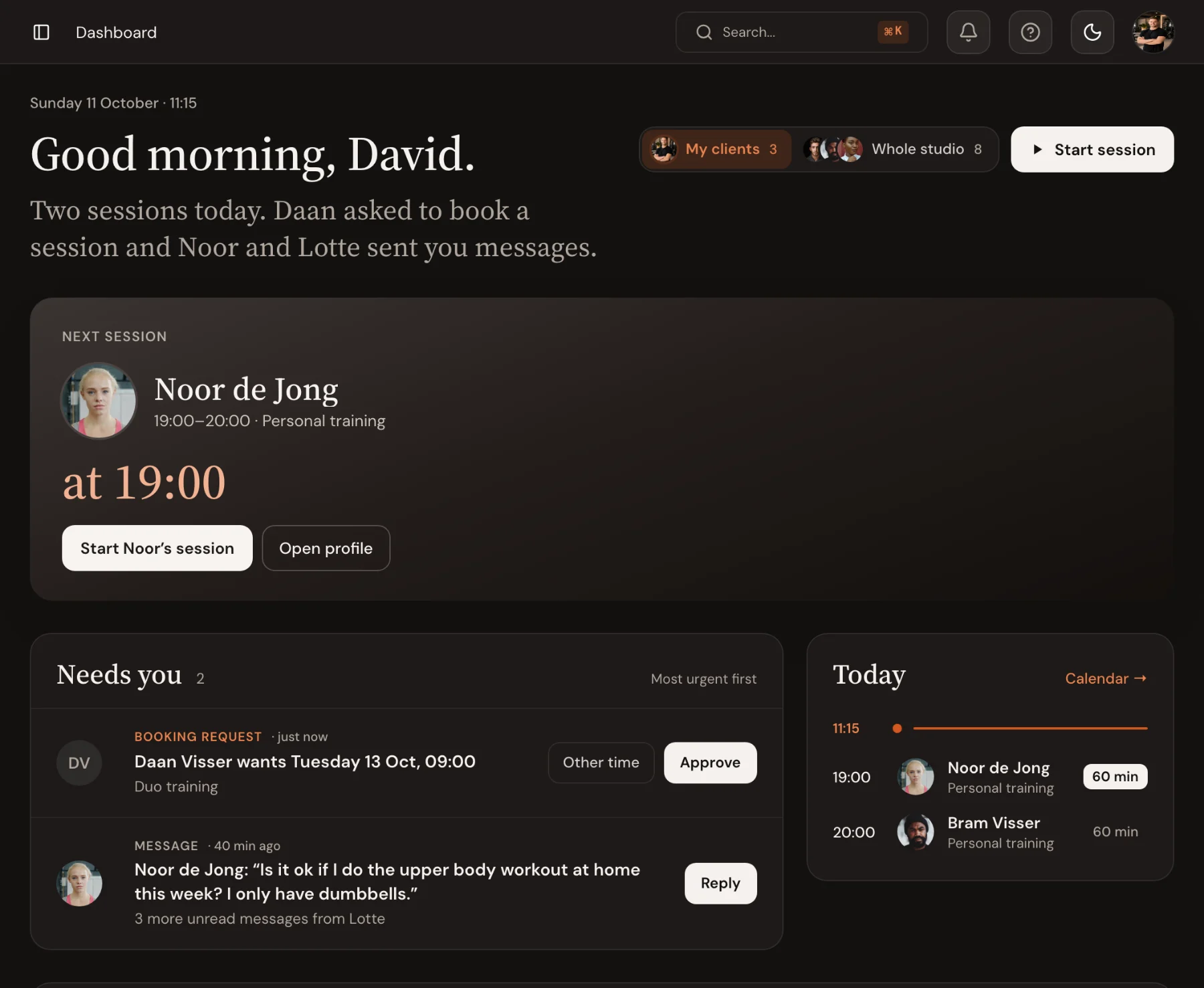
A message nobody answered sits in Needs you on the overview until someone replies, beside the booking requests and payments that wait on the studio. Reply from there, without opening the chat first.
- Unanswered messages on the overview
- Reply in place, or from Waiting in Messages
- Unread counts in the sidebar
Reach out first
Message the clients who went quiet.
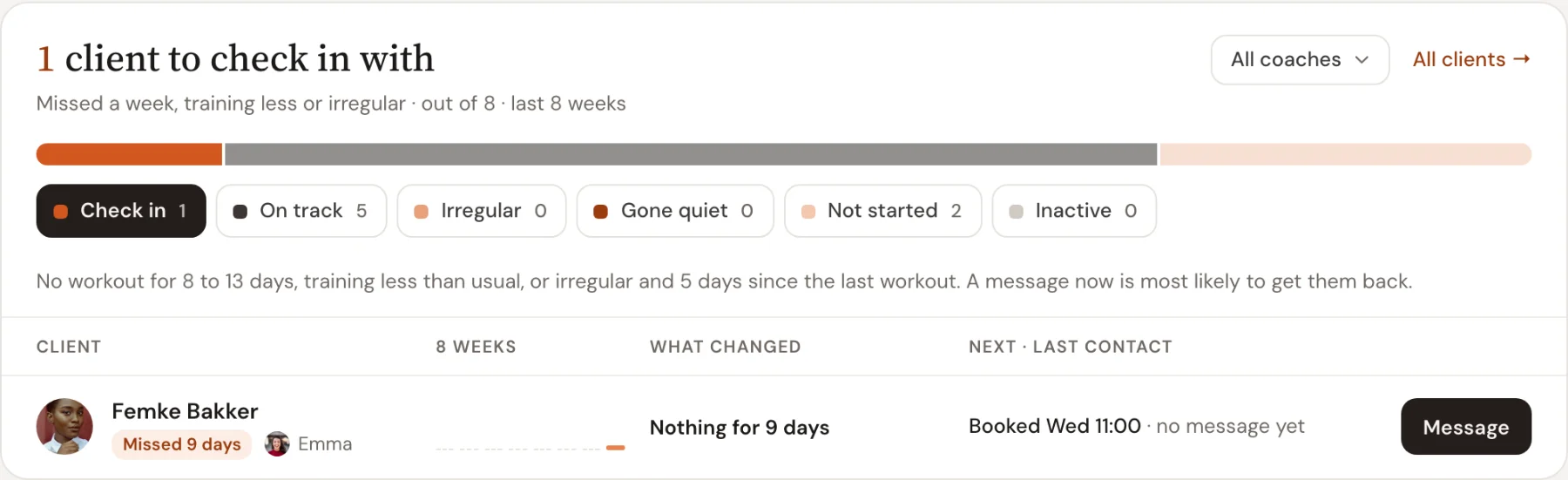
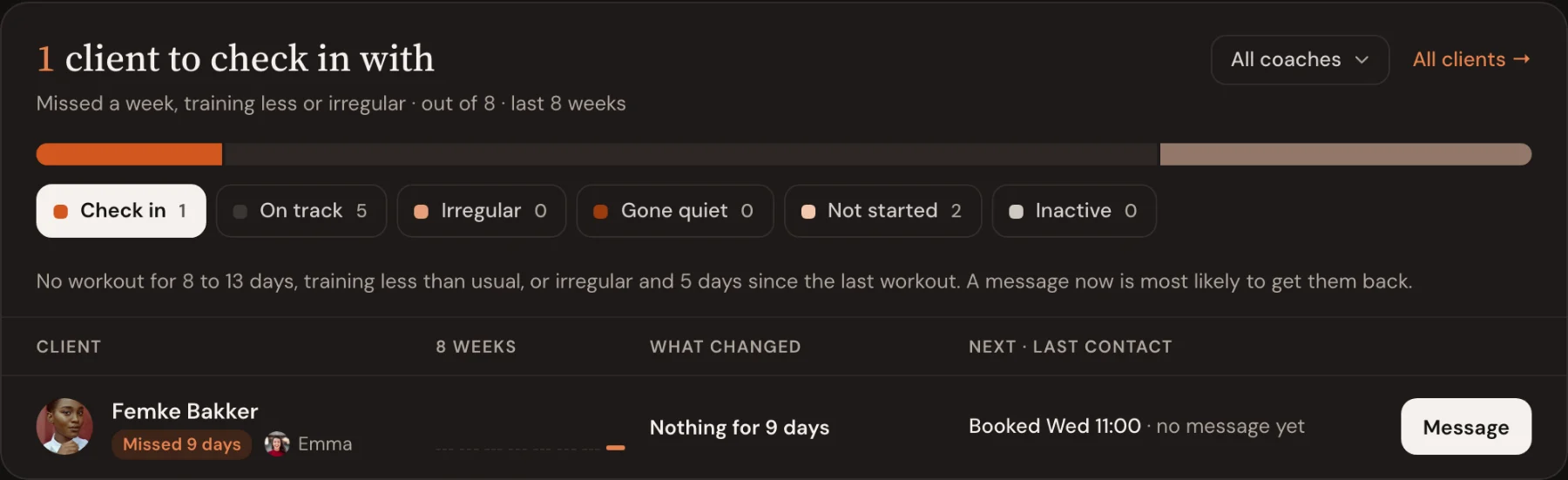
The overview lists the clients who missed a week or train less than usual. Message one with a tap, or all of them at once, and the message lands in each client’s own thread.
- Clients to check in with, on the overview
- Message one, or all at once
- Every message in the client’s own thread
Messaging: guides and templates
Step-by-step help from the Trainnode guides, with screenshots of the screens above.
Frequently asked questions
- Is messaging real-time?
- Yes. Messages and read receipts update live for the client and the coach.
- Can clients message me from their phone?
- Yes. Clients chat from the Trainnode app, and you reply from the dashboard or the app, so nobody hands out a personal number.
- What can I share in a message?
- Text, photos, videos and files with previews, plus workouts that open straight to the program. In the client’s app, what you did for them, like assigning a workout, shows between the messages too.
- What are internal notes?
- Messages only your coaching team can see, inside a client’s conversation. The client never sees them, so coaches can hand over cleanly.
Ready to coach with less admin?
Start your free trial today, or see everything Trainnode does.