Client profiles
Client management that starts with where they stand.
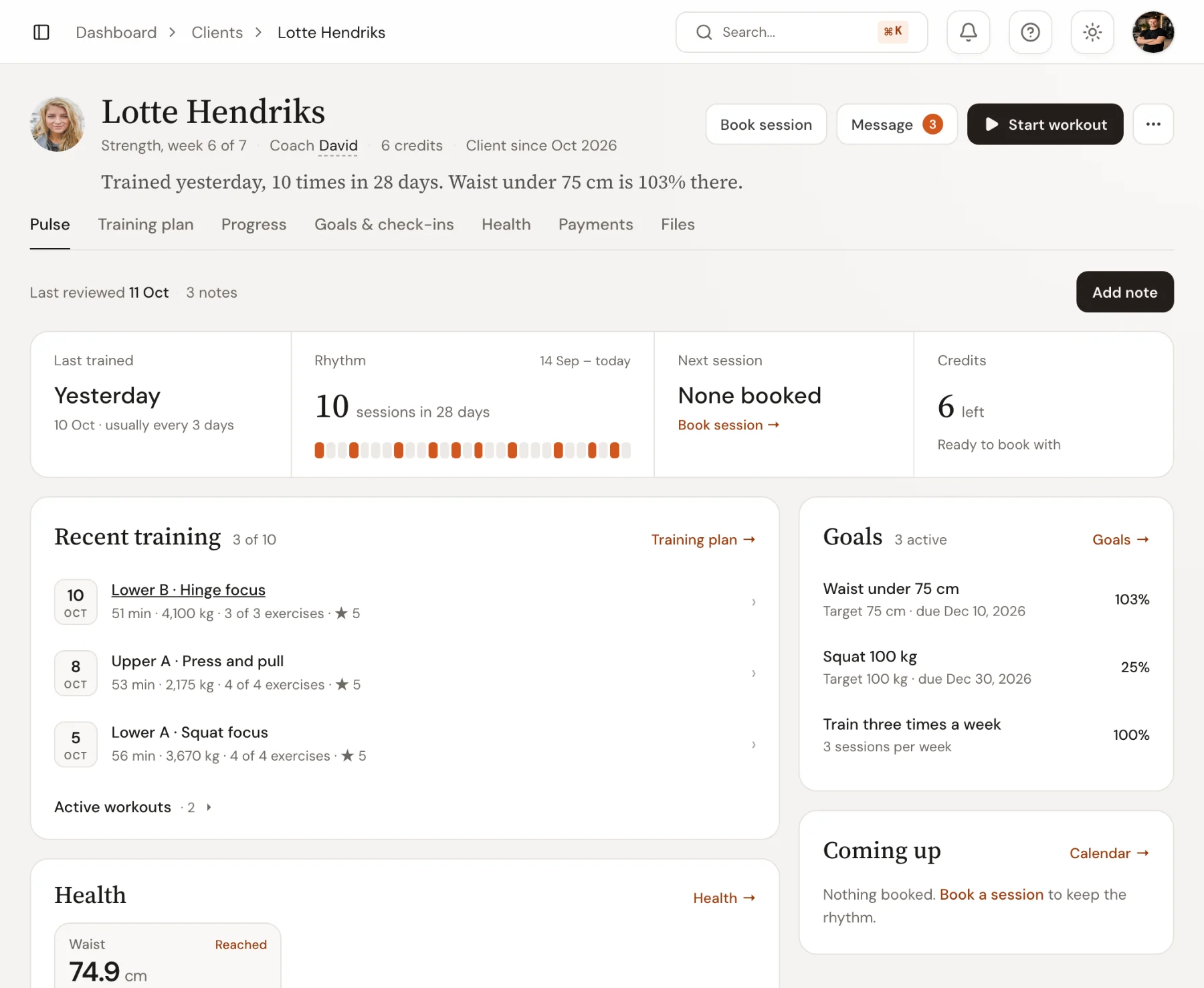
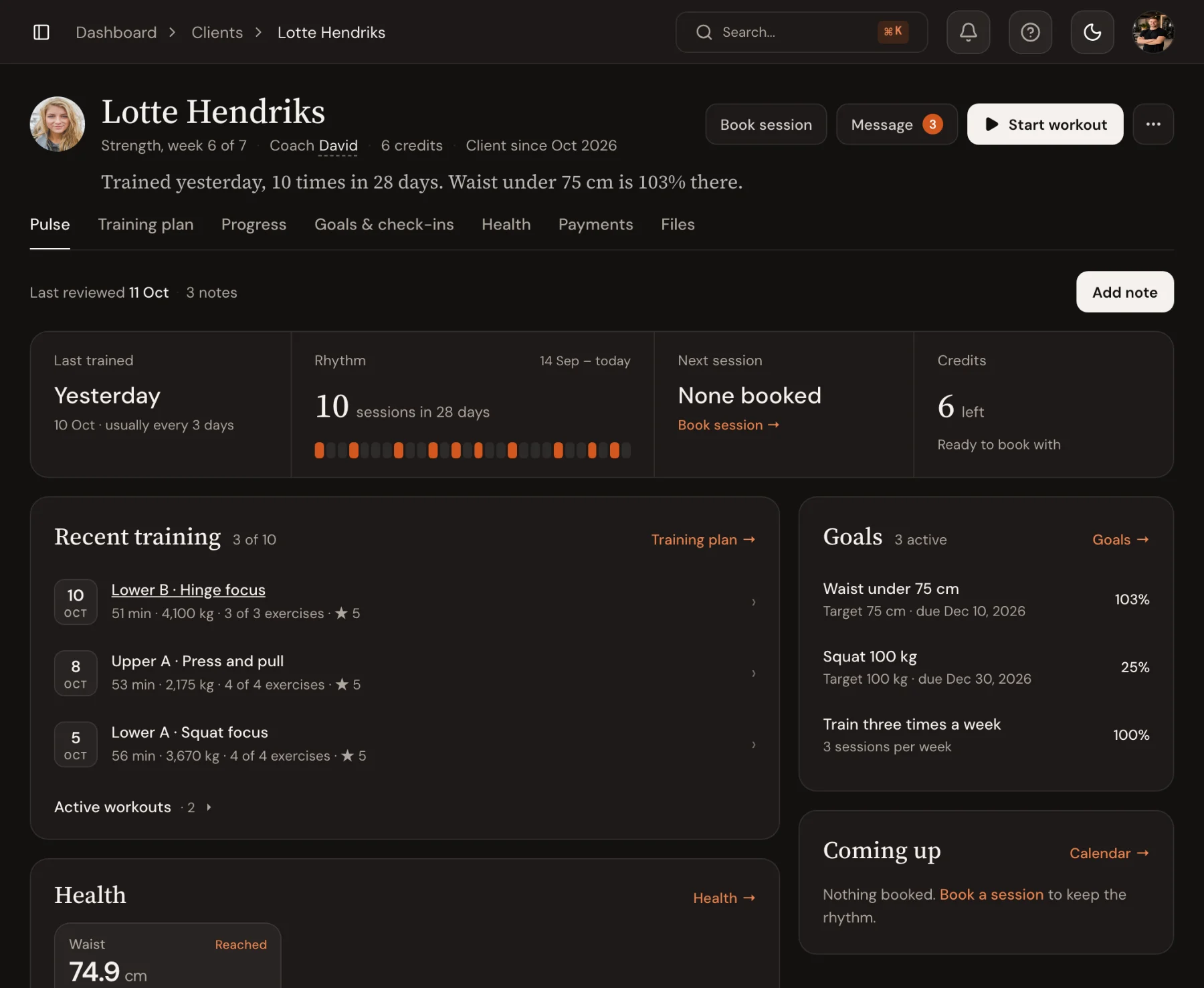
Open a client and the first screen says it in a sentence: when they last trained and how their goals are going. Below it sit their rhythm, goals, health, coaching notes and documents, shared by every coach who works with them.
14-day free trial · No credit card
Coaching notes
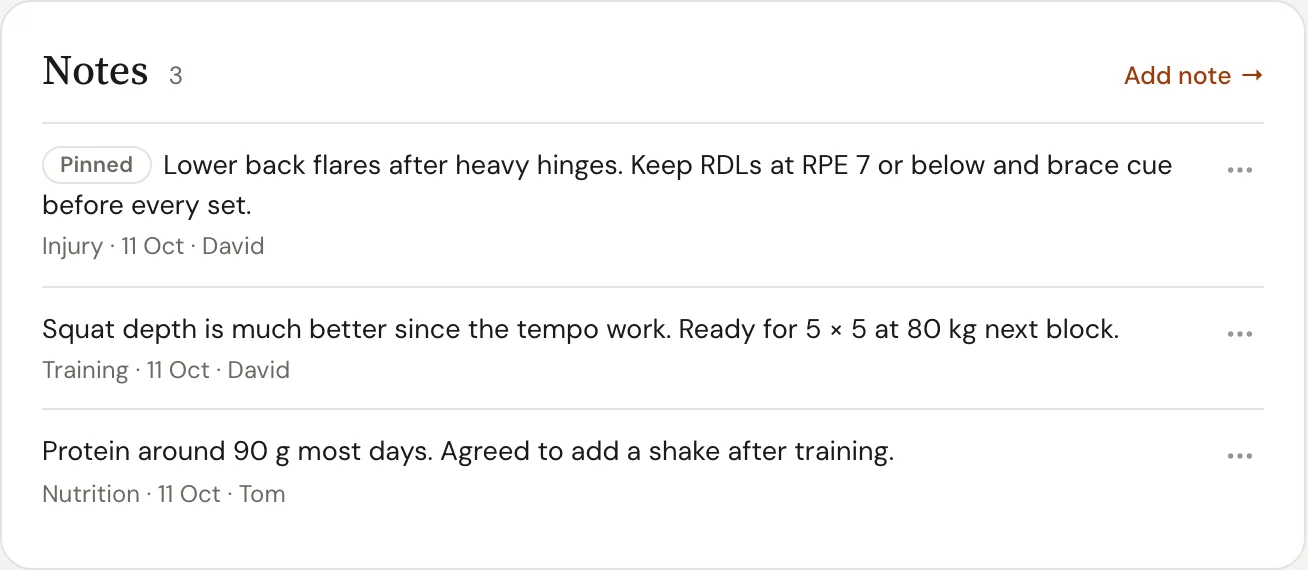
Coaching notes the whole team reads, and the client never sees.
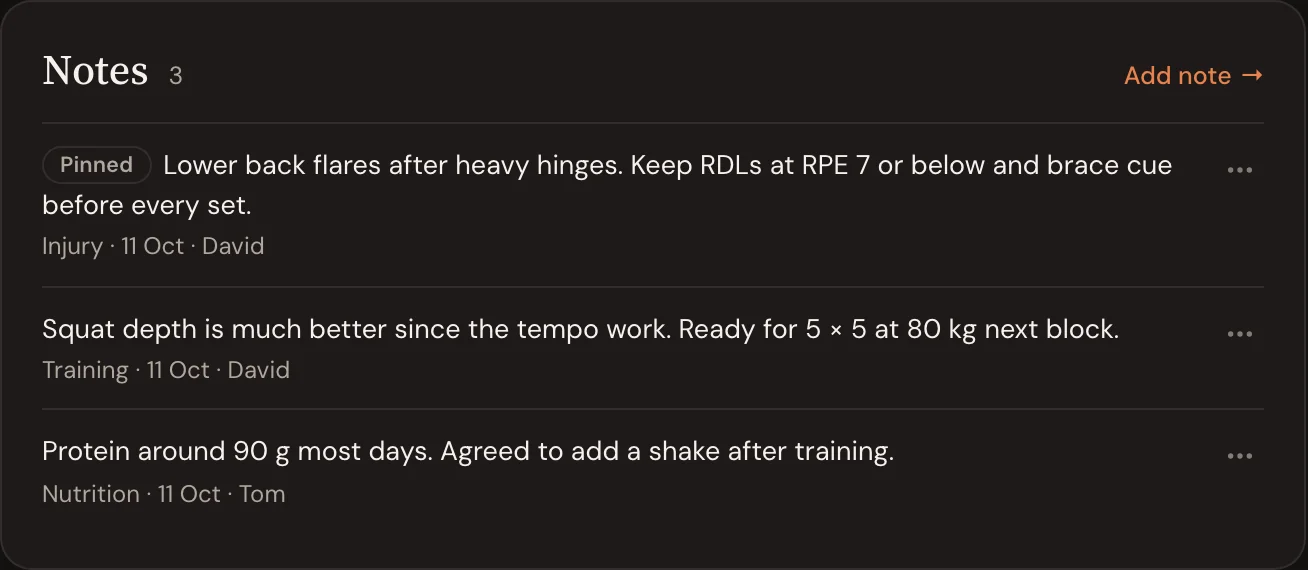
Write a note on any client and tag it Training, Injury, Nutrition, Goal or General. Pin the one every coach should read first. Notes carry who wrote them and when, and stay with the team: they never appear in the client’s app.
- Five note types and one pinned note at the top
- Author and date on every note
- Private to coaches and admins
Injury tracking
Injuries and limits, in front of whoever trains them.
Log an injury with the body area, side, severity and status, and it opens the client’s profile: the injury by name, how bad it is and the latest note on what to avoid, before anything else. Every change in severity or status is kept, so the recovery has a history.
- Body area, side, mild to severe, active to resolved
- First thing on the client’s profile, with the latest note
- A dated history of every change


Goals
Fitness goals that update themselves.
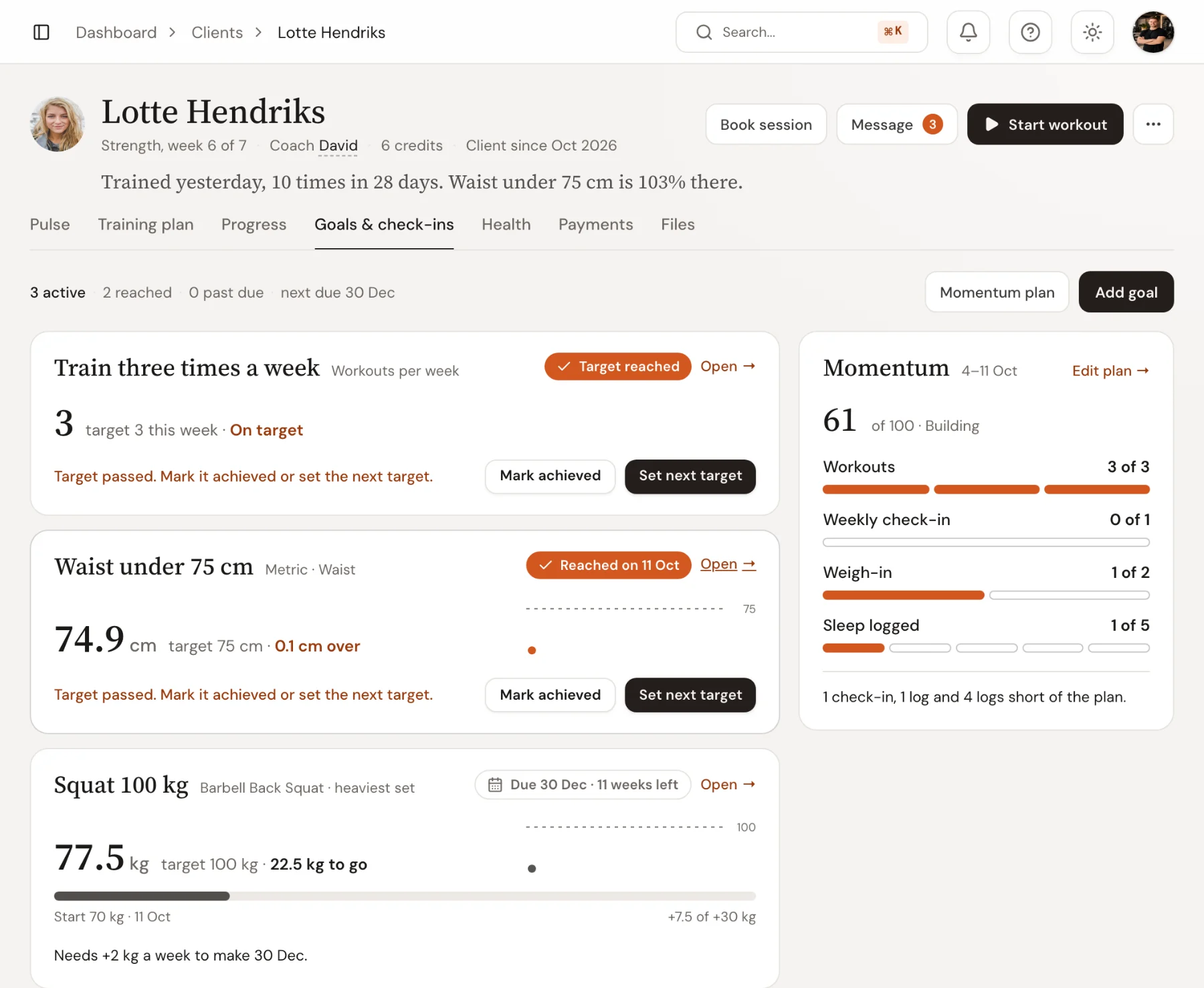
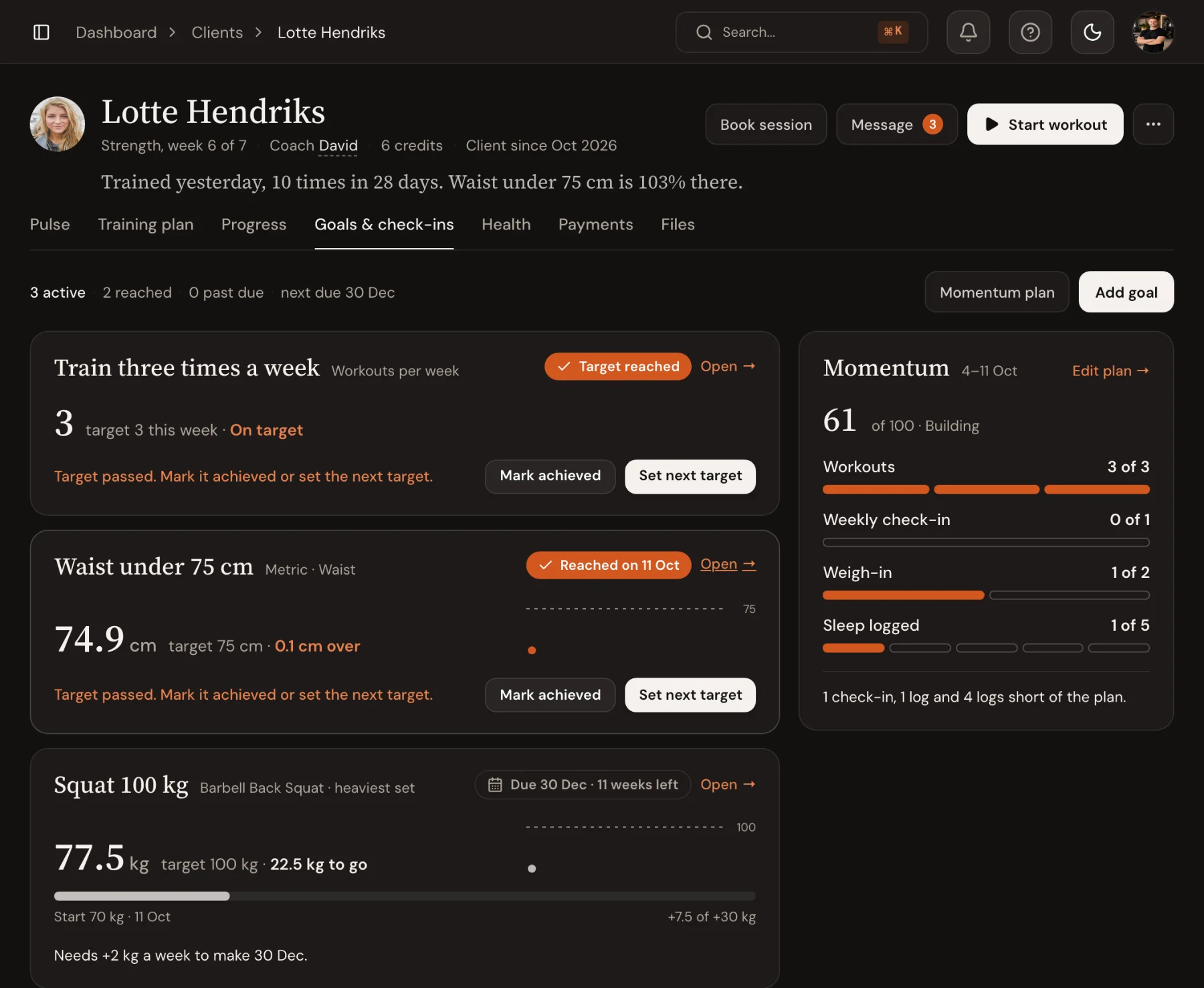
Set a strength goal, a body metric or a weekly training habit, with a target and a date. Progress fills in from the workouts the client logs and the metrics they record, and when a target passes you mark it achieved or set the next one.
- Exercise PRs, body metrics, weekly workouts or custom goals
- Progress from logged sets and measurements
- Mark achieved, or set the next target
Documents
Documents and check-ins, filed on the client.
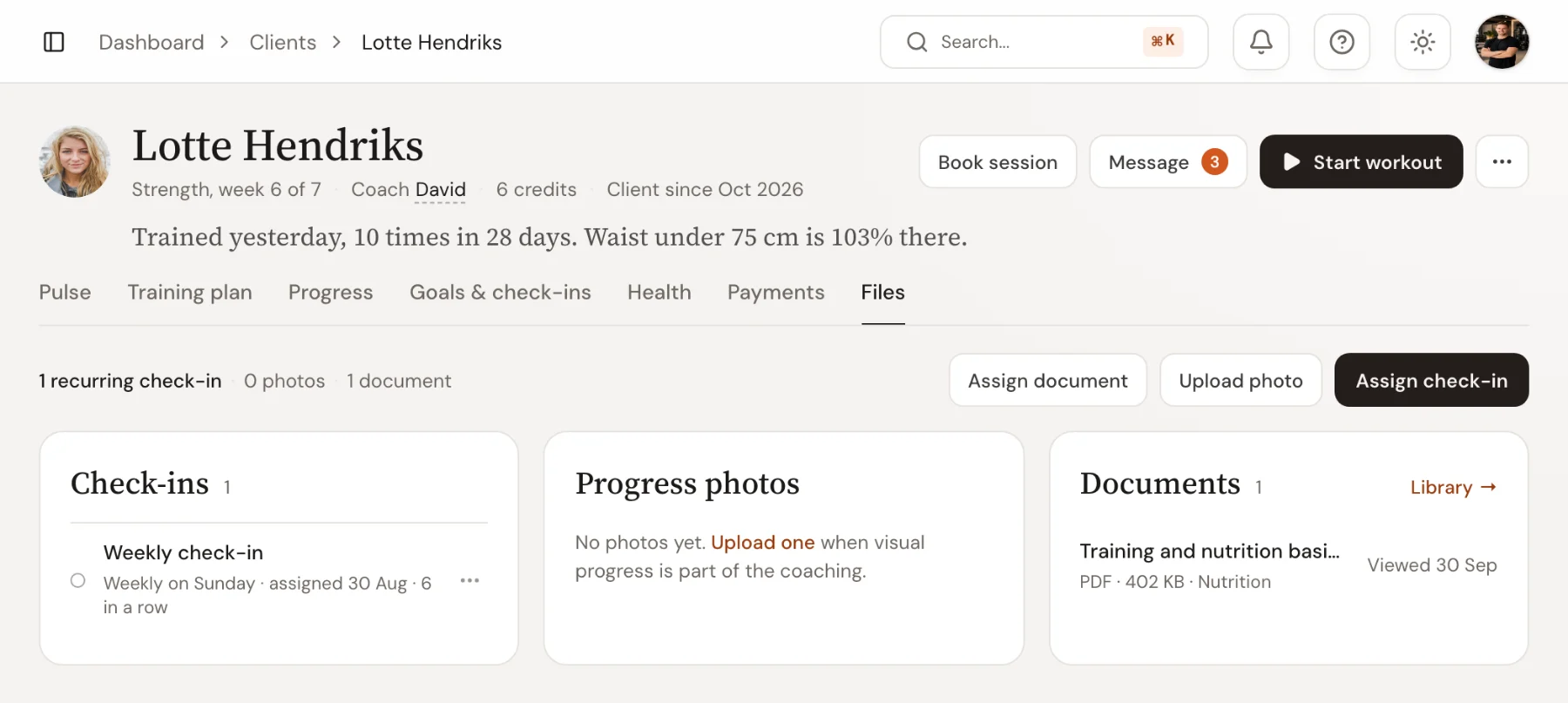
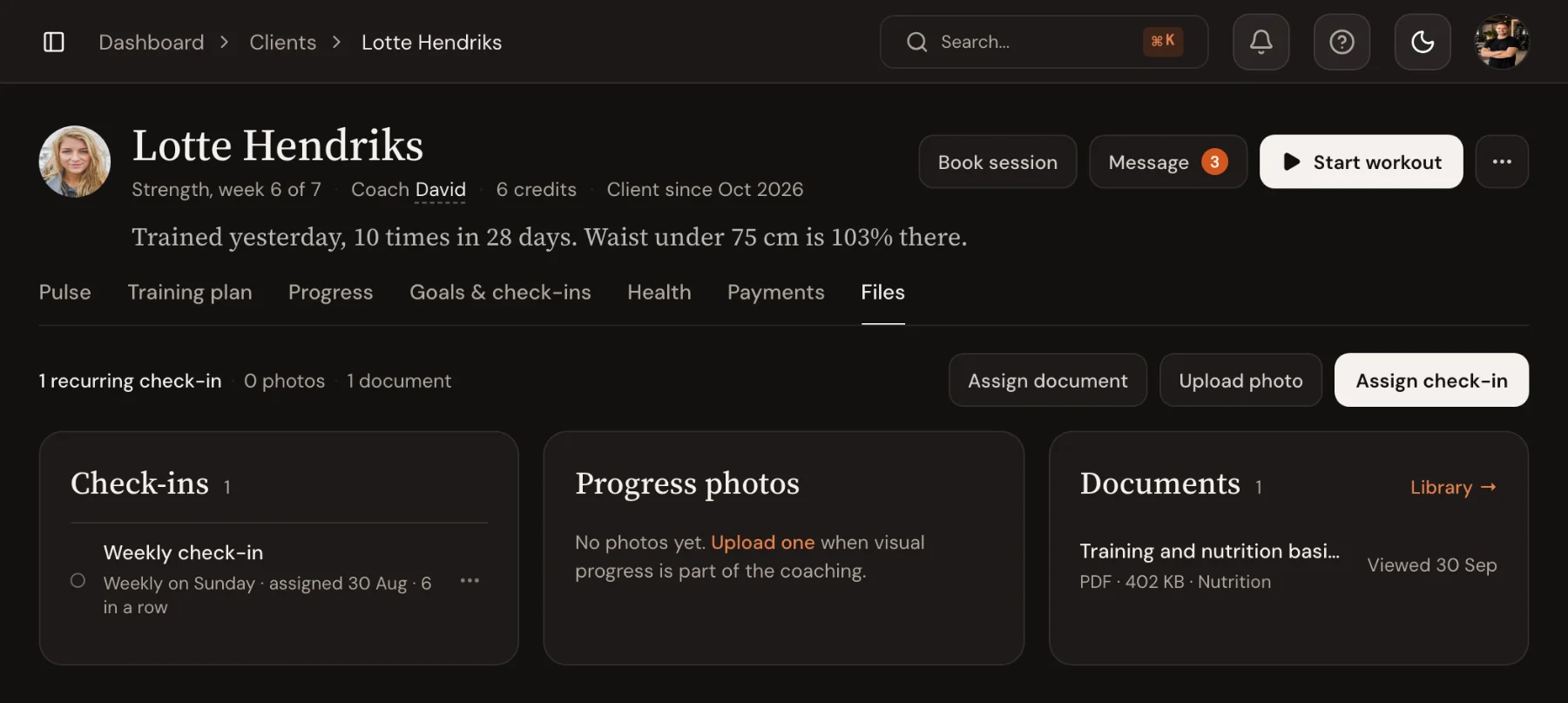
Send a nutrition guide, a training plan or an intake form from your document library and see when the client opened it. Their recurring check-ins and progress photos sit on the same tab.
- PDF, Word, Excel and images, up to 20 MB
- See who opened each document, and who hasn’t yet
- Check-ins and progress photos beside them
Frequently asked questions
- What can I see on a client’s profile?
- When they last trained and how often, their next session and credits, recent workouts, goals, health and injuries, coaching notes, training plan, progress per exercise, payments, documents and check-ins.
- Can clients see coaching notes?
- No. Coaching notes are private to your coaches and admins. Notes you share with the client live on the exercise instead, where you both can edit them.
- Who can see a client’s injuries?
- Every coach and admin at your studio, so whoever takes the session has the current picture. Injuries inform your programming; they don’t block exercises in the builder.
- How is goal progress calculated?
- From the client’s data. Strength goals read logged sets and tested 1RMs, metric goals follow the latest measurement, and weekly goals count completed workouts. Custom goals are updated by hand.
- Can my whole team work from the same profile?
- Yes. Coaches and admins share the same profile, so a cover session or a handover starts with everything the last coach knew.
Ready to coach with less admin?
Start your free trial today, or see everything Trainnode does.