Set up automatic check-ins
Build a weekly check-in survey, send it on a schedule with a reminder, and read the answers on each client’s page in Trainnode.
Trainnode team
2 min read
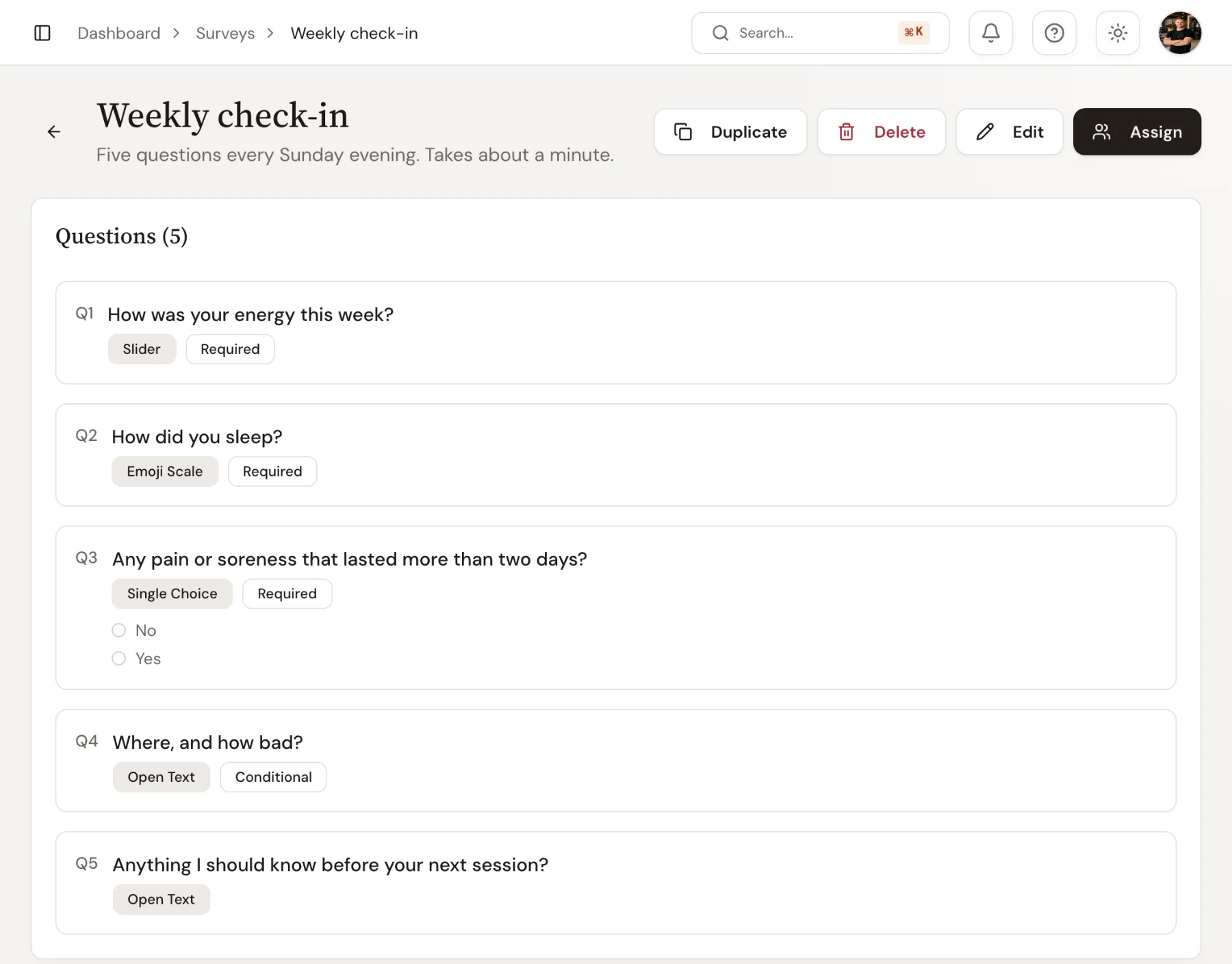
A check-in is a survey that goes out on a schedule. Build it once, send it to your clients, and the answers arrive every week without anyone having to remember. Not sure what to ask? Start from the weekly check-in template.
Build the check-in
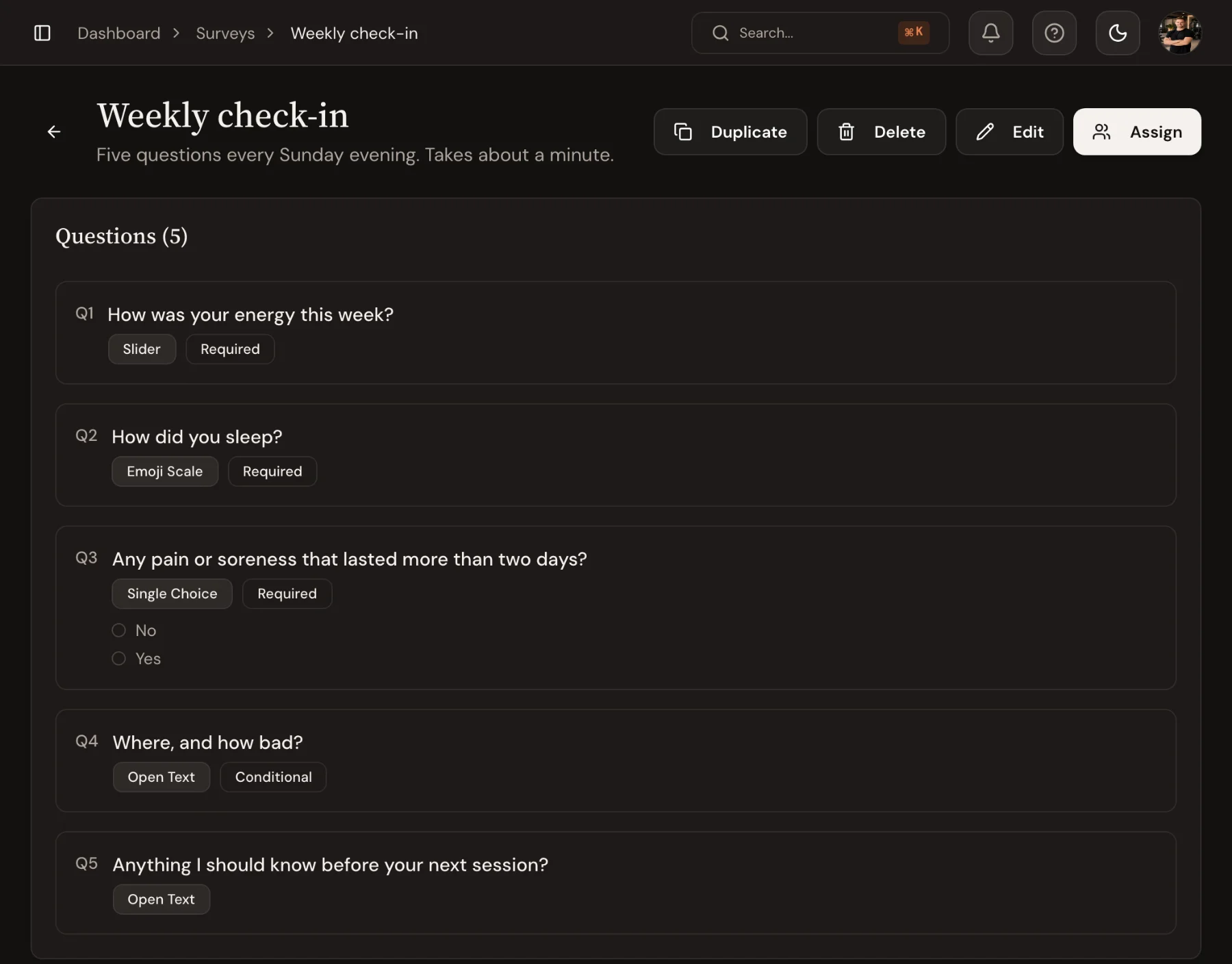
Go to Surveys, choose New and pick Check-in (or New survey if your studio has no check-ins). Type a name clients will recognise at the top, such as Weekly check-in, and add questions with Add question. Pick the answer type for each one:
- Slider, for example energy from 1 to 10
- Face scale, five faces, good for sleep or mood
- Choose one and Choose several
- Open text
- Measurement, such as body weight
A question can appear only after a specific answer, such as Where, and how bad? after Yes to pain. Choose Done to close a question and open the next. Already have a list? Use Paste questions, or Generate with AI to draft a survey and edit it from there.
Choose when it goes out and who gets it
Beside the questions, When it goes out sets the default schedule: Once, Repeats (every week on a set day, with a reminder time) or After a workout. You can still change it each time you send it.
Under Settings, three switches decide what happens:
- Count as a check-in lets you attach the answers to a progress review.
- Send to every new client gives every new client the survey automatically.
- Suggest for new clients ticks it for you when you add a client.
Send it to clients
Open the survey and choose Send to clients. Pick the clients, then the schedule:
- Recurring: every week (or every few weeks) on a set day, with a reminder at a set time
- One-time: once, for example before a progress review
- After workout: a few questions after a specific workout, while it's fresh
Choose Assign to 3 clients (the button counts who you picked). Clients who already have it are ticked and say since when. If everyone you picked has answered it before, the button reads Assign again.
Read the answers
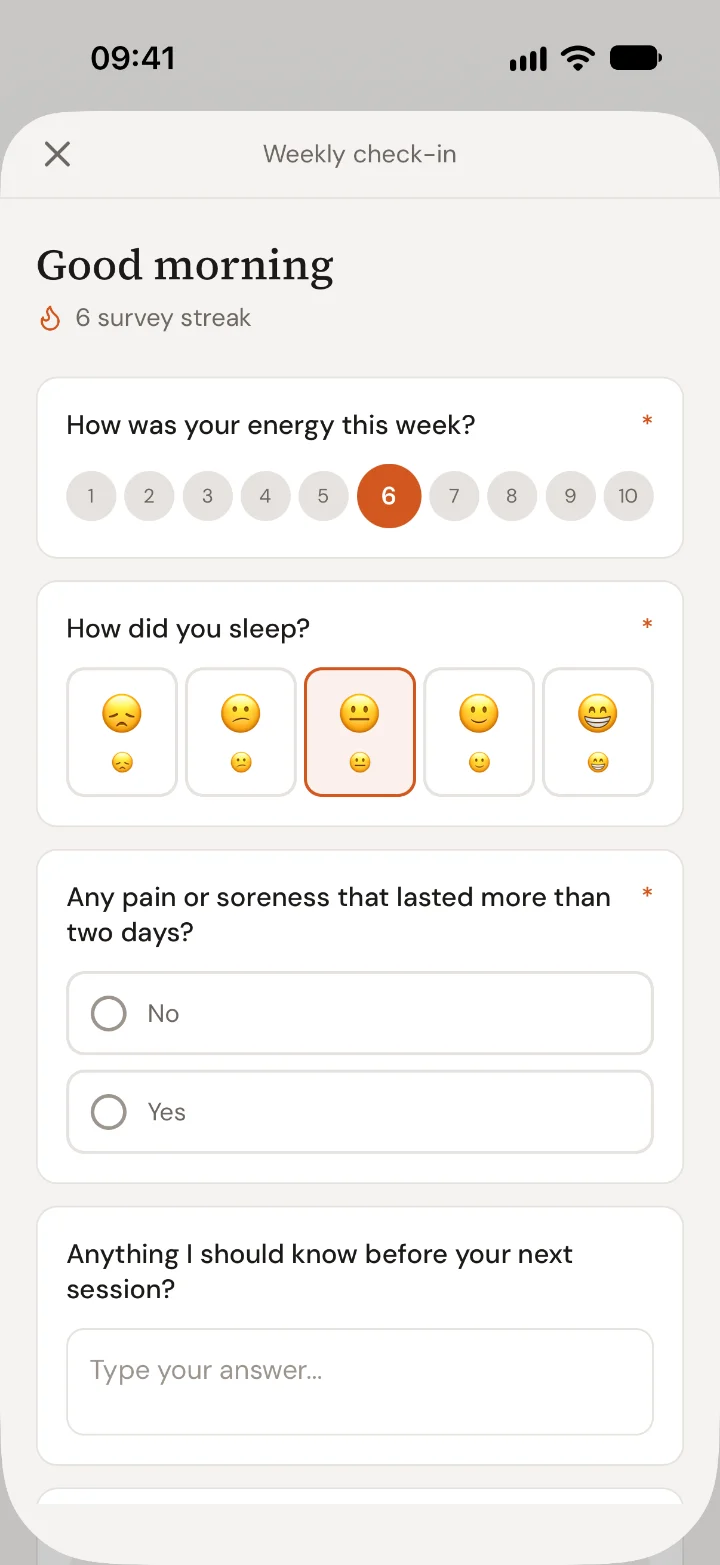
Clients answer in the app one question at a time, under your name, and see their check-in streak when they send it. On the survey, Who gets it shows each client's last eight weeks and one status. Late clients get a Message button, and the row's ⋯ menu has See answers, Send reminder, Pause and Remove….
See answers opens one table for that client: a row per question, the five most recent answers across, what is usual for them and a small trend. Answers worth a look are marked, and the pills Worth a look, Changed and Notes narrow long surveys. Click a trend to open it over a longer time frame, then use Add data to set it next to workouts, an exercise, food or health data on the same days. The answers also appear on the client's page under Goals & check-ins (Goals & reviews when progress reviews are on).

 Book 30 minutes with Coach David