Create a custom exercise
Add your own exercise to the Trainnode library with muscle groups, equipment, a tracking type, instructions and a demo video.
Trainnode team
1 min read
Trainnode comes with a large exercise library, but every studio has its own variations, machines and favourites. Add them once and they show up everywhere you build workouts and plans.
Open the exercise library
Go to Exercises and search the Library first: the exercise may already be there under another name. Then choose Add exercise.
Fill in the details
On Add an exercise:
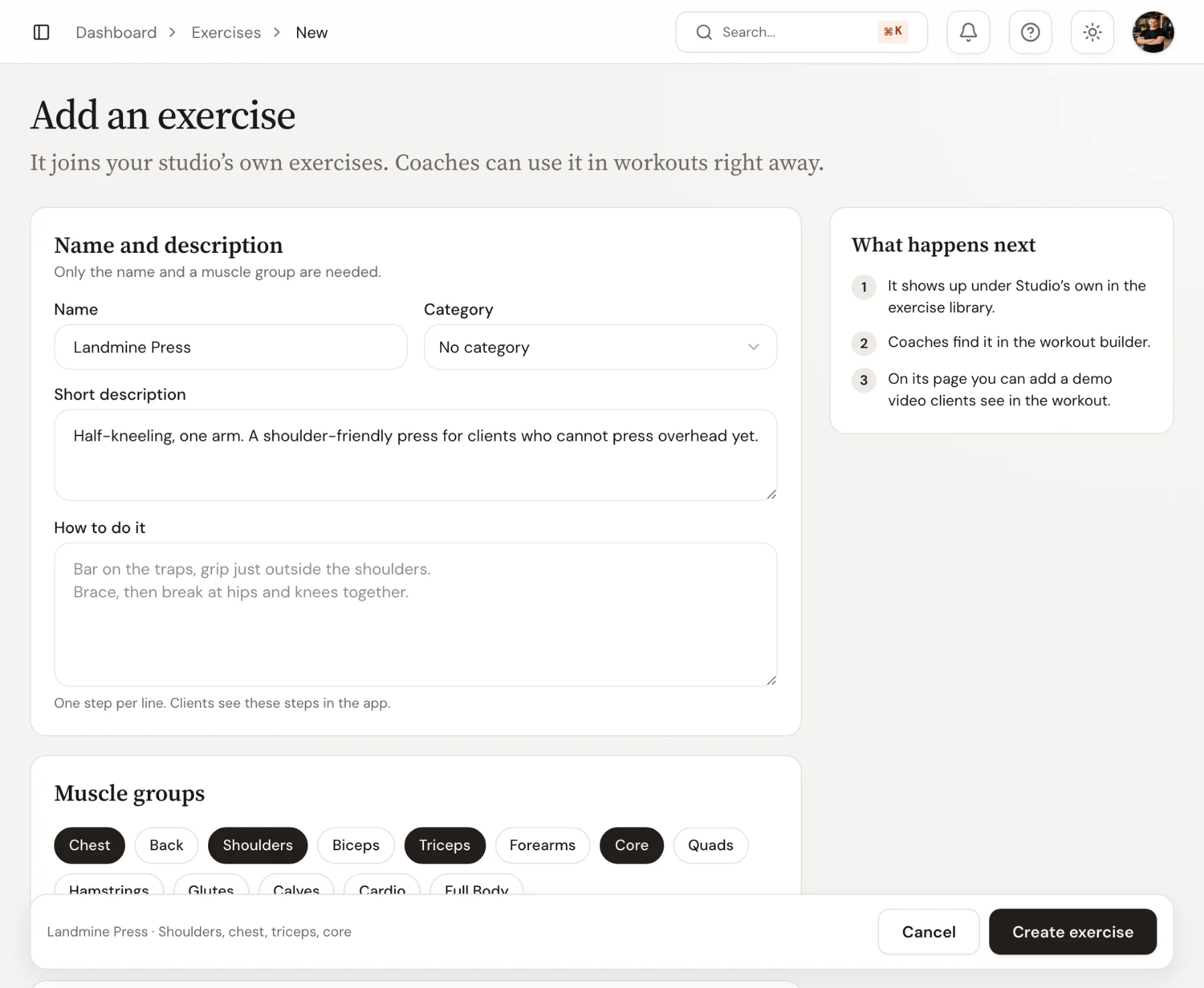
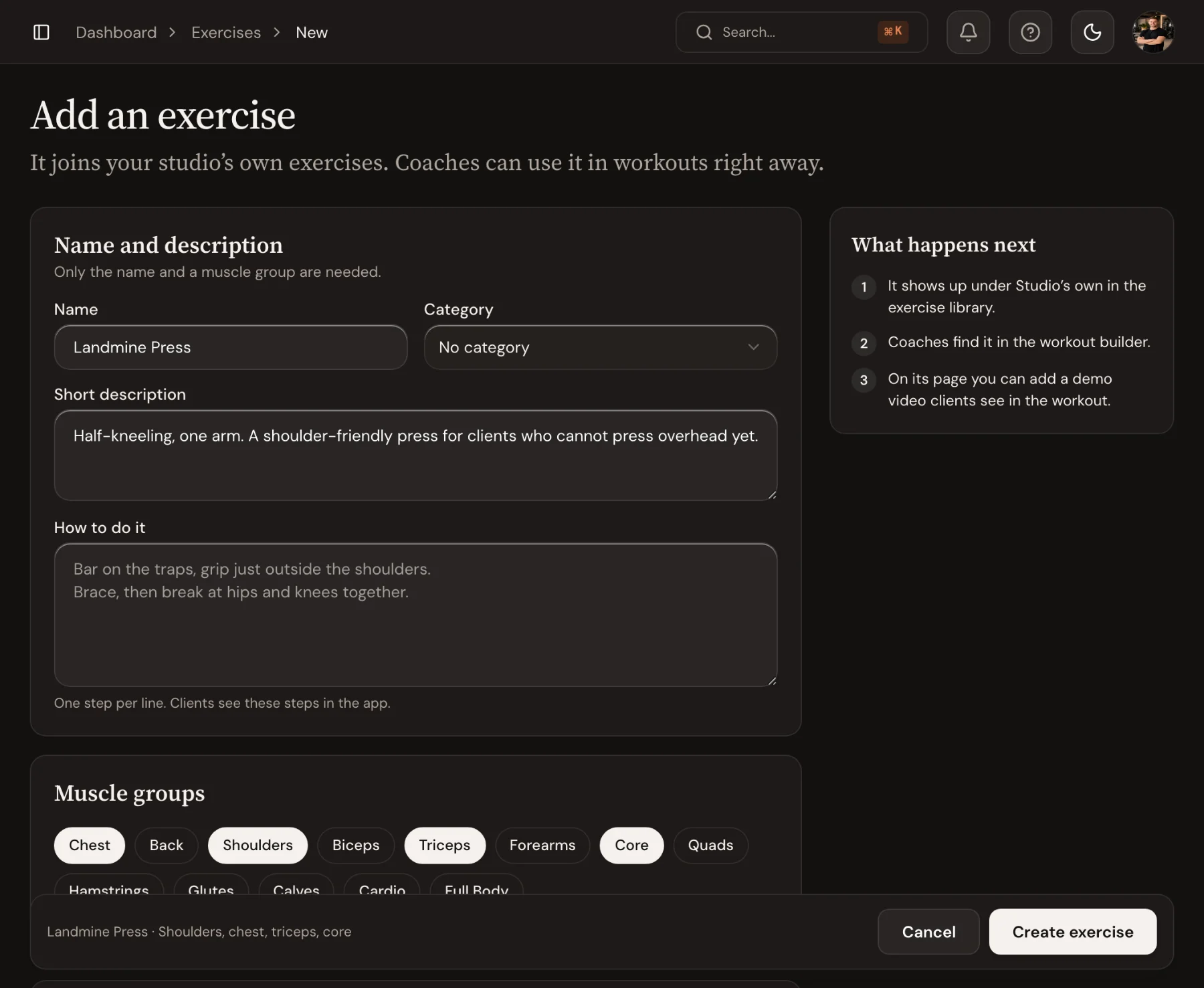
- Name and description: the Name clients will recognise, such as Landmine Press, a Category, a Short description of what the exercise is for, and How to do it: one cue per line. Clients read it, as you wrote it, under How to perform on the exercise's page in the app.
- Muscle groups: tap each muscle to turn it on. The first one leads in search, and they feed the muscle spread in the plan builder.
- Equipment and tracking: the Equipment, the Level, and Tracked as: reps, time, distance, or reps and time. Turn on Assisted with a counterweight for machines like an assisted pull-up, where more weight makes it easier.
What happens next beside the form says where the exercise will show up. Choose Create exercise in the bar at the bottom; the new exercise opens straight away.
Add a demo video
On the exercise's page, under Demo video, upload a short demo or add a YouTube link. In the app, the demo plays at the top of the exercise's page, which clients open by tapping the exercise name during their workout. A saved link adds Watch on YouTube next to Search on YouTube. You can also open the video while building a plan or running a session.
Good to know
Exercises created by coaches wait for an admin before the whole team sees them; the coach sees them marked Waiting for review and can use them in their own workouts straight away. Admins find them under To review in the exercise library, where they can Approve them or Merge them into an existing exercise. To tidy up duplicates later, use Merge into another… in an exercise's ⋯ menu.

 Book 30 minutes with Coach David