Build a training plan with the plan builder
Lay out a client’s phases and workouts on one board, set sets, reps and load per exercise, and assign the whole plan at once.
Trainnode team
2 min read
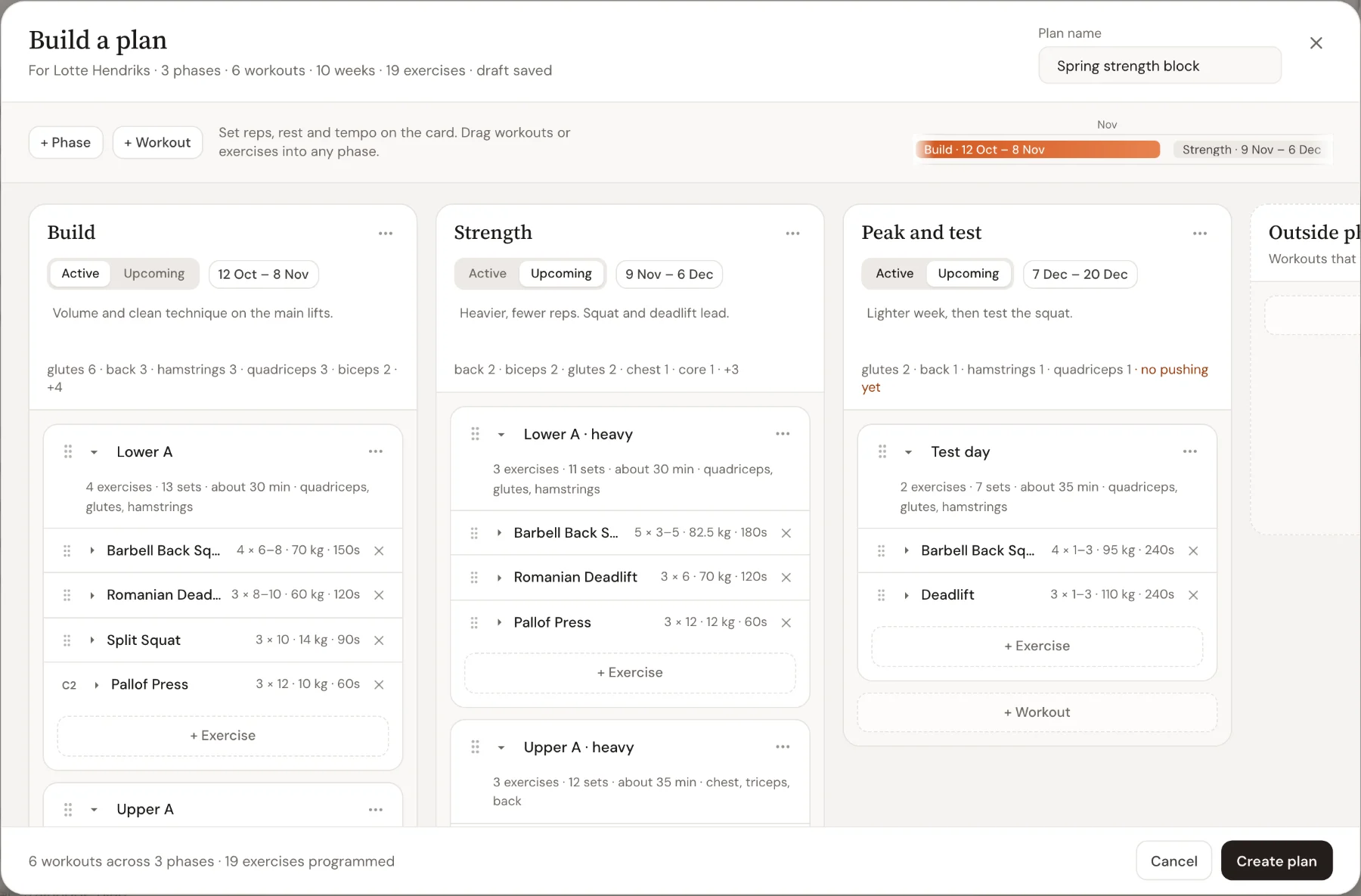
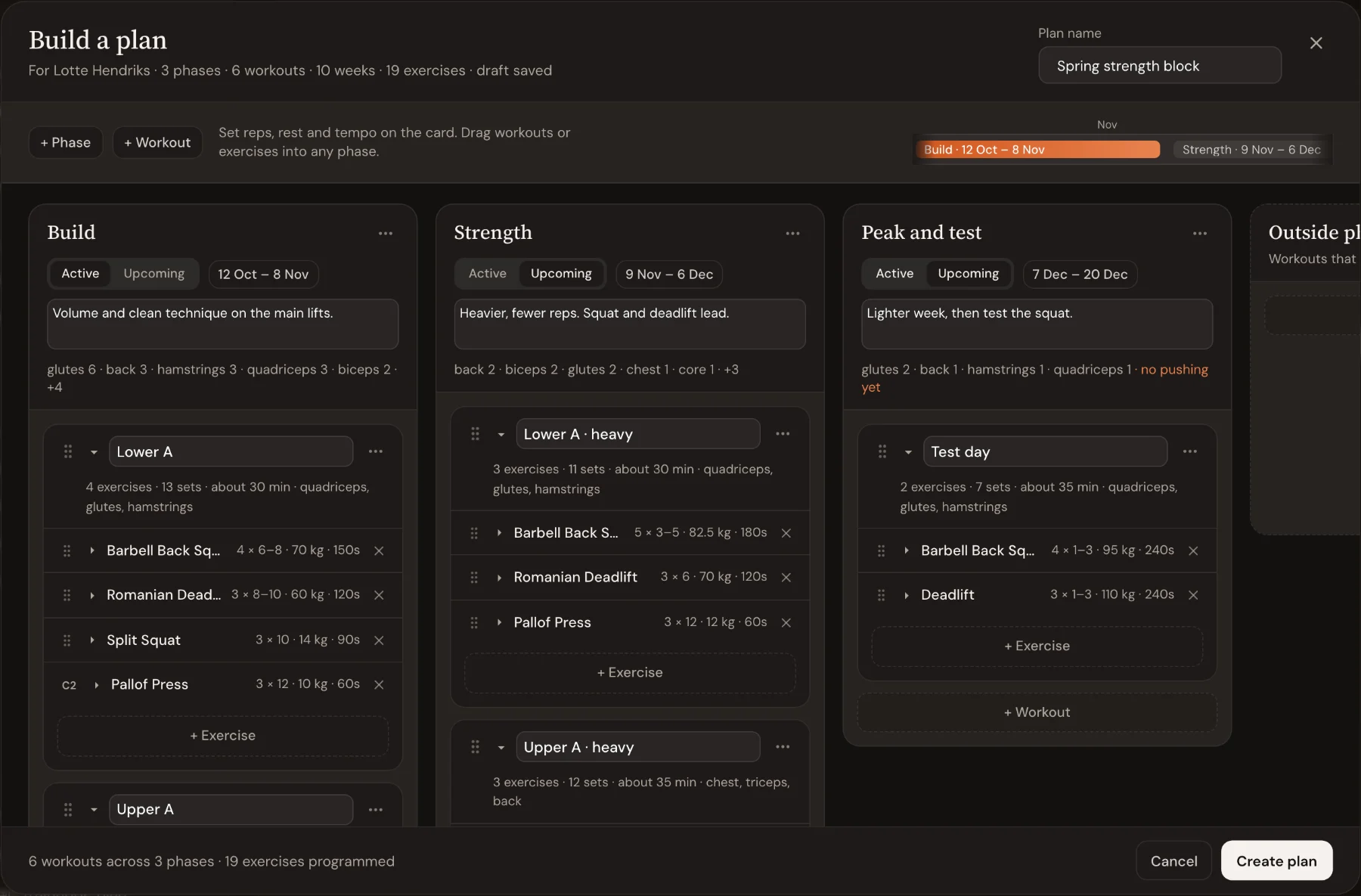
The plan builder shows a client's whole plan on one board: phases as columns, workouts as cards, exercises inside them. You plan the next few months in one go, then assign everything with one click. It is the fastest way to program a client.
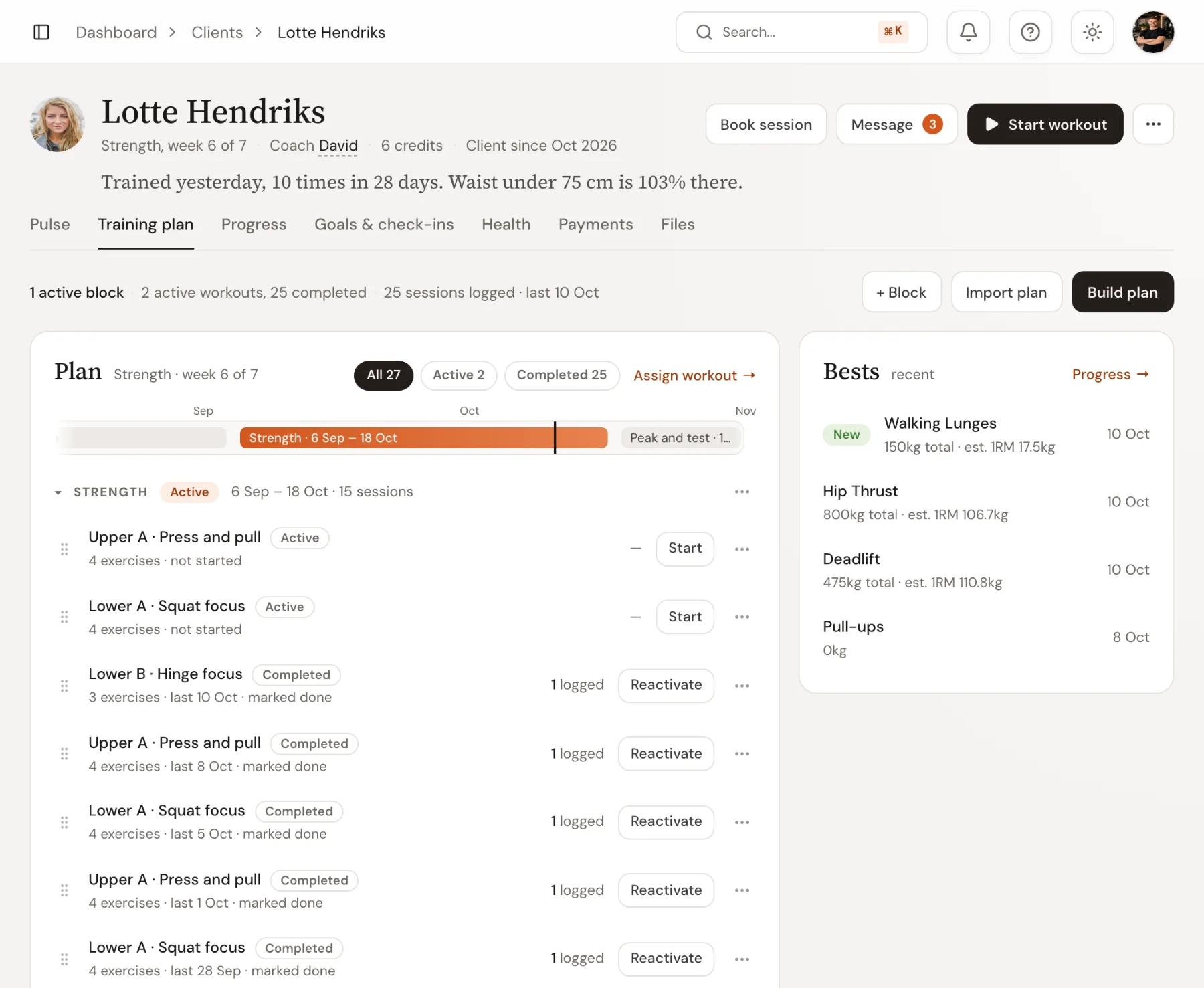
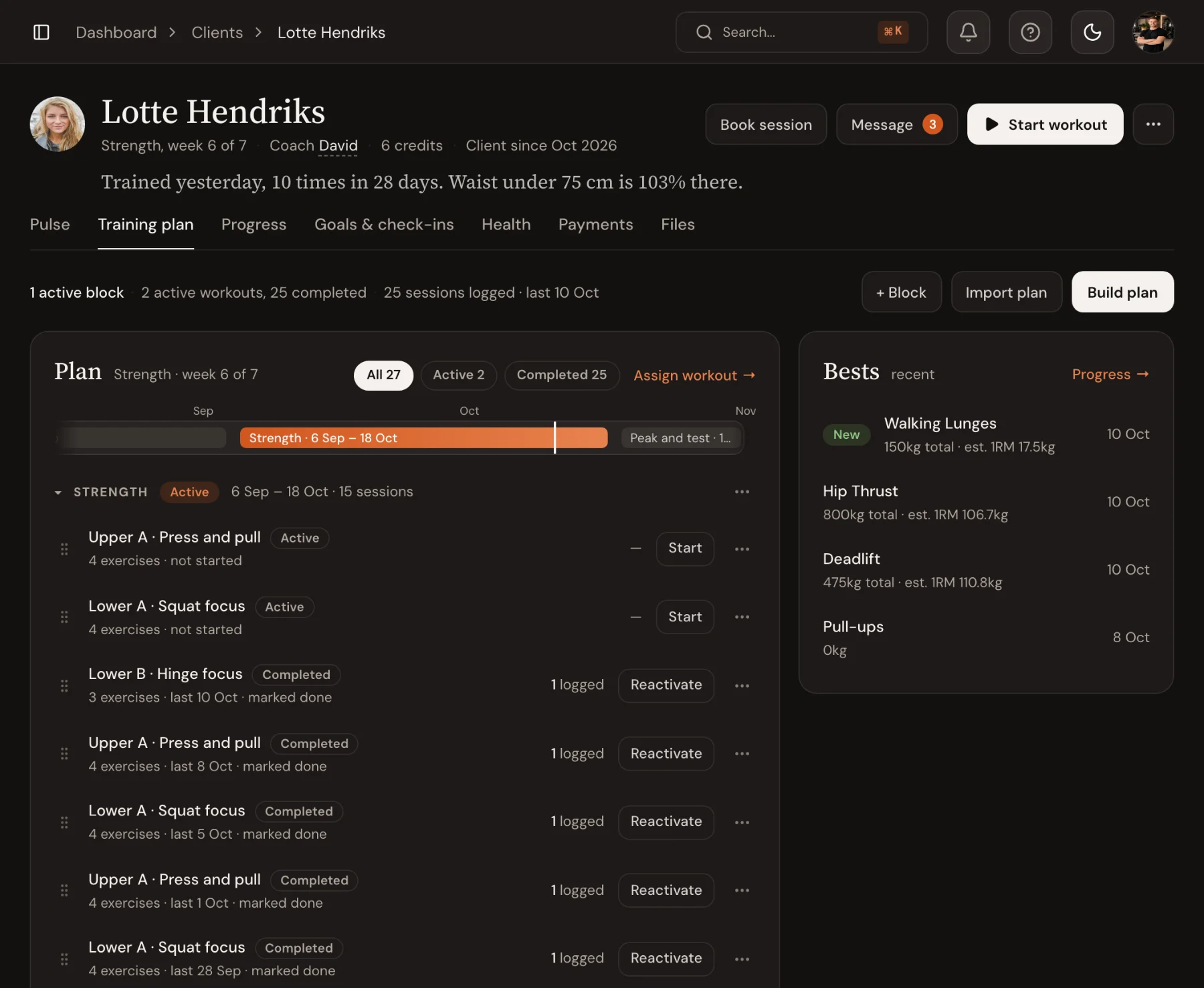
Open the client's training plan
Go to Clients, open the client and choose the Training plan tab. It shows what the client has done and what is coming up. Choose Build plan.
Add phases
Choose + Phase for each block you want to plan. For each phase, set:
- A name, such as Build or Strength
- Active for the phase the client is in now, Upcoming for the ones after it
- Dates: the timeline at the top shows how the phases follow each other
- A short goal the client will read
You can also connect a column to a phase the client already has, instead of creating a new one.
Add workouts and exercises
In each phase, choose + Workout, name it, and add exercises with + Exercise. On each exercise, set sets, reps (or a range like 6 to 8), load and rest.
- Drag workouts between phases, and exercises within or between workouts.
- Duplicate a workout to start the next phase from it, then make it heavier.
- Open the full editor for RPE, tempo, notes and supersets.
Each phase shows its muscle spread: how many exercises hit each muscle group. A warning such as no pulling yet tells you what's missing.
Create the plan
The footer counts what you've programmed, for example 6 workouts across 3 phases. Choose Create plan. Trainnode creates the phases and assigns every workout to the client.
Close the builder before you're done and the plan is kept as a draft. Next time you choose Build plan, Trainnode asks if you want to continue it.
What the client sees
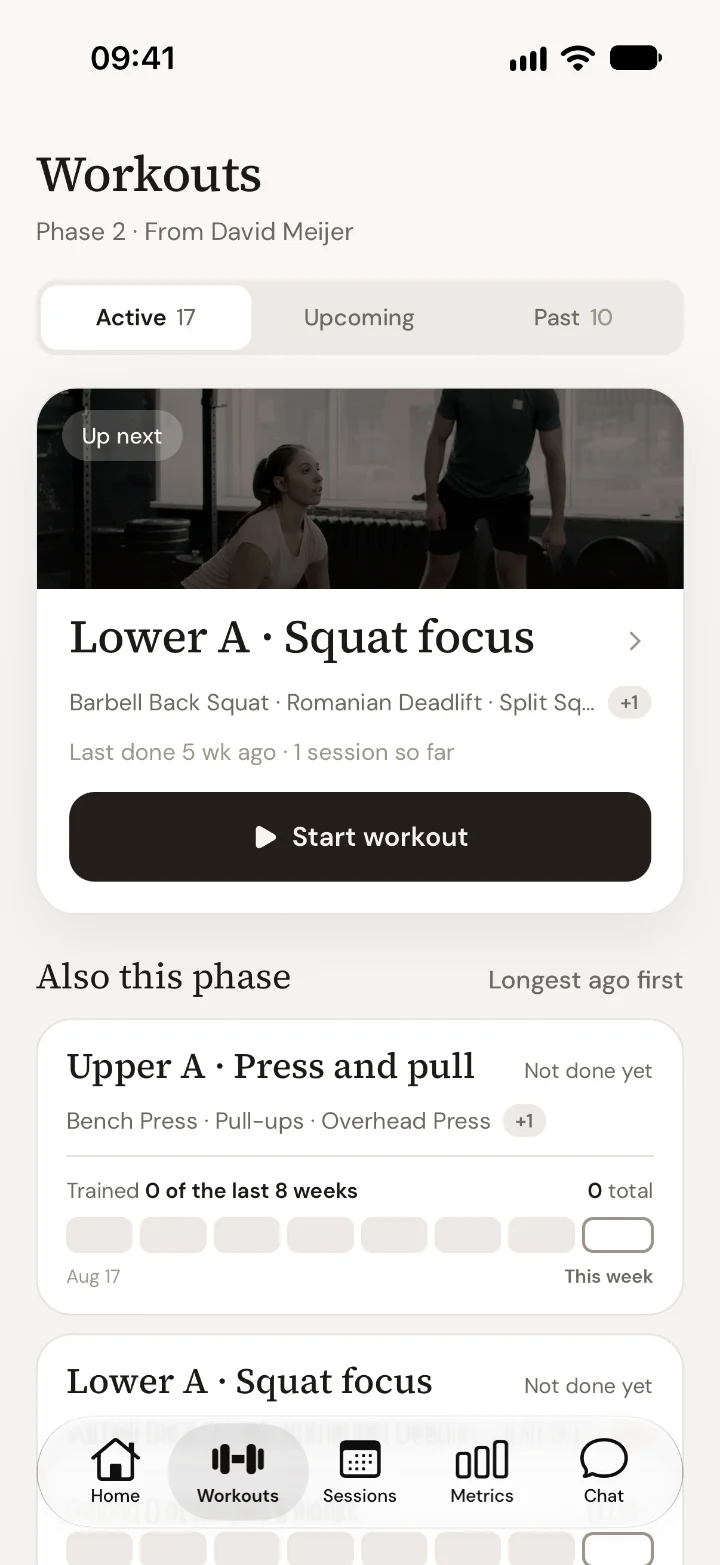
In the app, Workouts shows the current phase with the next workout on top, and the other workouts of the phase below it. Upcoming phases appear under Upcoming.
Tips
- Plan two phases ahead, not six. You'll learn things in the first phase that change the third.
- Put the goal of each phase in the client's words. They read it in the app.
- Read How to plan a PT client's training in phases for how long phases should be and how to progress within them.

 Book 30 minutes with David