Programming
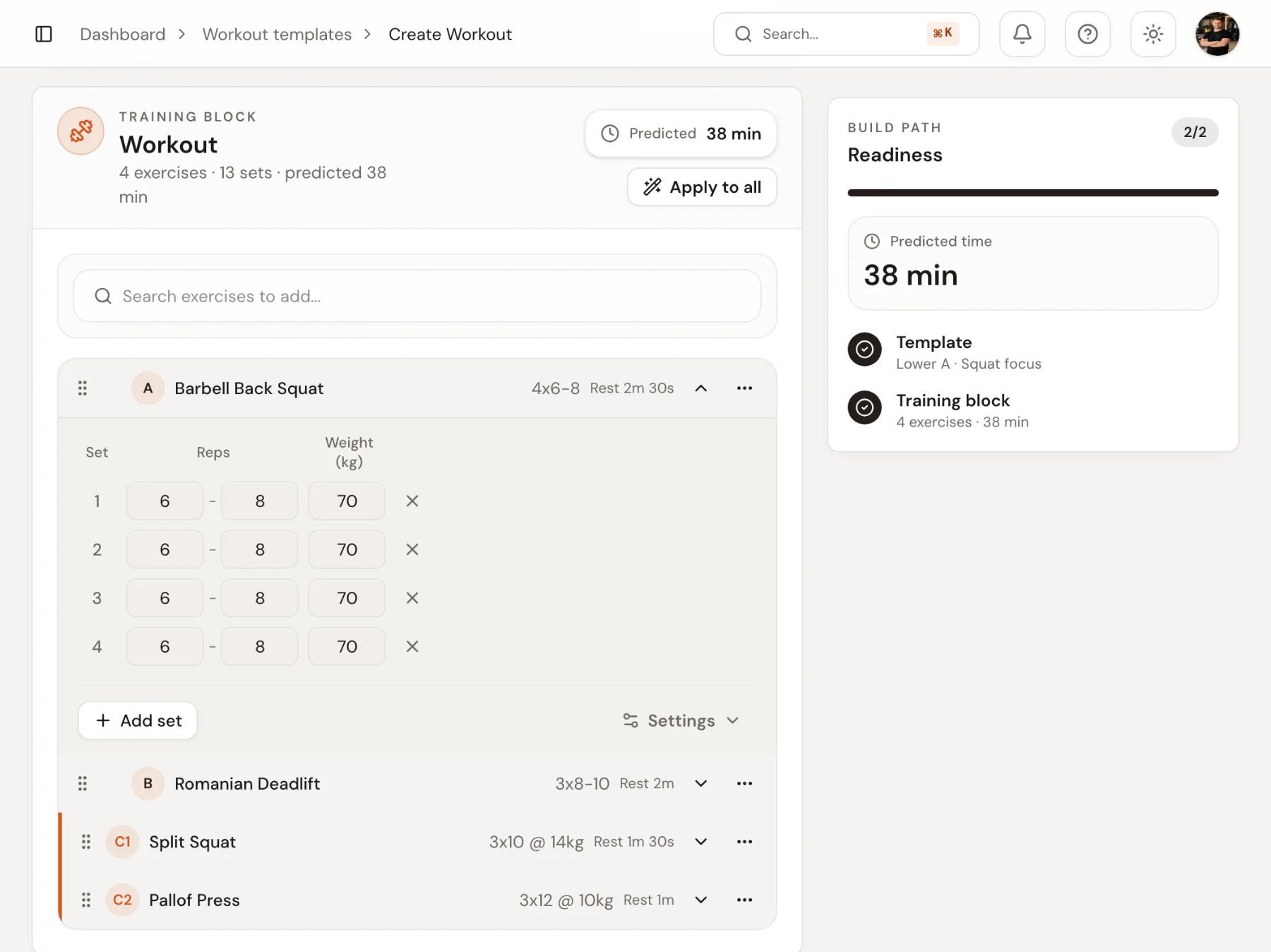
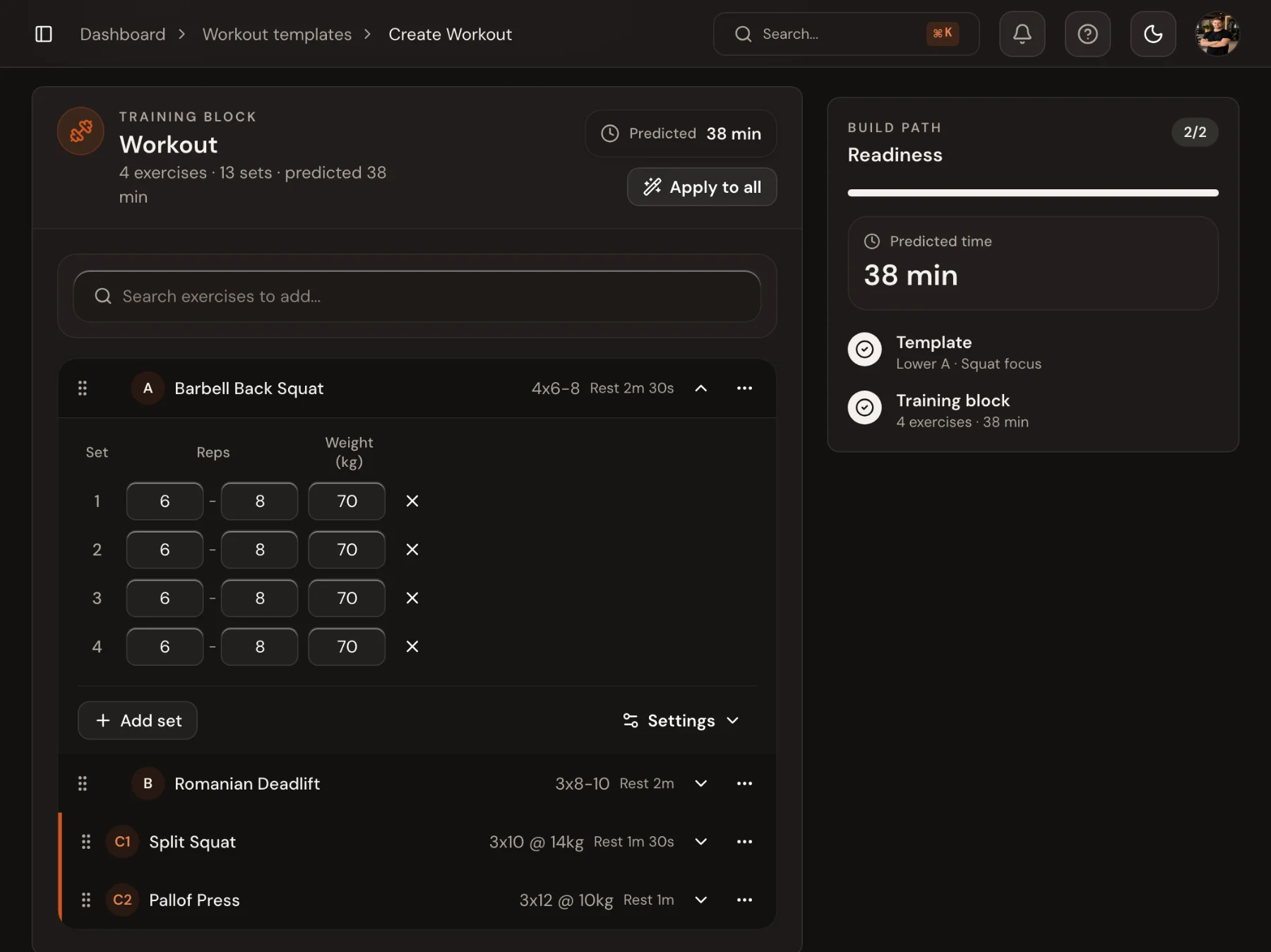
A workout builder that sets every set, not just the exercise.
Every exercise is one line you can read at a glance: sets, reps and load you click and type into, rest and tempo only where they differ, supersets with their own rest. Write it once, keep it as a template, give it to one client or several, and it reaches their phone as the next thing to do.
14-day free trial · No credit card
Training plan
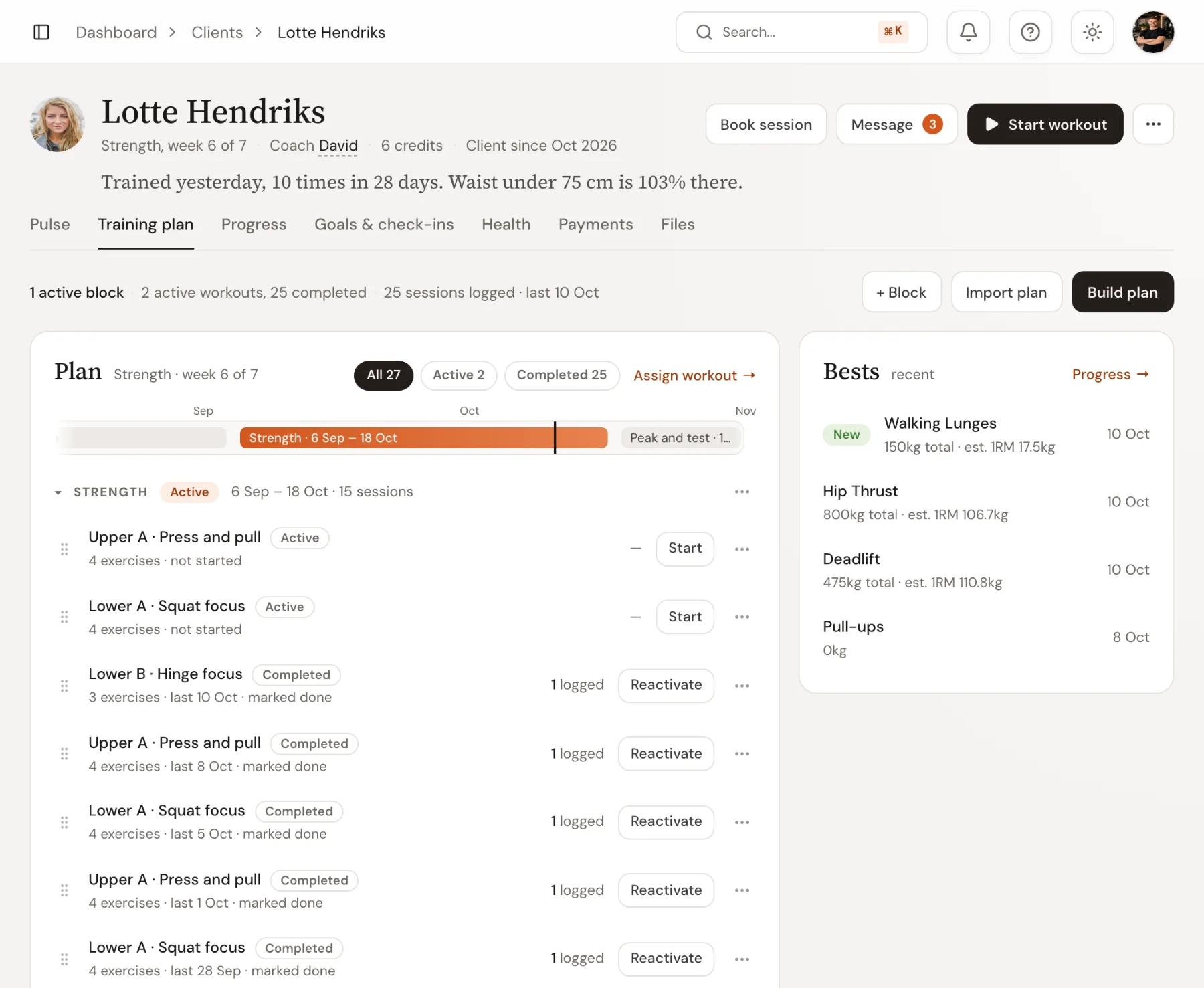
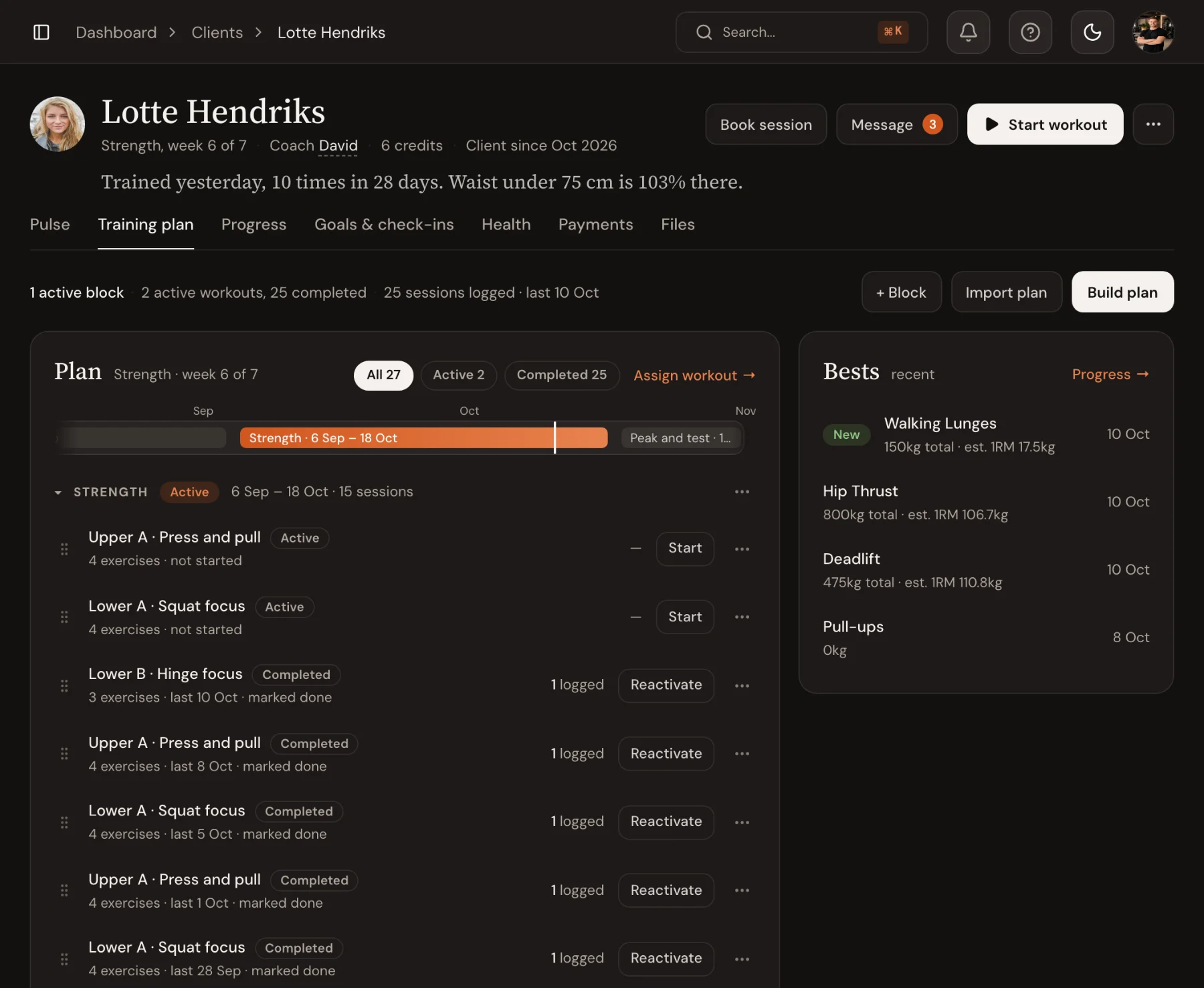
See the whole plan, and where the client is in it.
Each client’s training plan shows the phases in order, the current week, and every workout with its status. Drag a workout to another phase, copy it, or archive it when it has done its job.
- Phases with dates, a description and a status
- Workouts marked active, completed or archived
- Drag between phases, copy to another client
Assign
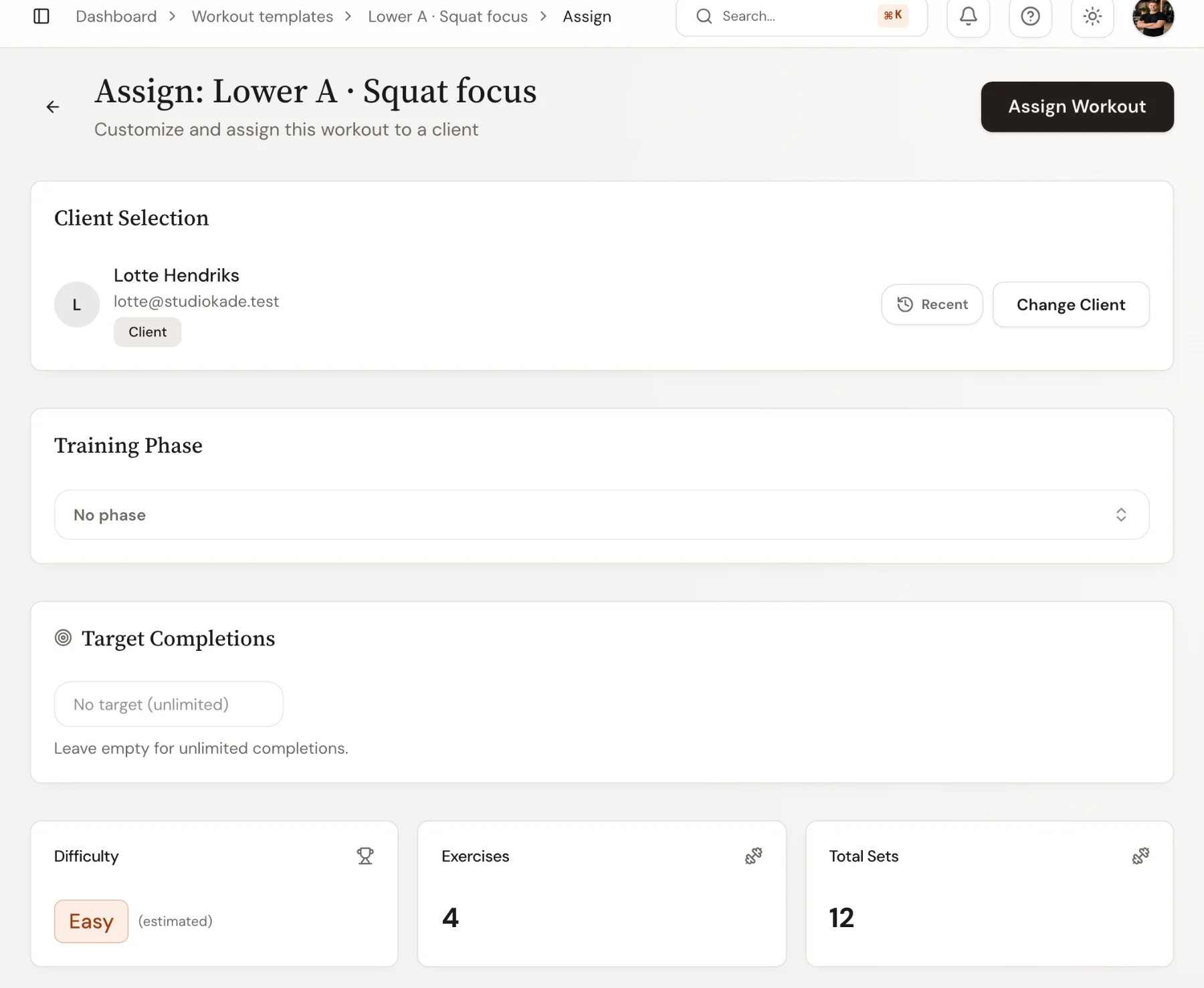
Templates once, tailored per client in seconds.
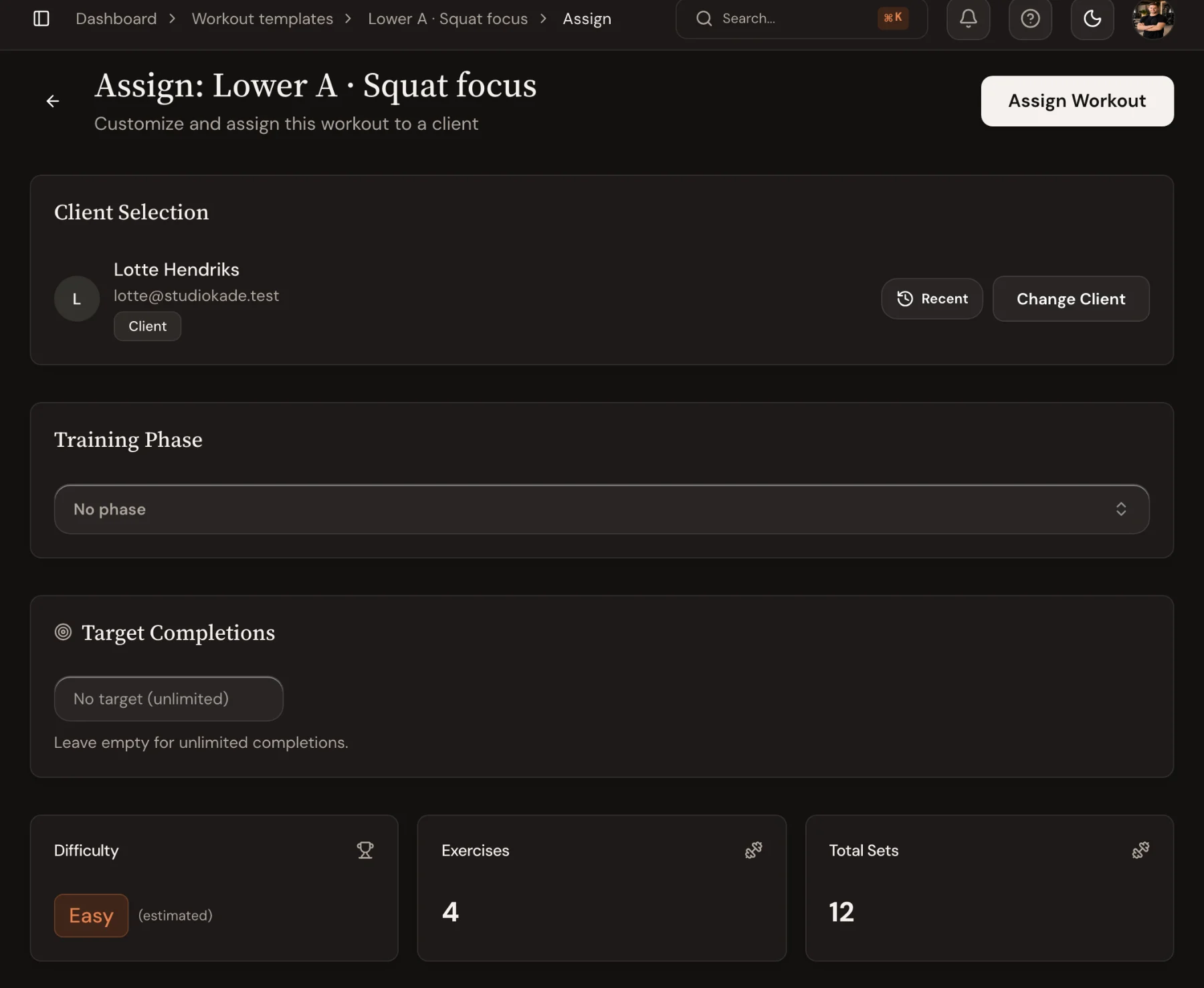
Save your best sessions as templates, then assign one and change loads, swap exercises or build supersets for this client before it goes out. Edits reach the client app immediately, with no PDFs to send again.
- Supersets, warmups and per-set targets
- Tempo, rest, RPE and auto-raise as workout defaults, overridden per exercise
- Swap an exercise without losing the rest of the workout
Exercise library
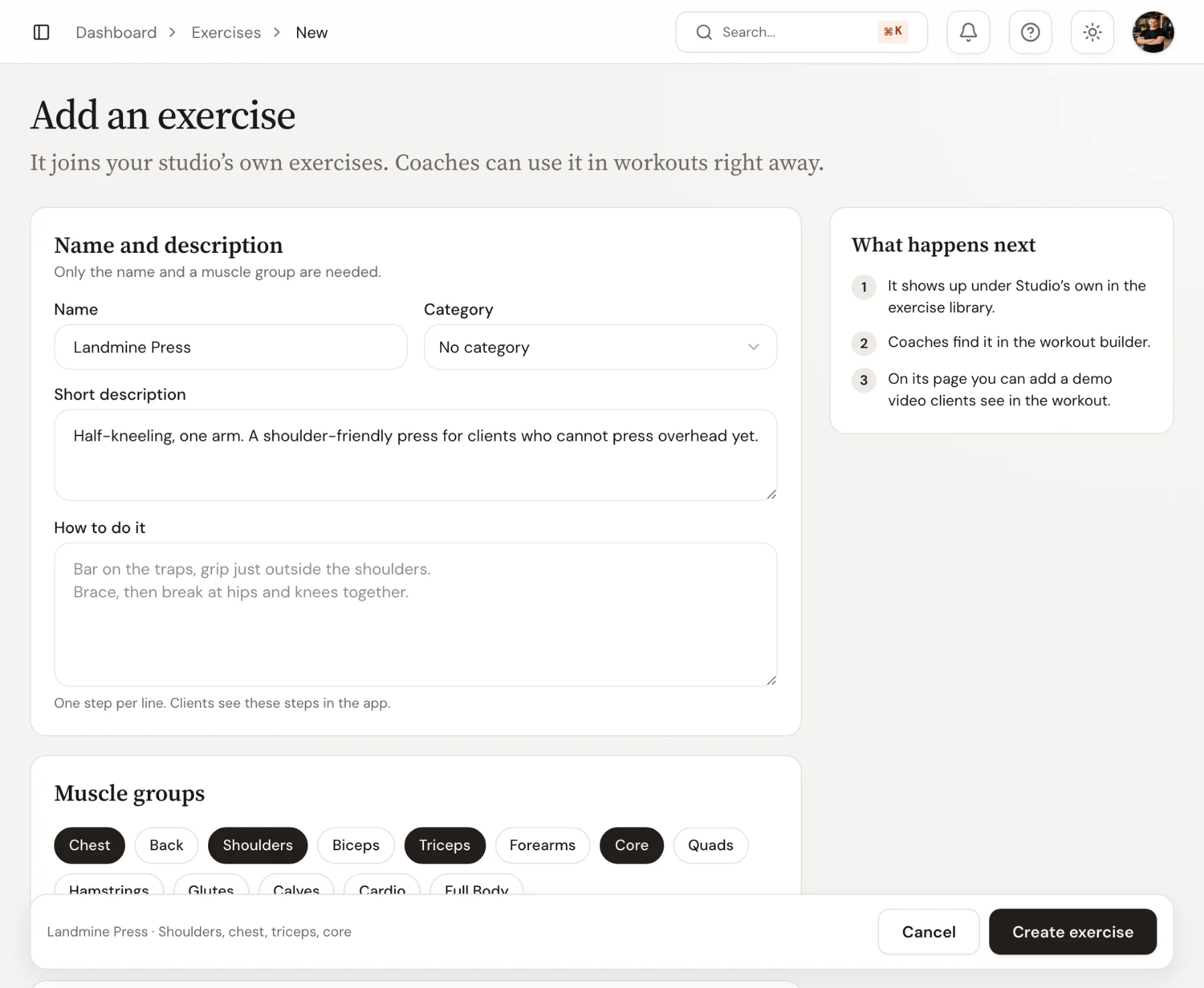
Your own exercises, with your own demo videos.
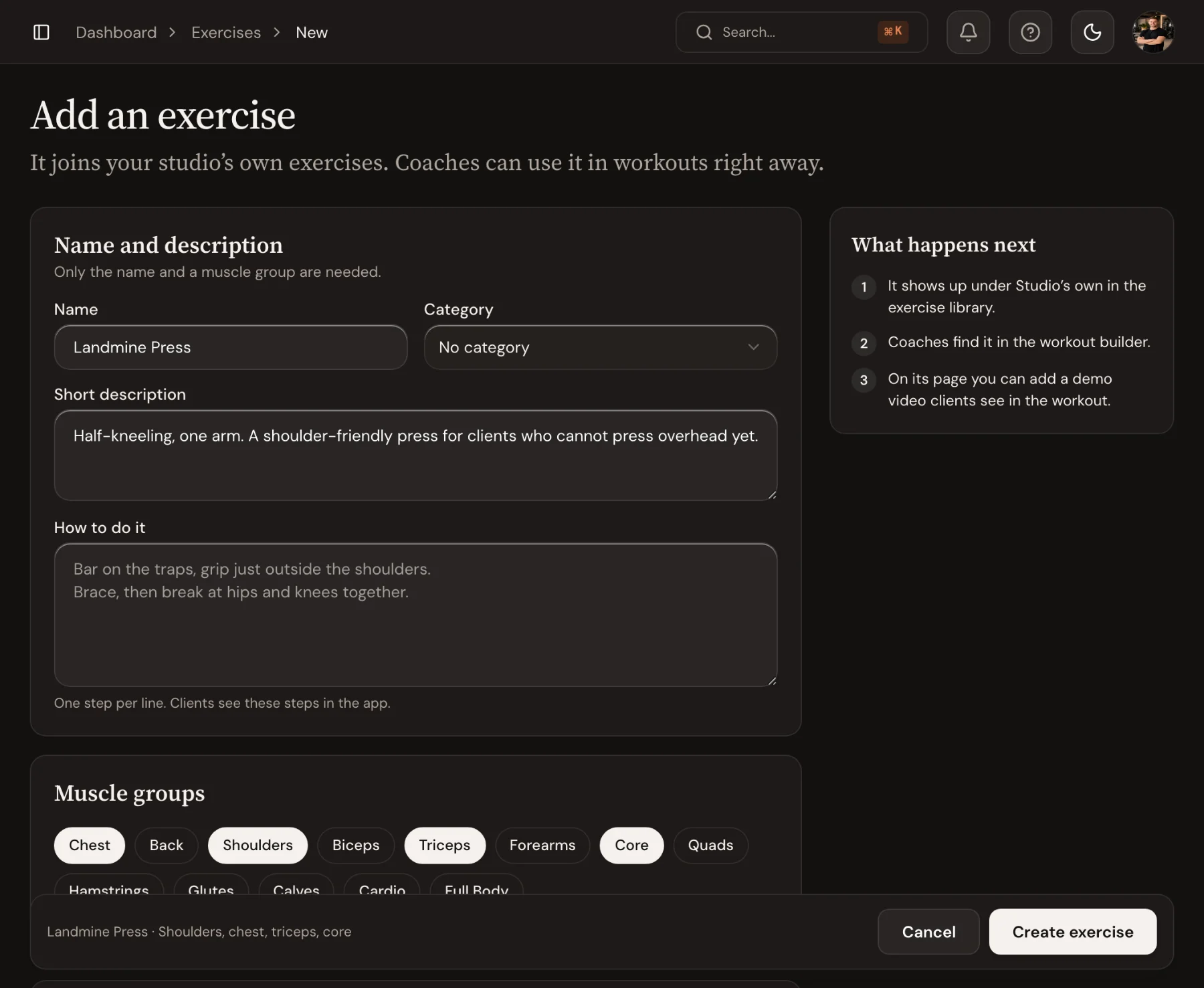
Start from the shared library and add the movements you coach, with instructions, muscle groups and a video or YouTube link. Exercises coaches add wait under To review until an admin approves or merges them, so the library stays tidy.
- Instructions, muscle groups and equipment per exercise
- Demo videos or YouTube links clients watch mid-set
- Admins approve, rename or merge new exercises
In the app
Clients open the app and know what to train.
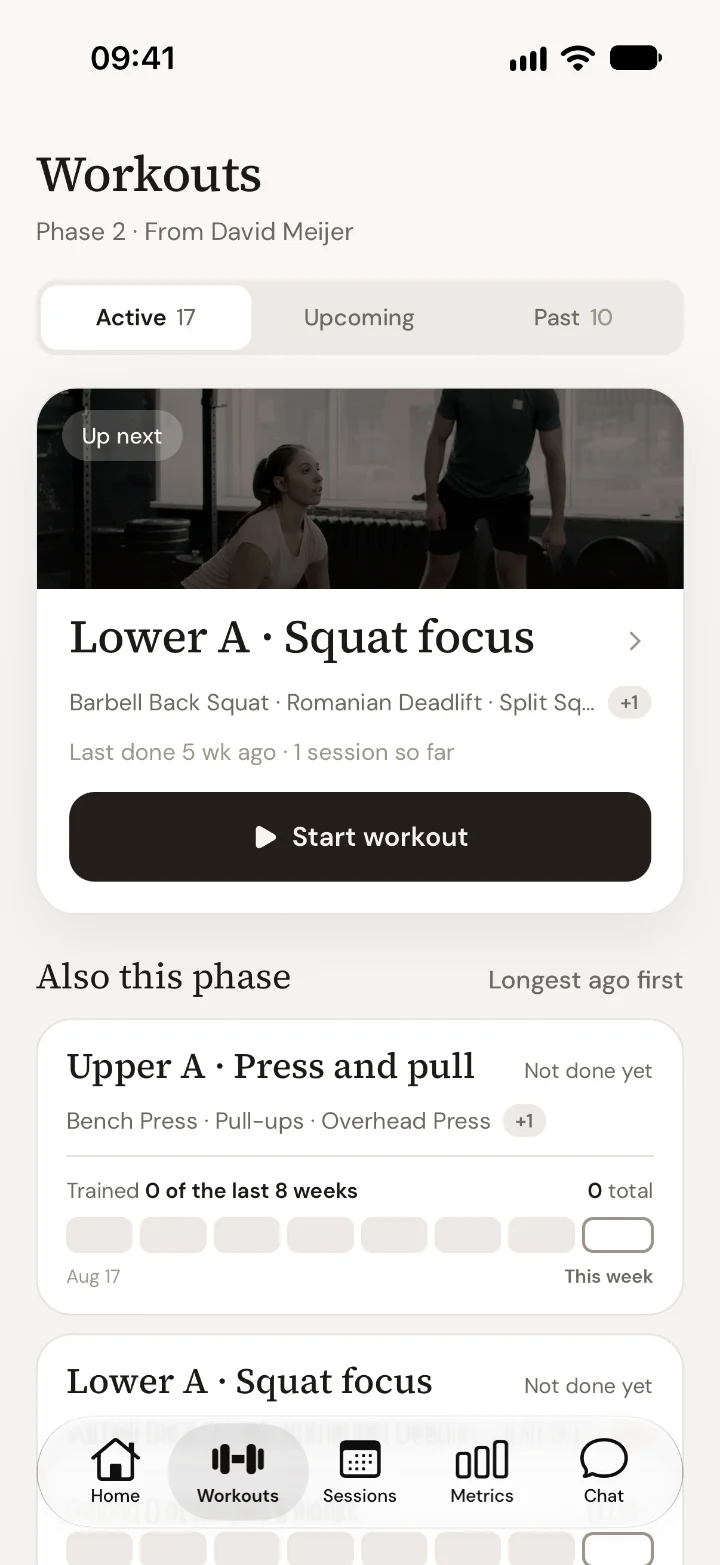
Home opens on the next workout with one Start workout button. Under Workouts the client sees what is assigned to them now, the one done longest ago first, with earlier assignments and their training history below.
- The next workout on Home, ready to start
- Assigned to you: what is in each workout and when it was last done
- Earlier assignments and history one tap away
Workout Builder: guides and templates
Step-by-step help from the Trainnode guides, with screenshots of the screens above.
- How-toAssign a workout to a clientPick a workout template, adjust sets and loads for one client, link it to a training phase and assign it so it appears in their app.
- How-toBuild a training plan with the plan builderLay out a client’s phases and workouts on one board, set sets, reps and load per exercise, and assign the whole plan at once.
- How-toCreate a custom exerciseAdd your own exercise to the Trainnode library with muscle groups, equipment, a tracking type, instructions and a demo video.
- PlaybookHow to plan a PT client's training in phasesPlan personal training in four to six week phases: what each phase is for, how many workouts it needs, how to progress loads and when to change the plan.
Frequently asked questions
- Can I build supersets and circuits?
- Yes. Group any exercises into supersets, add warmups and set rest between rounds. The client app guides the client through each round with the right rest timer.
- Do clients see all the programming detail?
- Clients see what they need at each set: target reps, load, tempo, rest and your notes, in the workout itself, so the detail never overwhelms them.
- Can I reuse a program across clients?
- Save it as a template once and assign it to as many clients as you like, changing loads and exercises per client without rebuilding it.
- Can Trainnode raise the weight for me?
- If you turn it on for an exercise. Automatic raise adds the step you choose after a session, or only when every set hit its target. See progressive overload.
Ready to coach with less admin?
Start your free trial today, or see everything Trainnode does.