Message a client and keep notes for your team
Chat with clients from the Trainnode dashboard, share a workout or file, and leave internal notes that only coaches can read.
Trainnode team
1 min read
Every client has one conversation with their studio. All their coaches read it, so a client never has to repeat themselves, and a coach covering for a colleague knows what was said.
Open Messages
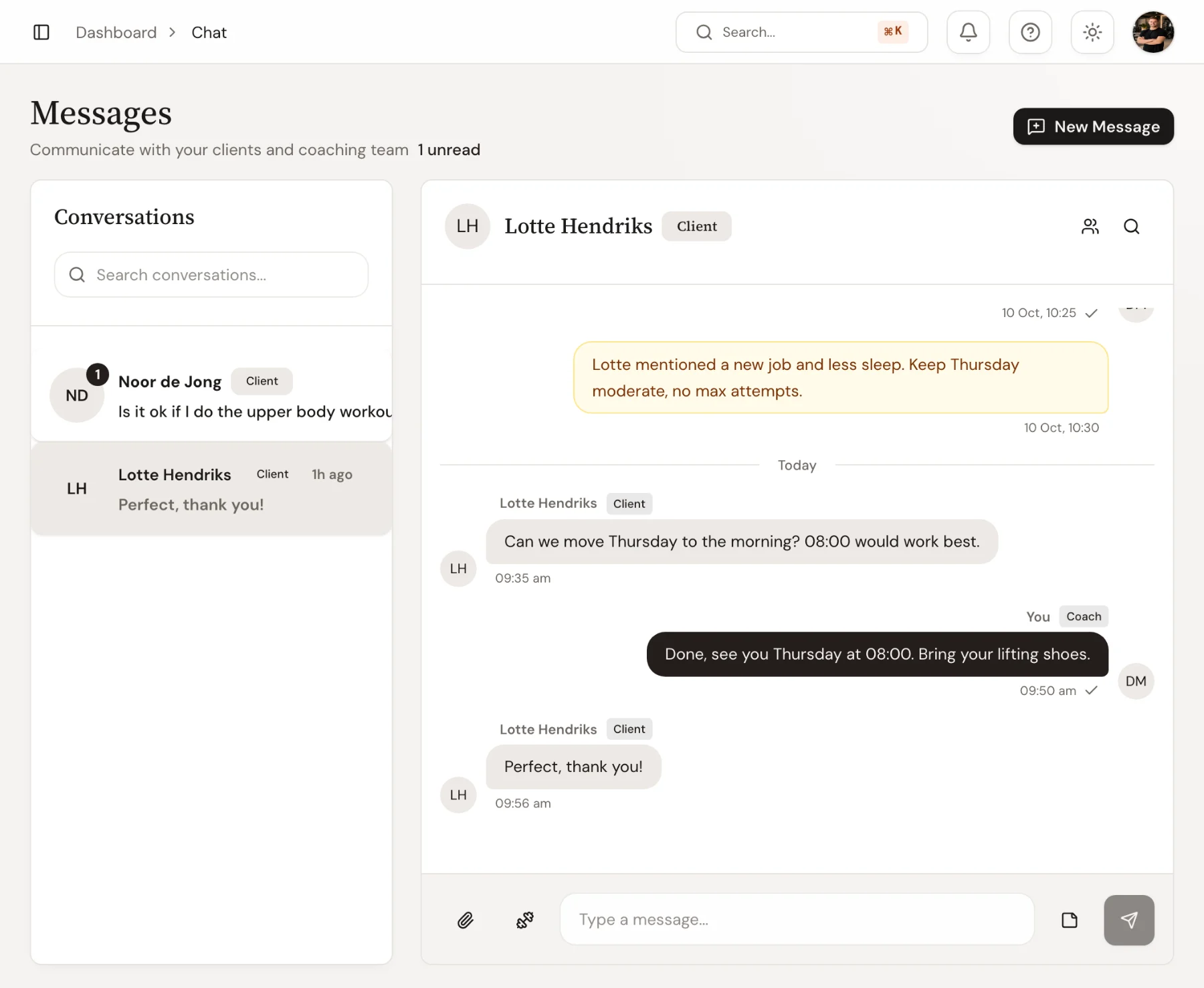
Go to Messages. Conversations with unread messages are at the top with a counter. New messages also show up under Needs you on the overview, with a Reply button.
To start a conversation, choose New message and pick a client.
Send a message, a workout or a file
Type in the box at the bottom. Next to it you can:
- Attach a photo, video or PDF, such as a form check or a meal plan
- Share a workout, so the client can open it from the chat
The client gets a notification on their phone.
Leave a note for the team
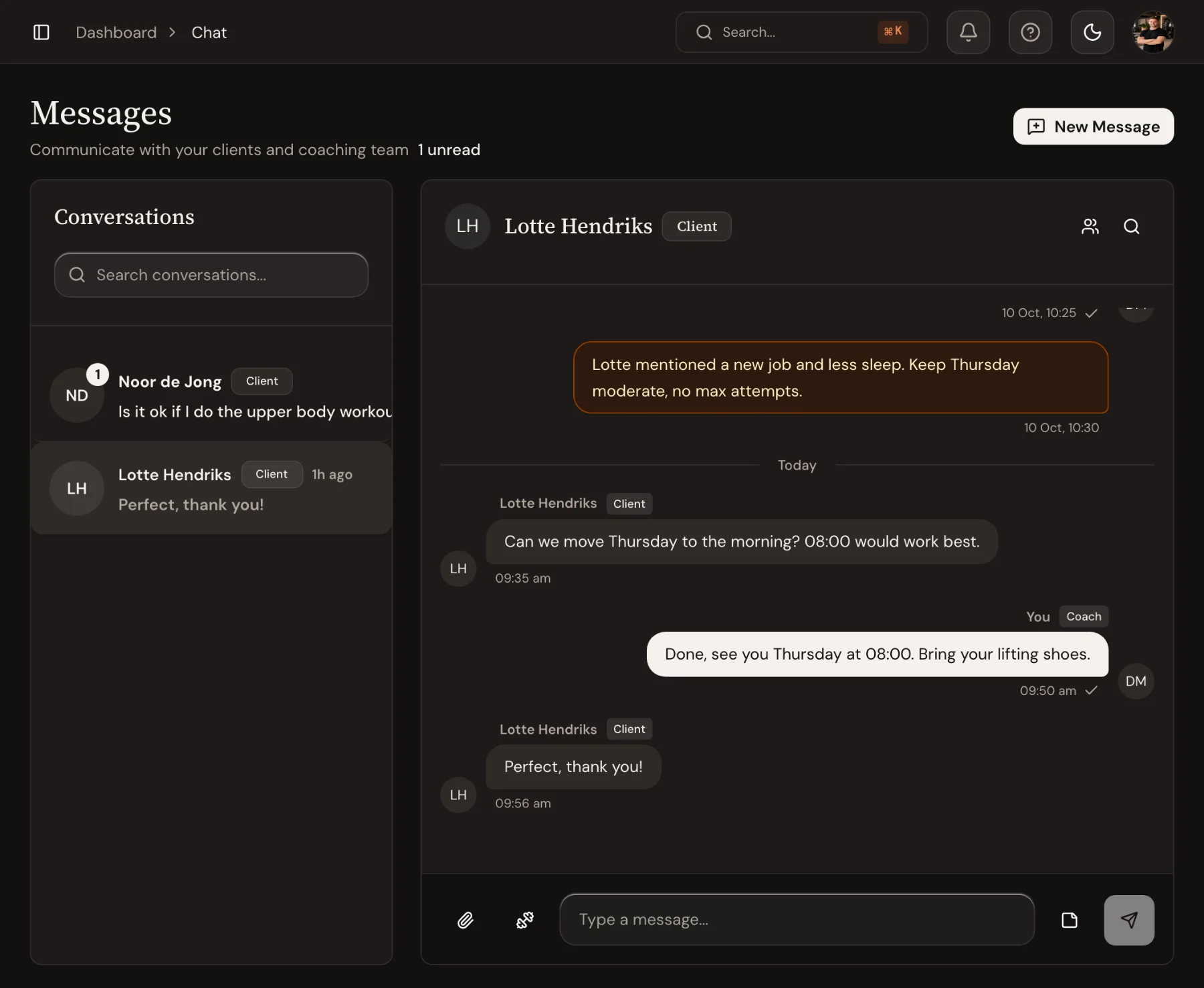
Switch to internal note to write something only coaches see, such as new job, less sleep, keep Thursday moderate. Notes appear in amber in the conversation and never reach the client.
What the client sees
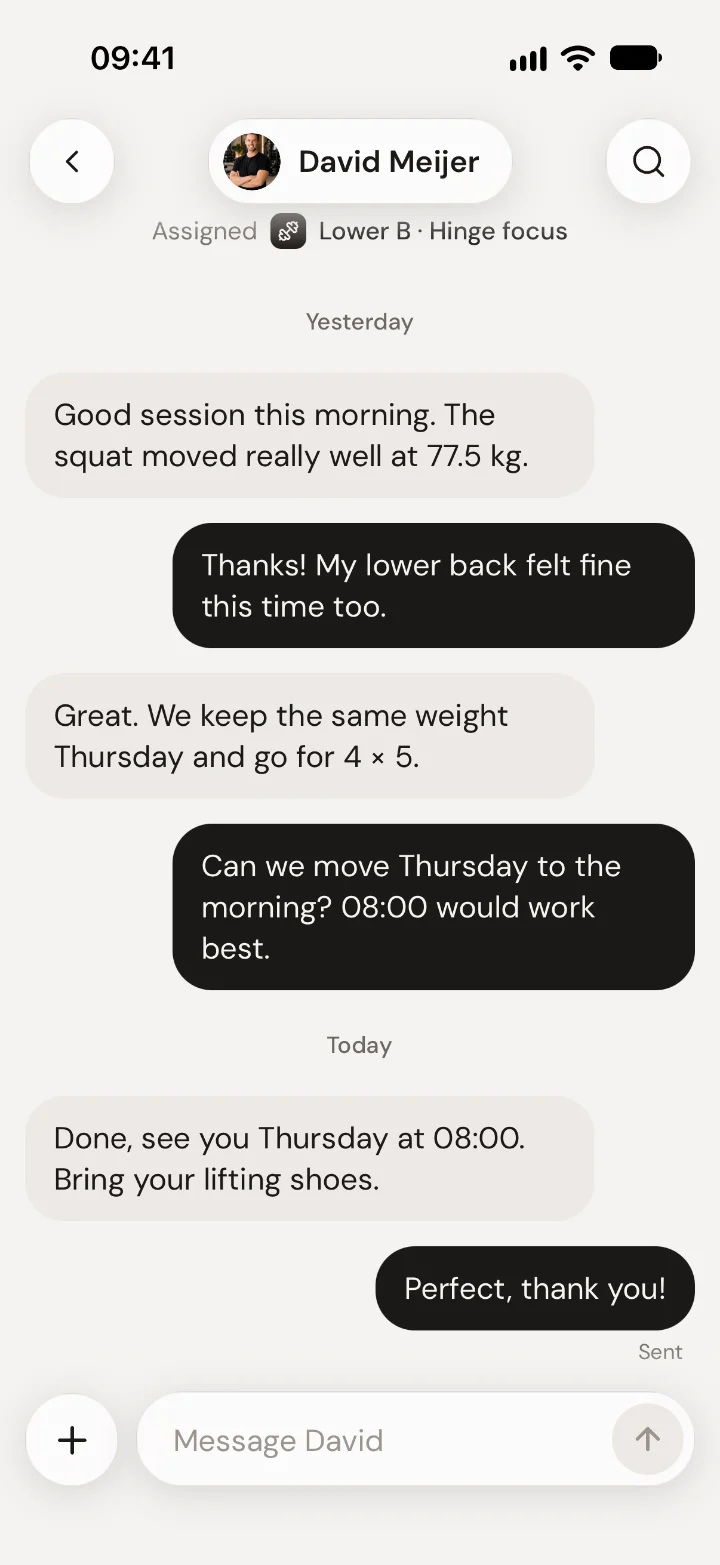
In the app, clients find the conversation under Chat. Internal notes are not there.
Good to know
- Use the search in a conversation to find an old message.
- Coach activity, such as a newly assigned workout or a check-in sent, appears in the client's chat as a small line, so the conversation shows what happened between messages.

 Book 30 minutes with David