Studio dashboard
Open the dashboard and see your studio’s day.
Who is training now, who is next for each coach, what still waits on someone and which clients have gone quiet. One overview for the owner and every coach, so the morning starts with the work instead of a search for it.
14-day free trial · No credit card
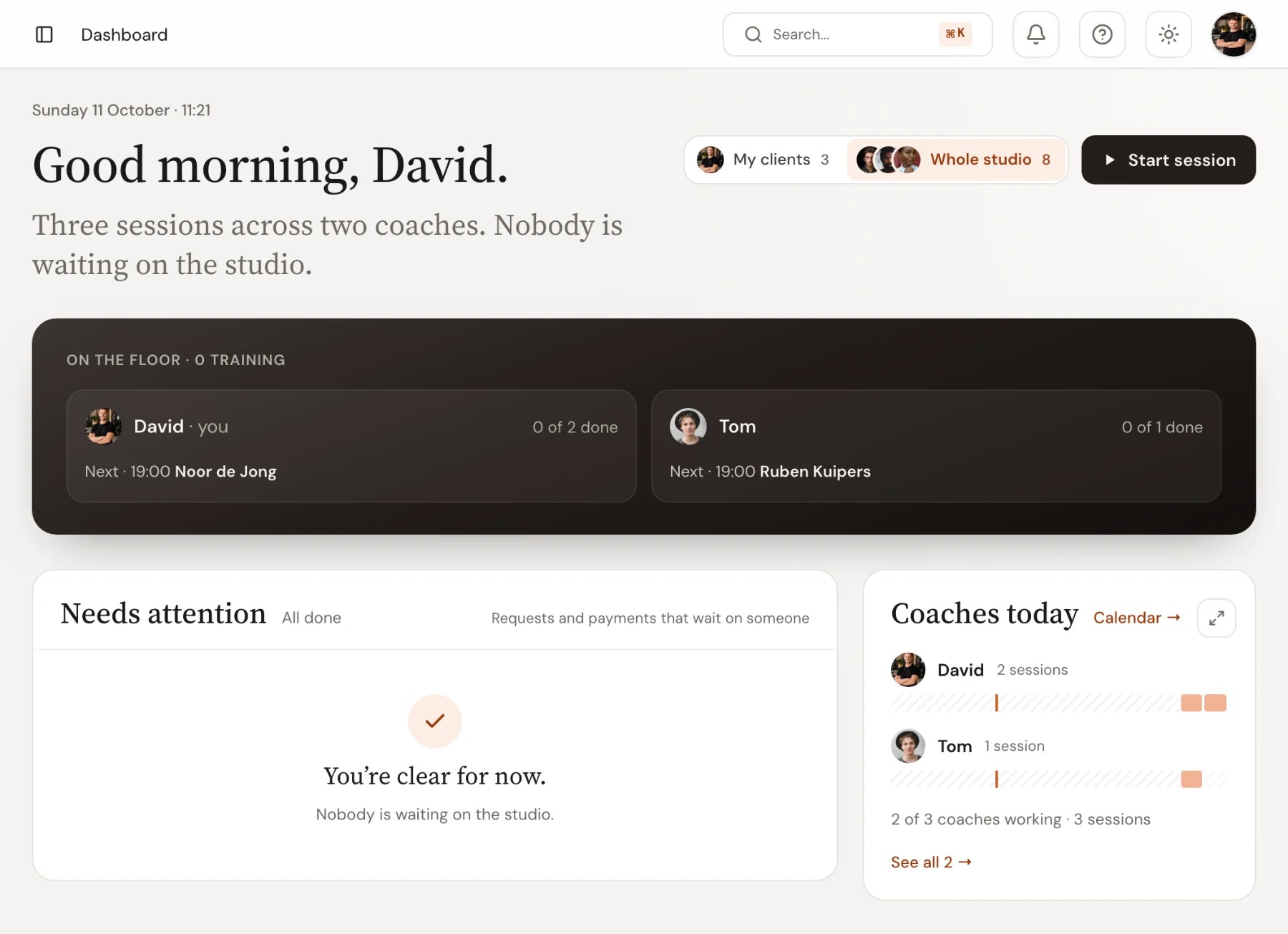
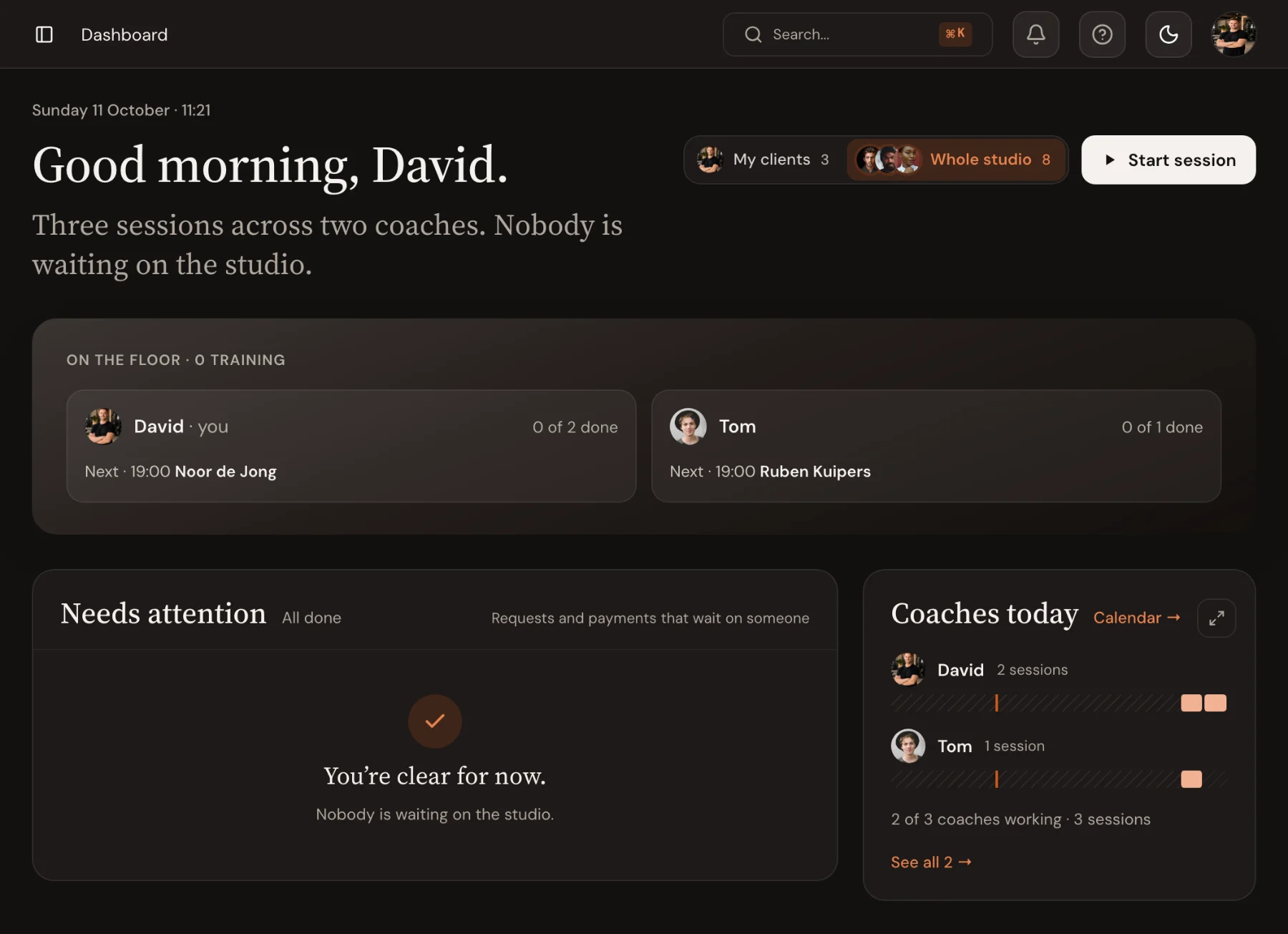
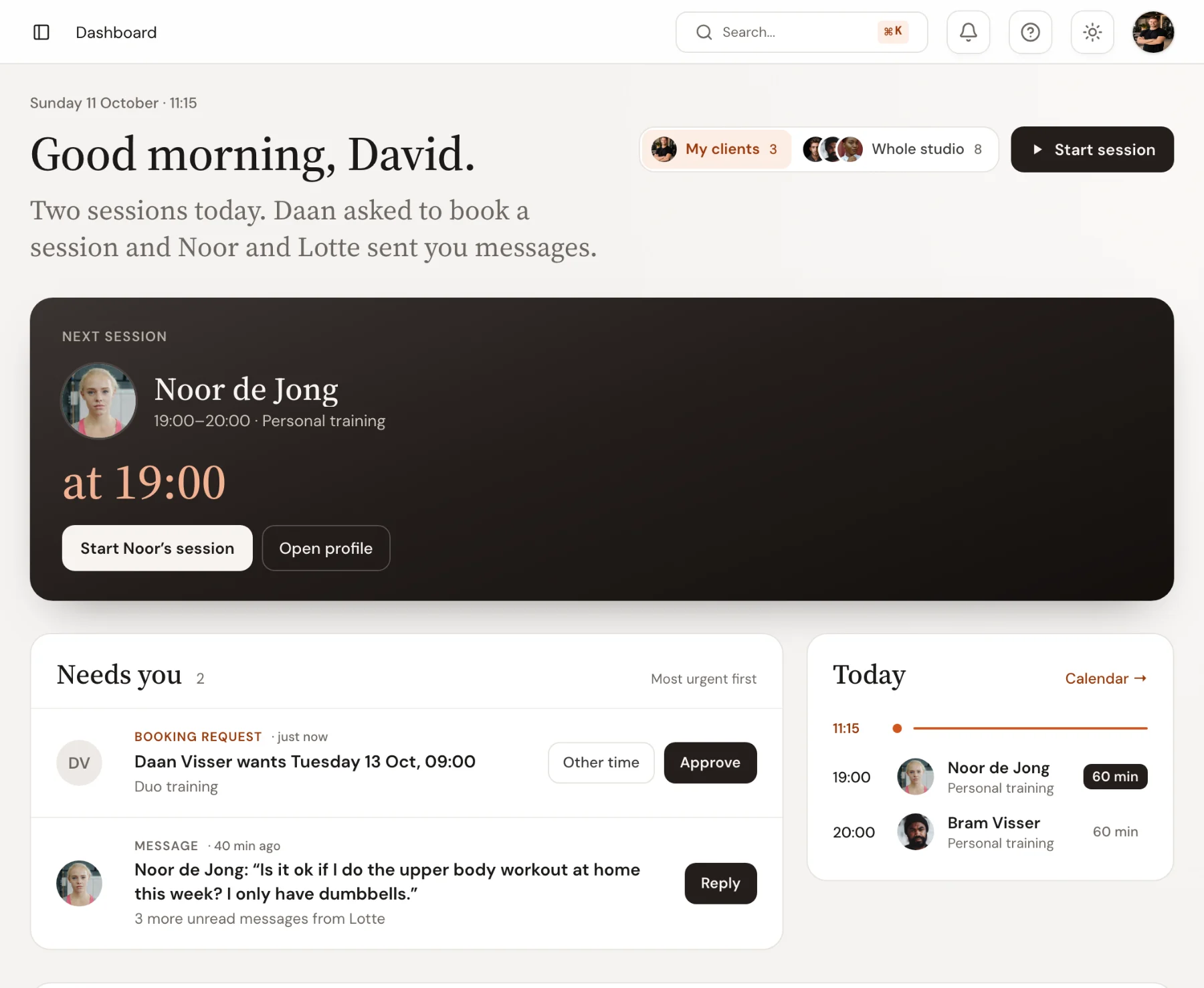
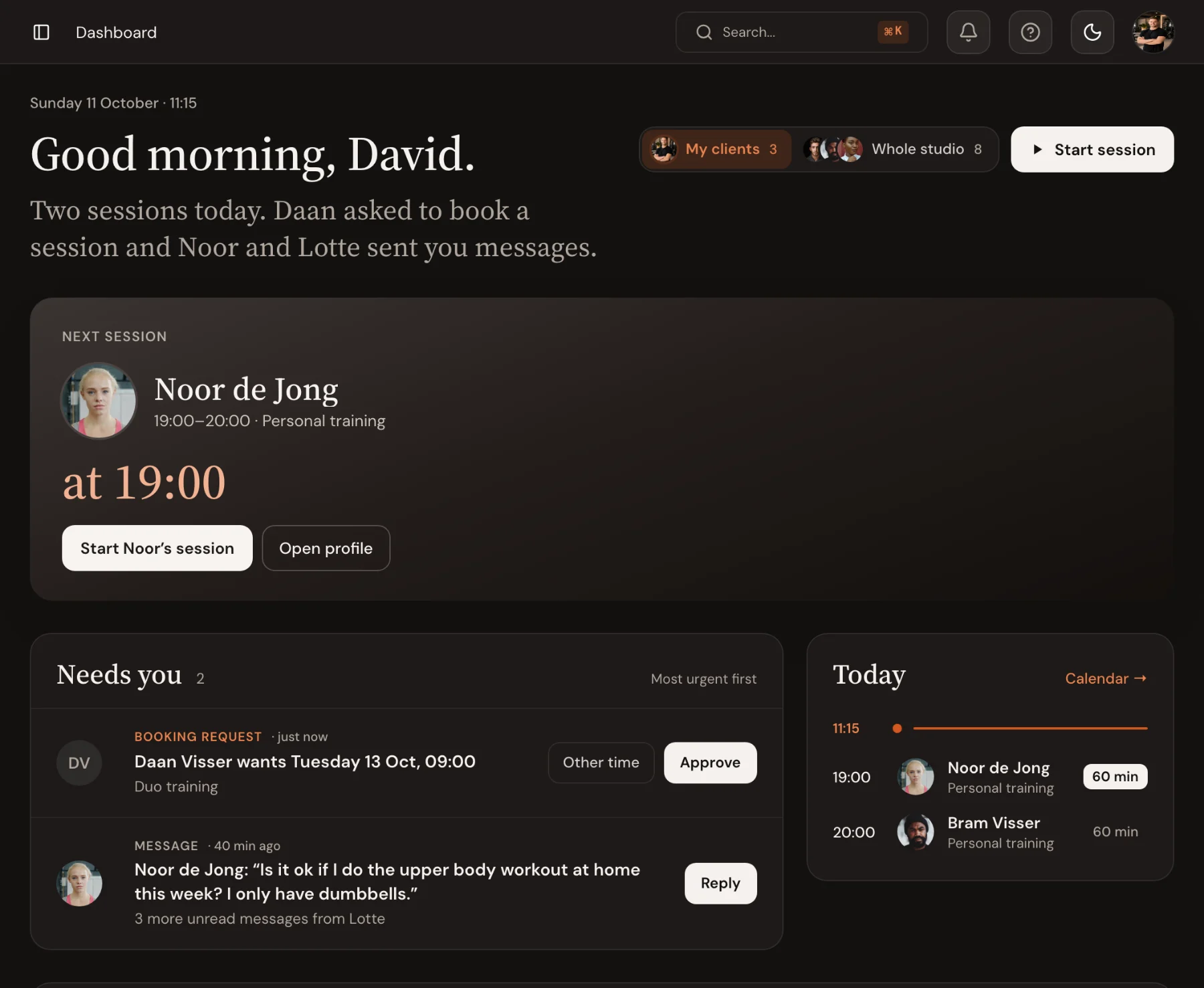
Needs you
Everything that waits on someone, most urgent first.
Booking requests, unanswered messages and payments that need a look gather in one list on the overview, each with the button that settles it. When the list is empty, nobody is waiting on the studio.
- Approve a booking or reply to a message straight from the list
- Switch between your own clients and the whole studio
- Recent sessions with notes, photos or new bests are marked to review
Coaches view
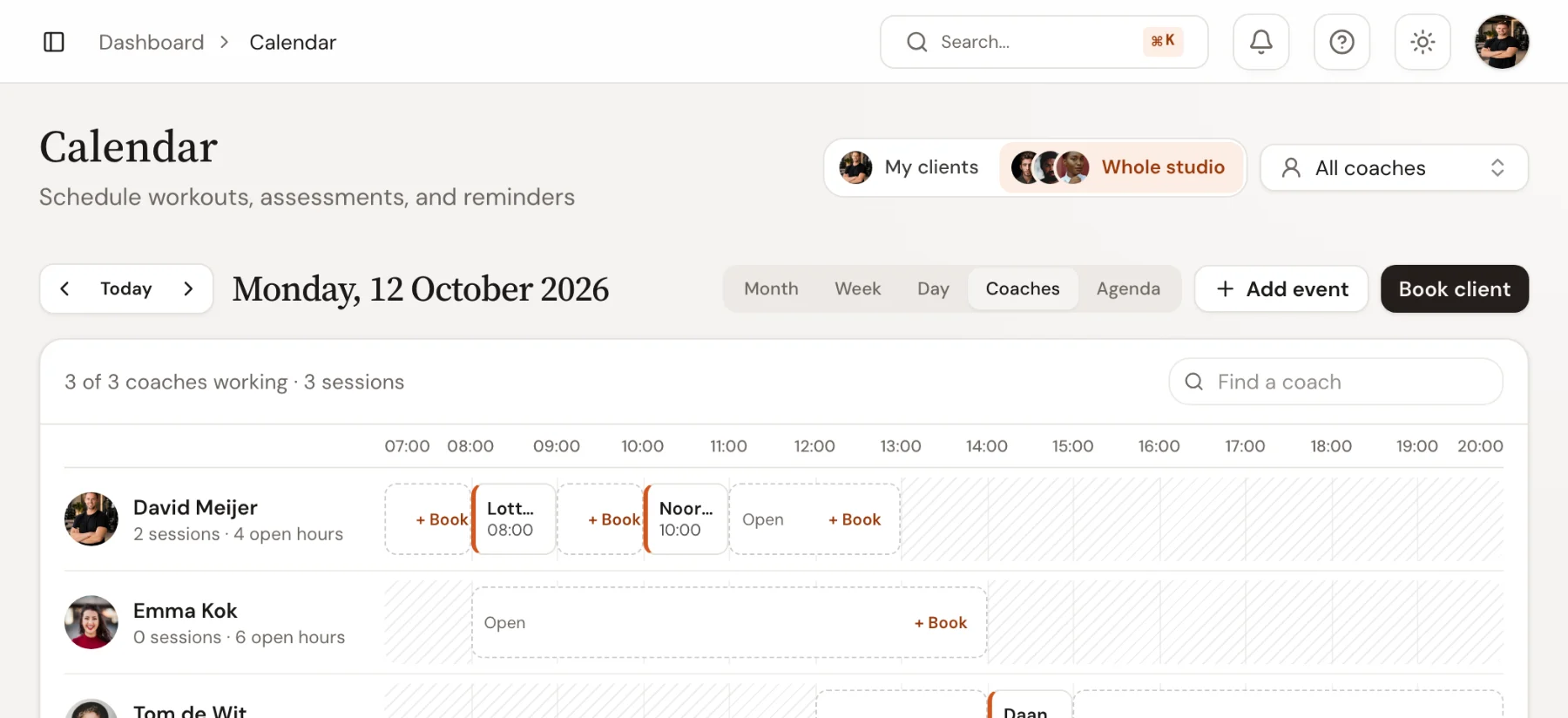
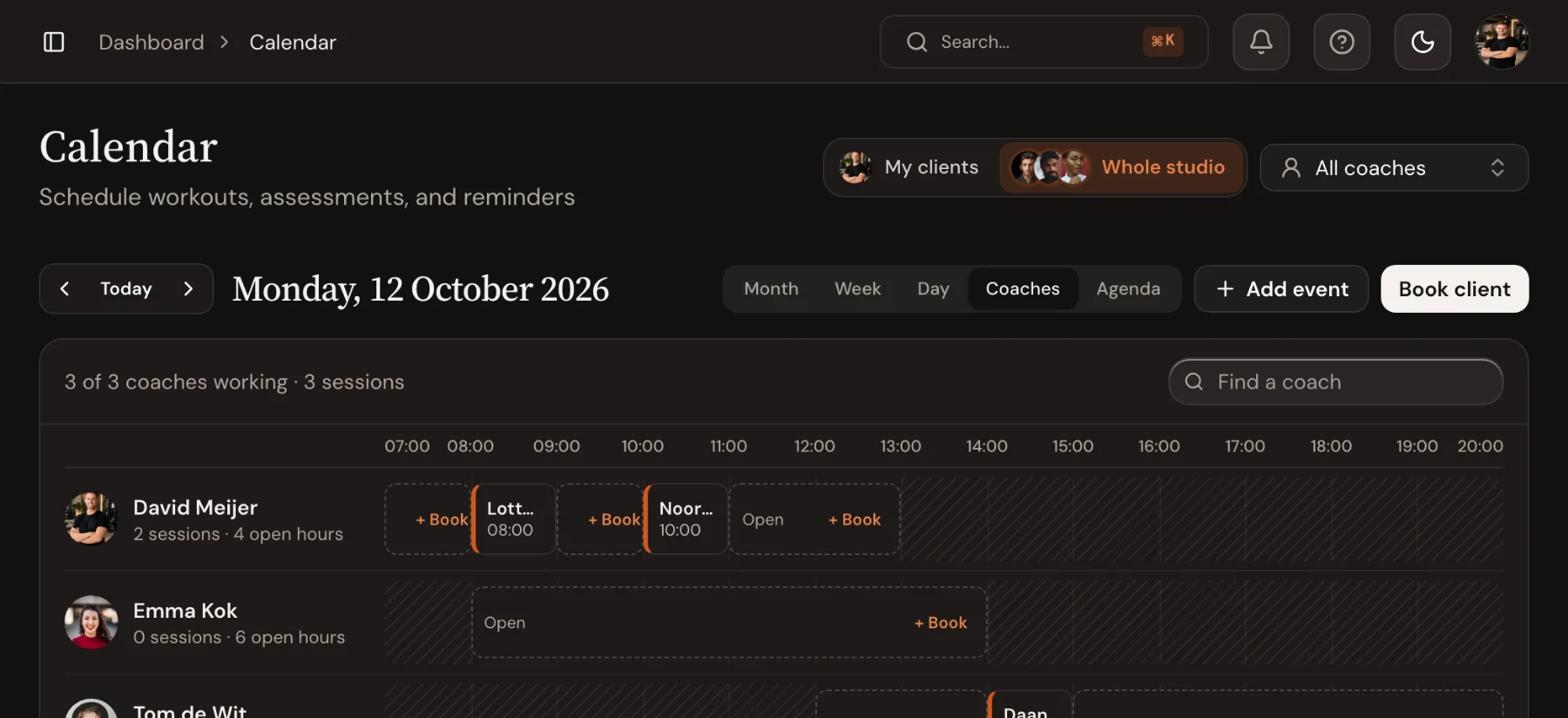
Every coach’s day on one screen.
The calendar’s Coaches view puts each coach on a row: their booked sessions, their open hours and the time they don’t work. Drag a session sideways to move it, or down to another coach. Click open time to book a client in.
- Booked, open and blocked time per coach for one day
- Drag to another time or another coach
- Offer a freed-up slot to the first client on the waiting list
Statistics
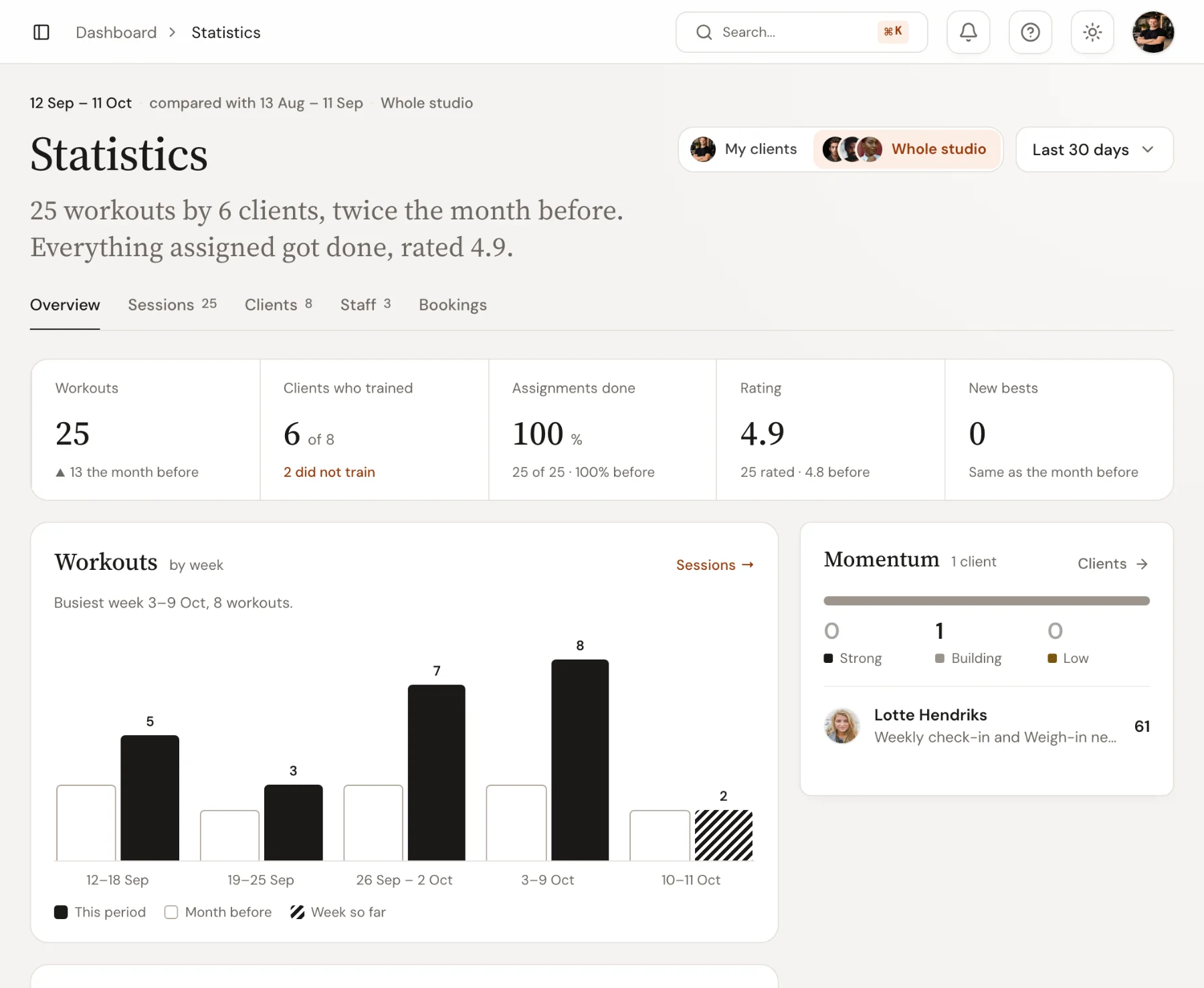
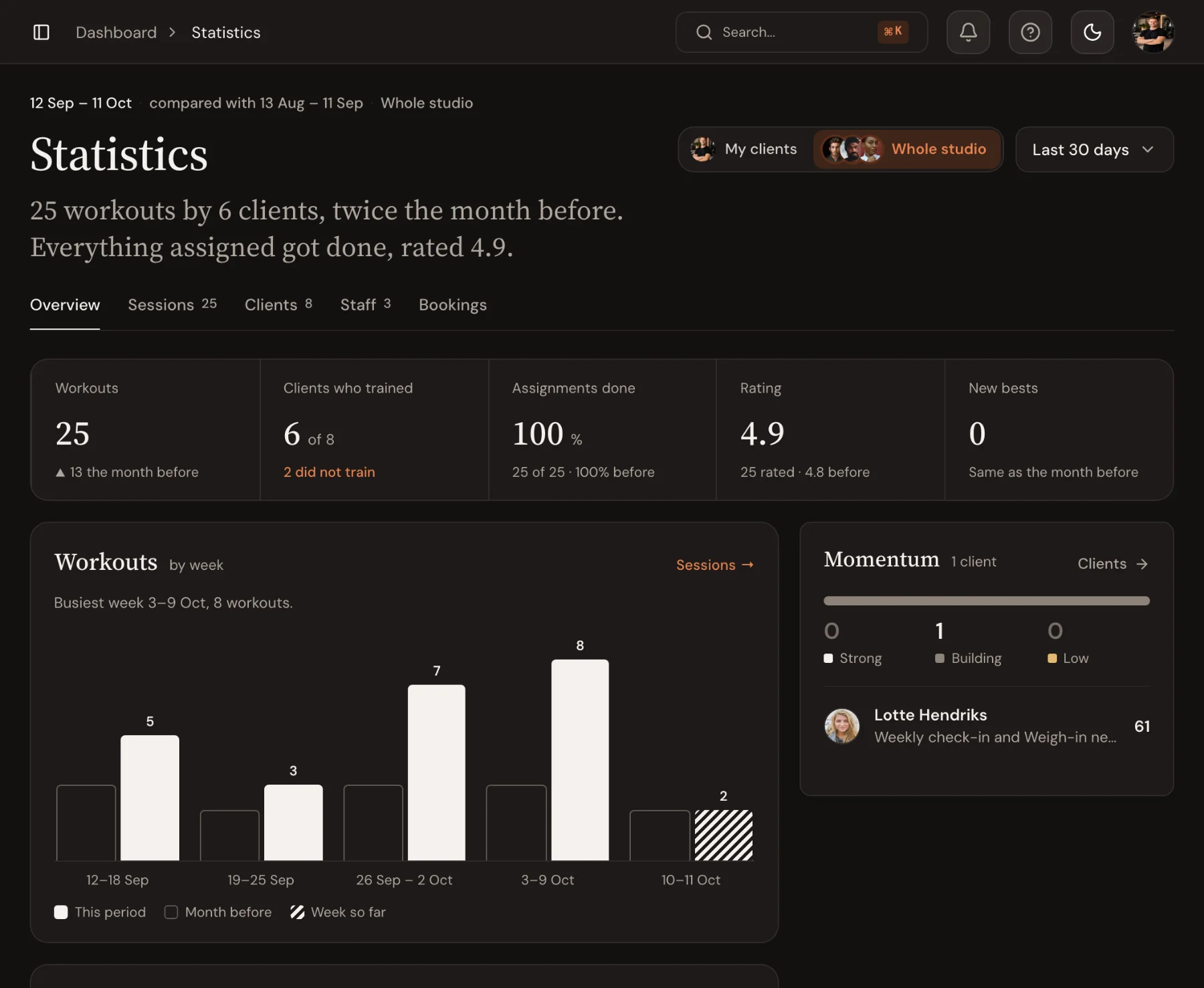
The numbers per coach, client and week.
One sentence says how the period went. Below it: workouts, clients who trained, assignments done, the average rating and new bests, each against the period before, and workouts per week next to the same weeks a month earlier. Switch between your own clients and the whole studio, pick a date range, and open the sessions, clients, staff and bookings tabs for the detail behind each number.
- Workouts, clients who trained, assignments done, ratings and new bests
- Every figure and every week compared with the period before
- Client momentum shows who is training below their usual pace
Team
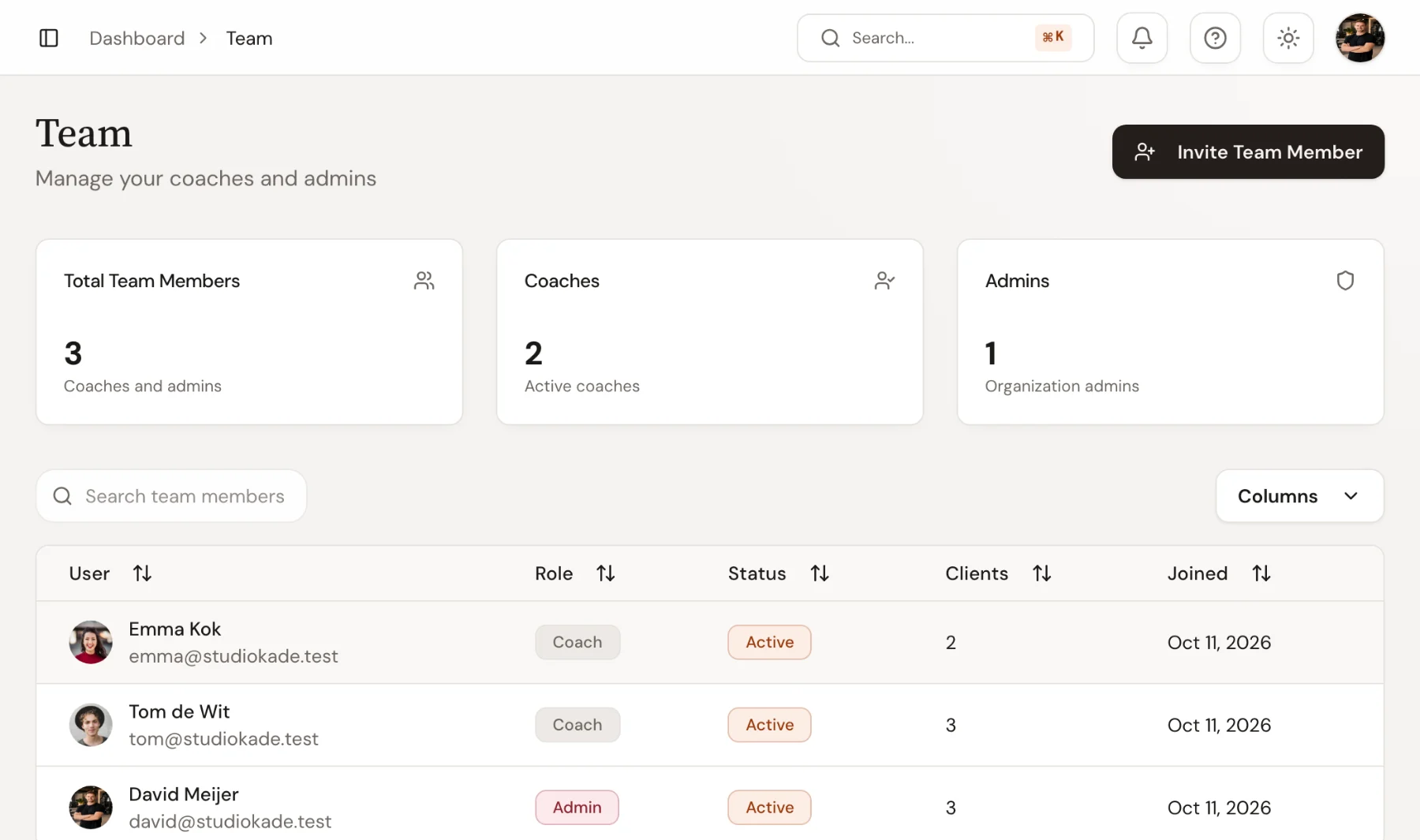
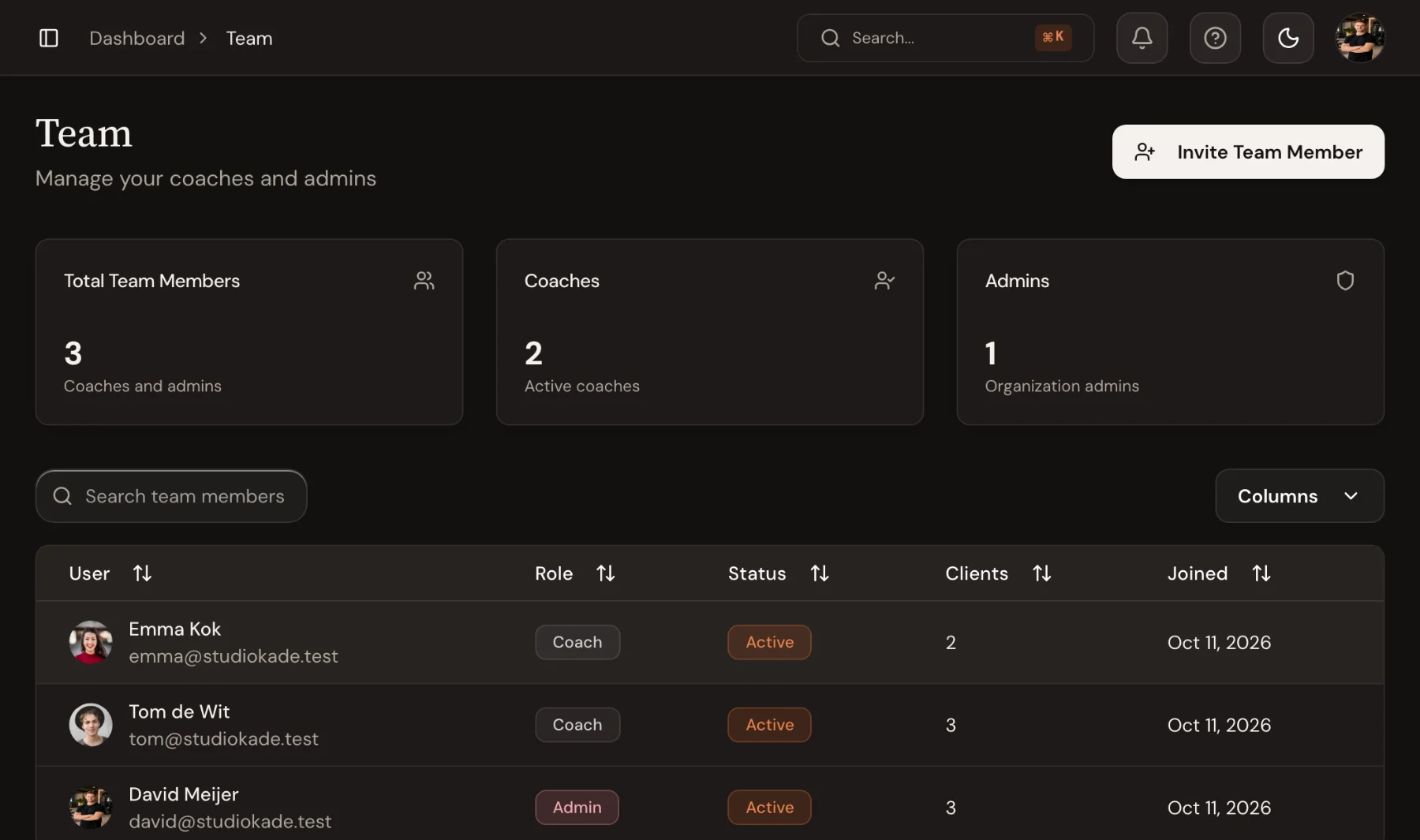
Coaches see their clients. You see the studio.
Invite coaches and admins by email, assign each client a primary coach, and every list in the dashboard follows: coaches start on their own clients, admins switch to the whole studio. Revenue figures stay with admins.
- Coach and admin roles, invited by email
- A primary coach per client, with other coaches able to step in
- Money only on admin screens
Frequently asked questions
- Do coaches see the same overview as the owner?
- Coaches open on their own clients and sessions and can switch to the whole studio. Revenue and other money figures only appear for admins.
- Can I move a session to another coach?
- Yes. In the calendar’s Coaches view, drag the session up or down to another coach’s row, or sideways to another time. Trainnode asks you to confirm before the move goes to the client.
- What counts as needing attention?
- Things that wait on someone at the studio: booking requests to approve, client messages nobody has answered, and payments that need a look. Finished sessions with notes, photos or new bests are listed separately under Recent sessions until someone marks them reviewed.
Works together with
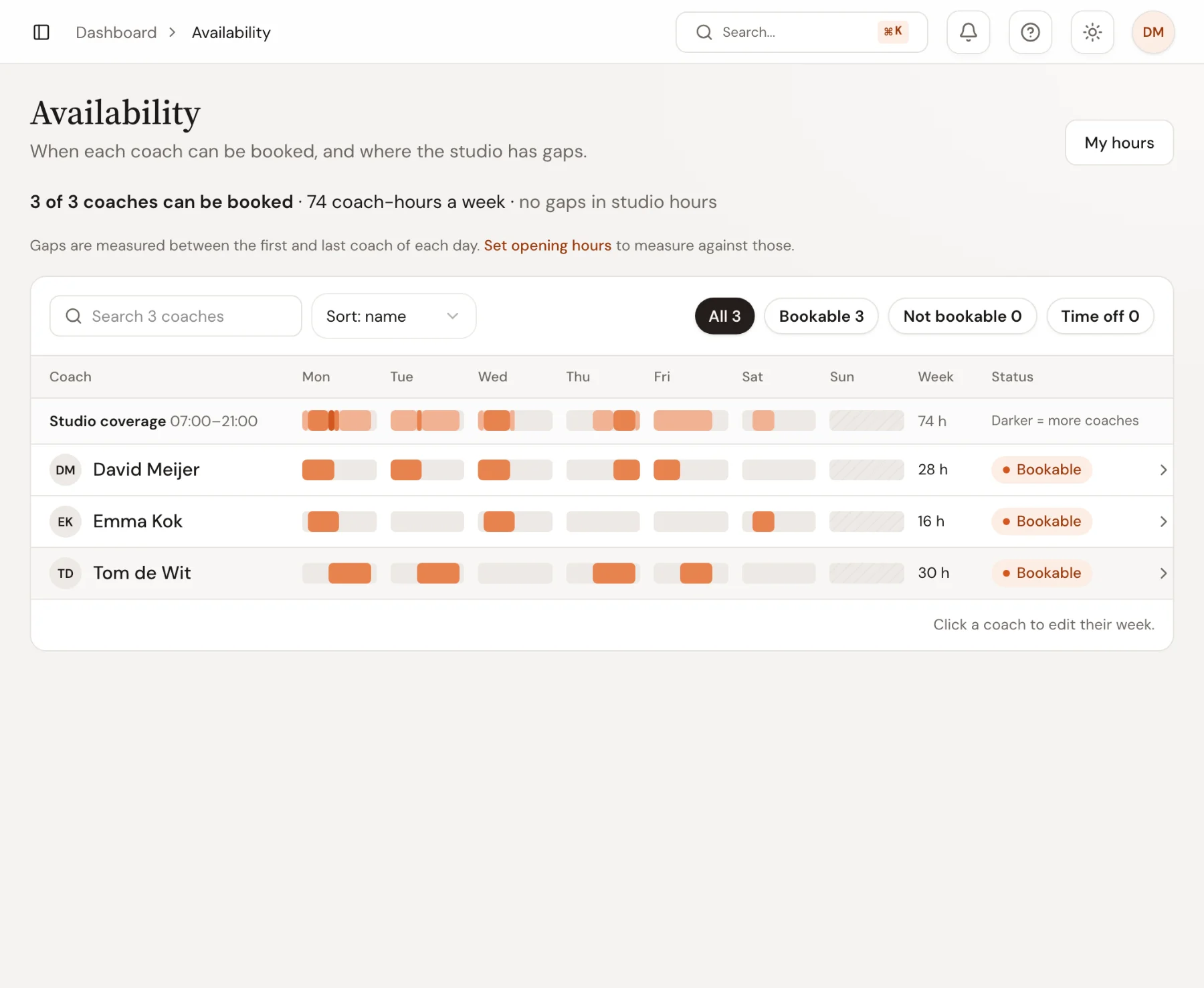
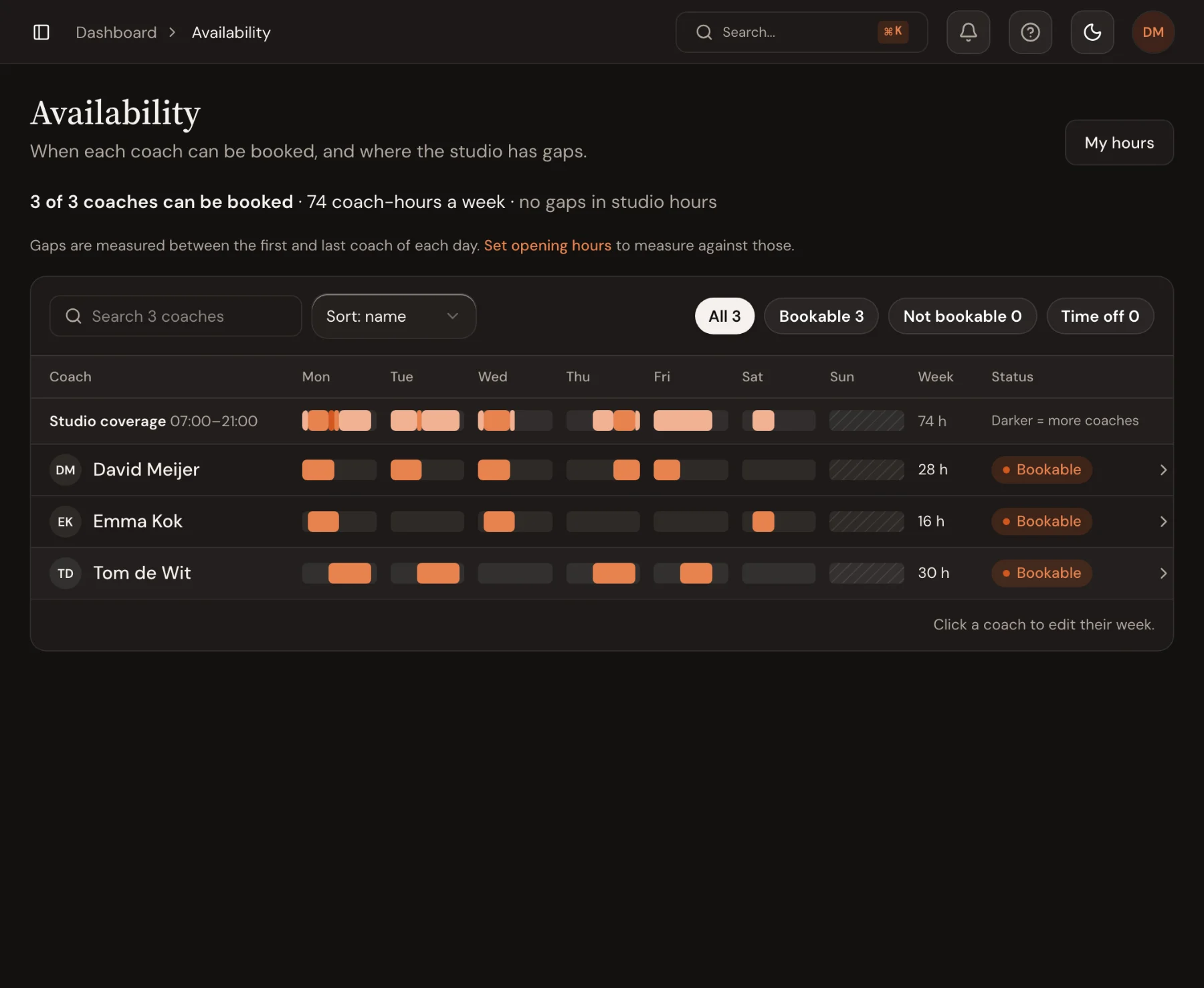 Booking & AvailabilityPaint each coach's weekly hours per location. Clients book in the app with credits, a membership or a one-off payment, under the cancellation rules you set.Learn more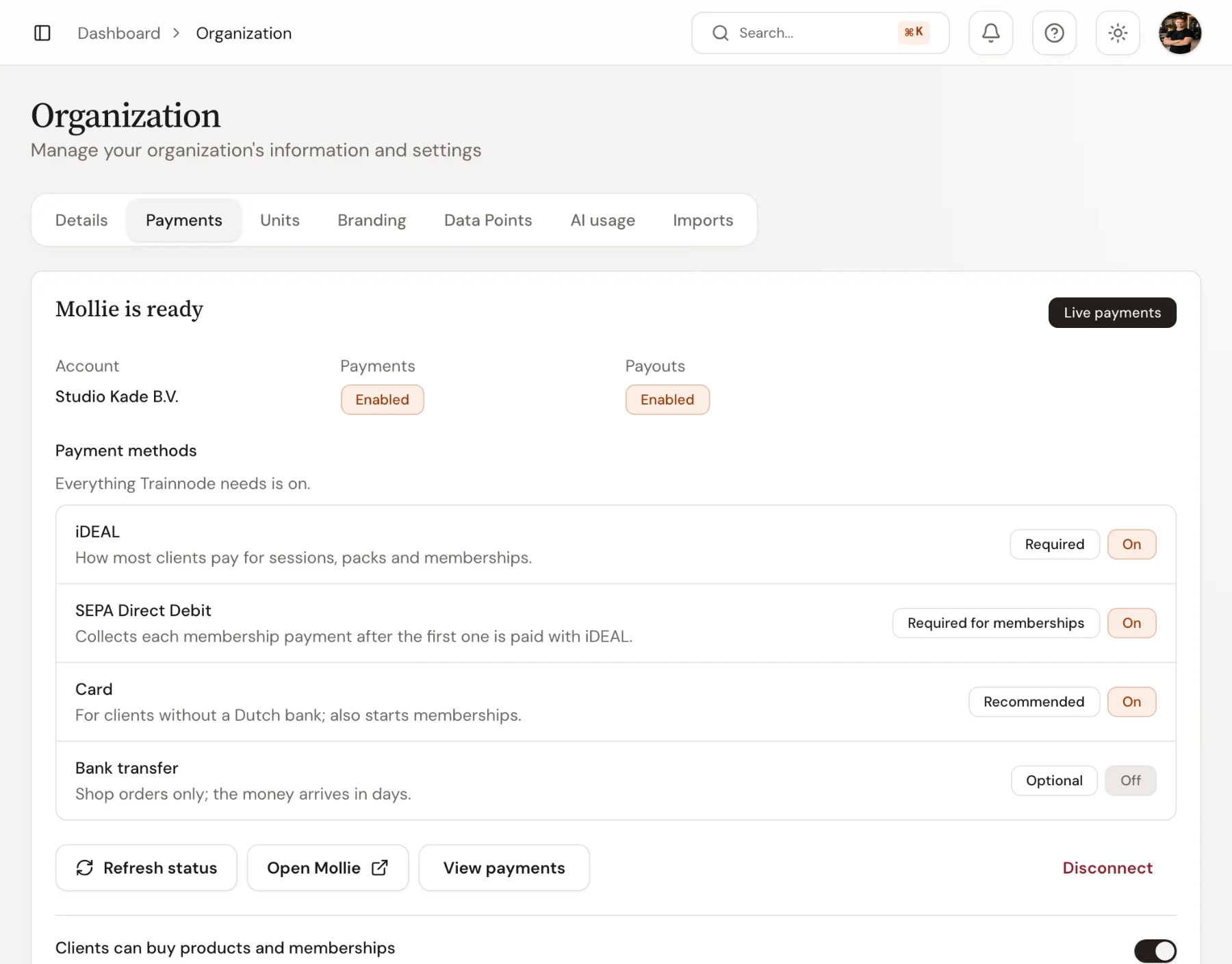
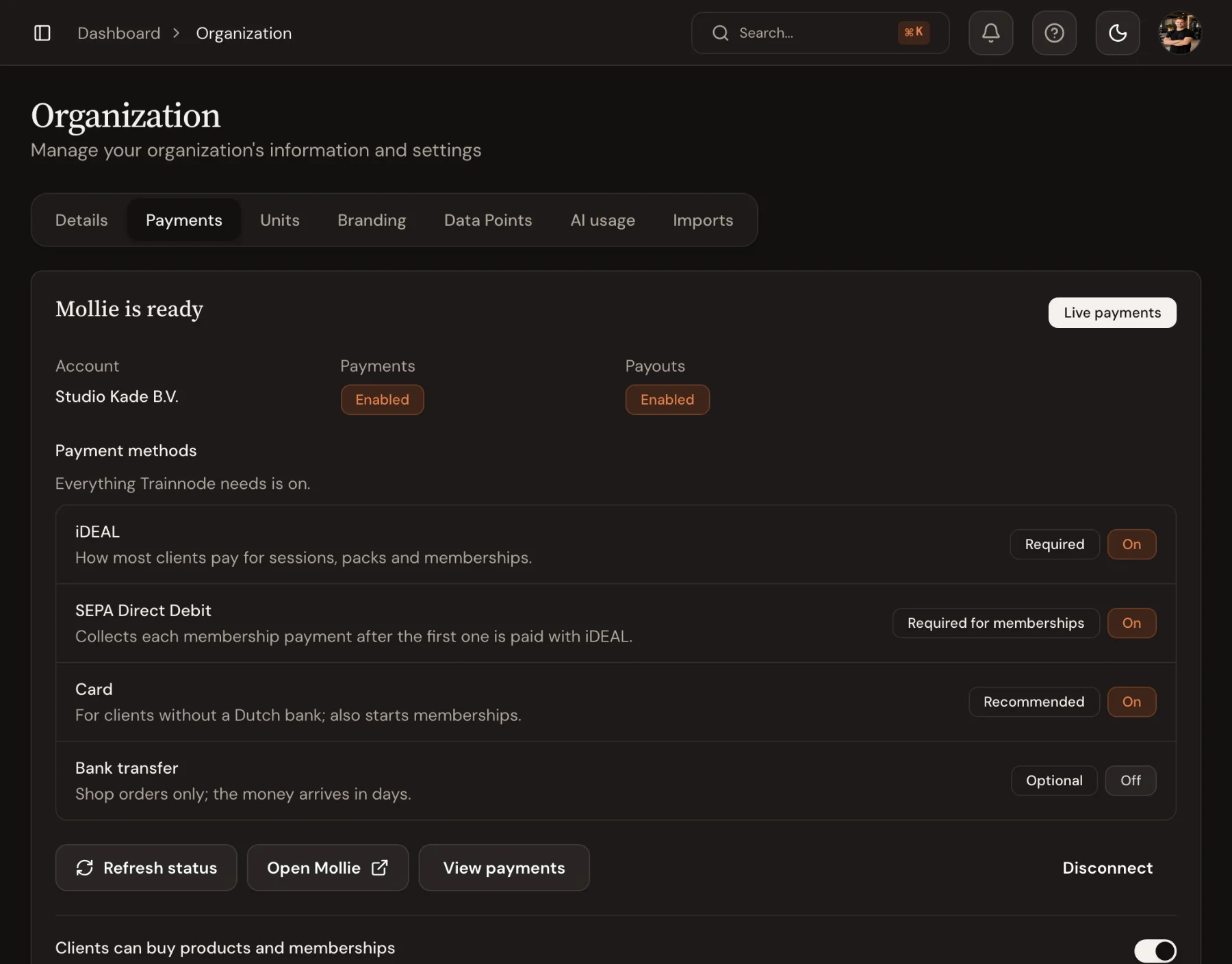 Memberships & PaymentsRecurring memberships by direct debit, card and iDEAL through your own Mollie account. A flat fee per payment, never a percentage. Your subscriptions move over.Learn more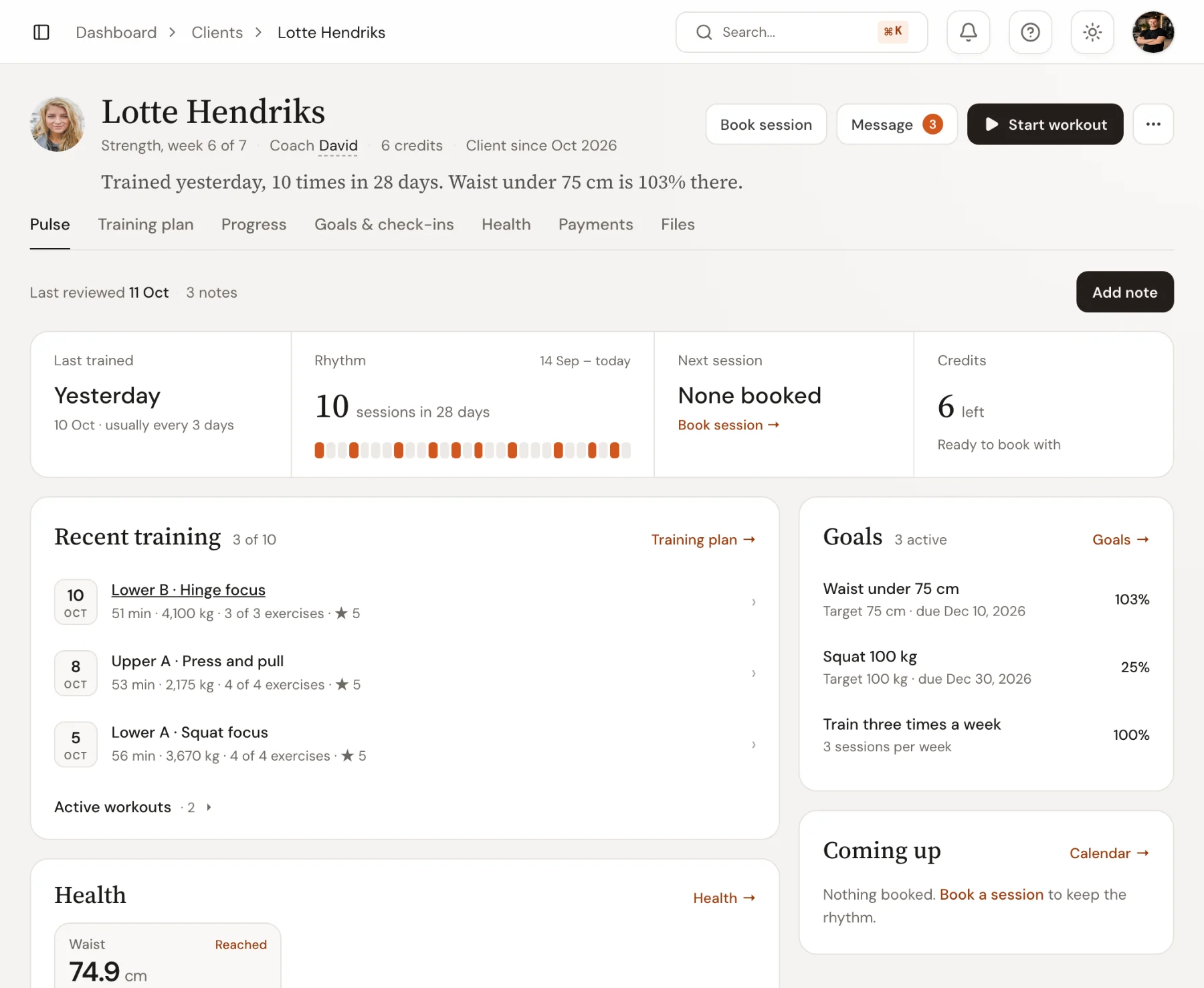
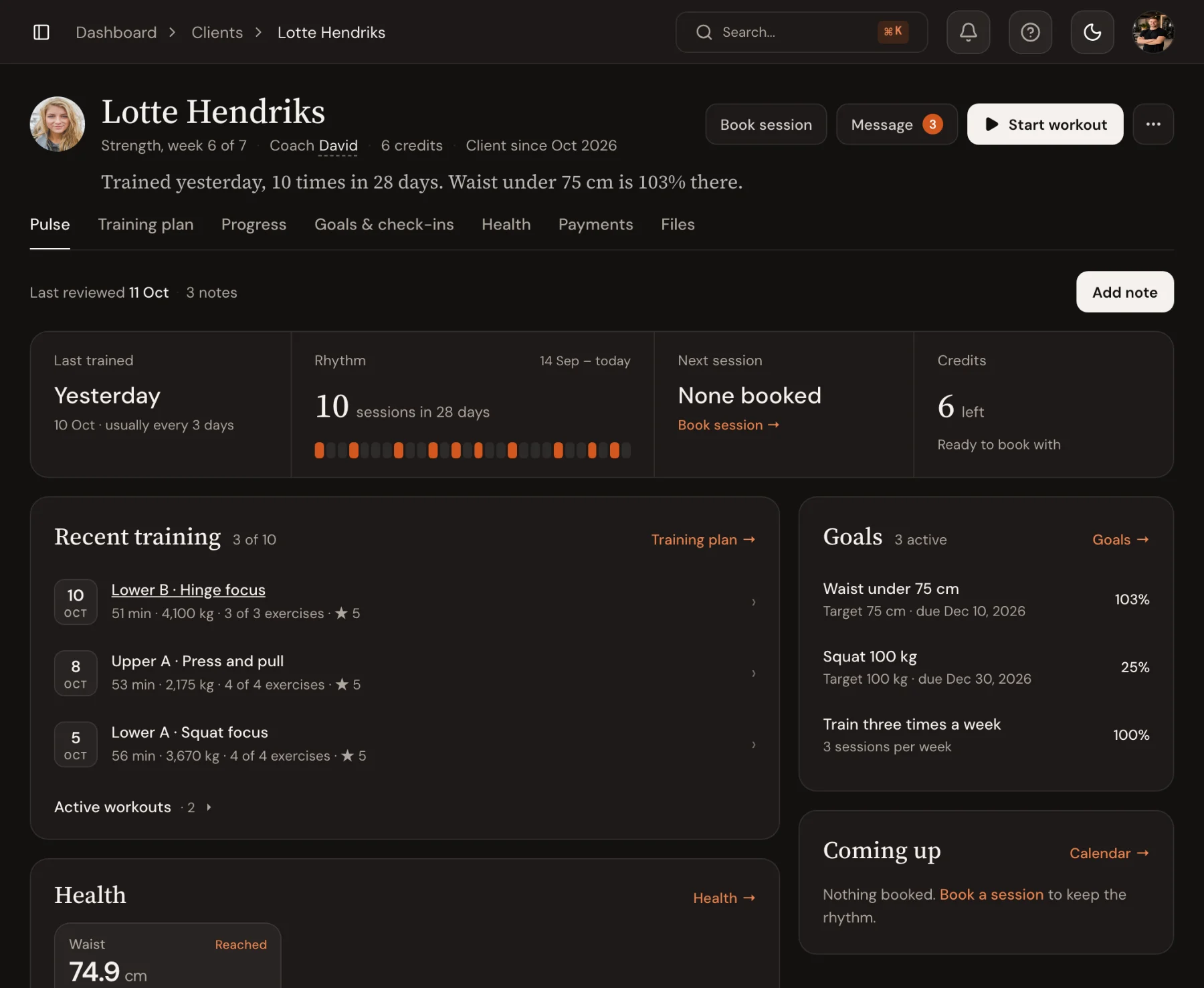 Client ProfilesOne page per client: training rhythm, goals, injuries, coaching notes your team shares and the documents you sent. Know where they stand before they arrive.Learn more
Ready to coach with less admin?
Start your free trial today, or see everything Trainnode does.