Sell a product to a client at the desk
Sell supplements or merch from the dashboard: show a QR code the client scans to pay, email a payment link, or record a payment made at the desk.
Trainnode team
1 min read
Clients can buy shop products in the app themselves. When someone asks for a tub of magnesium at the desk, you sell it from the dashboard instead. The order lands under Products › Orders like any other, and the stock goes down when it is paid.
Open the sale
On the client's page, open the ⋯ menu and choose Sell products. Admins can also start from Products › New › Sale to a client and pick the client there. Coaches sell to their own clients.
Pick the products
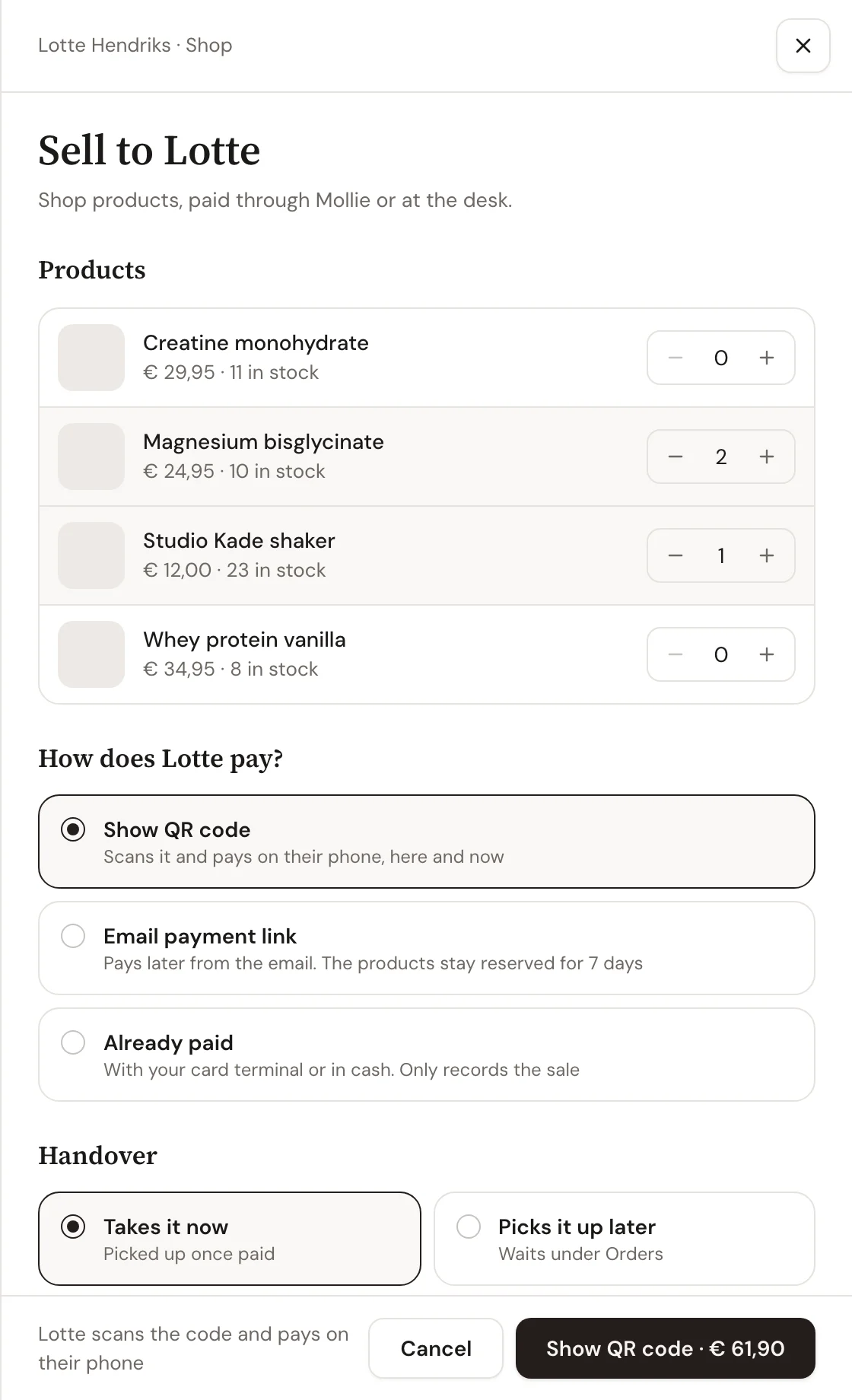
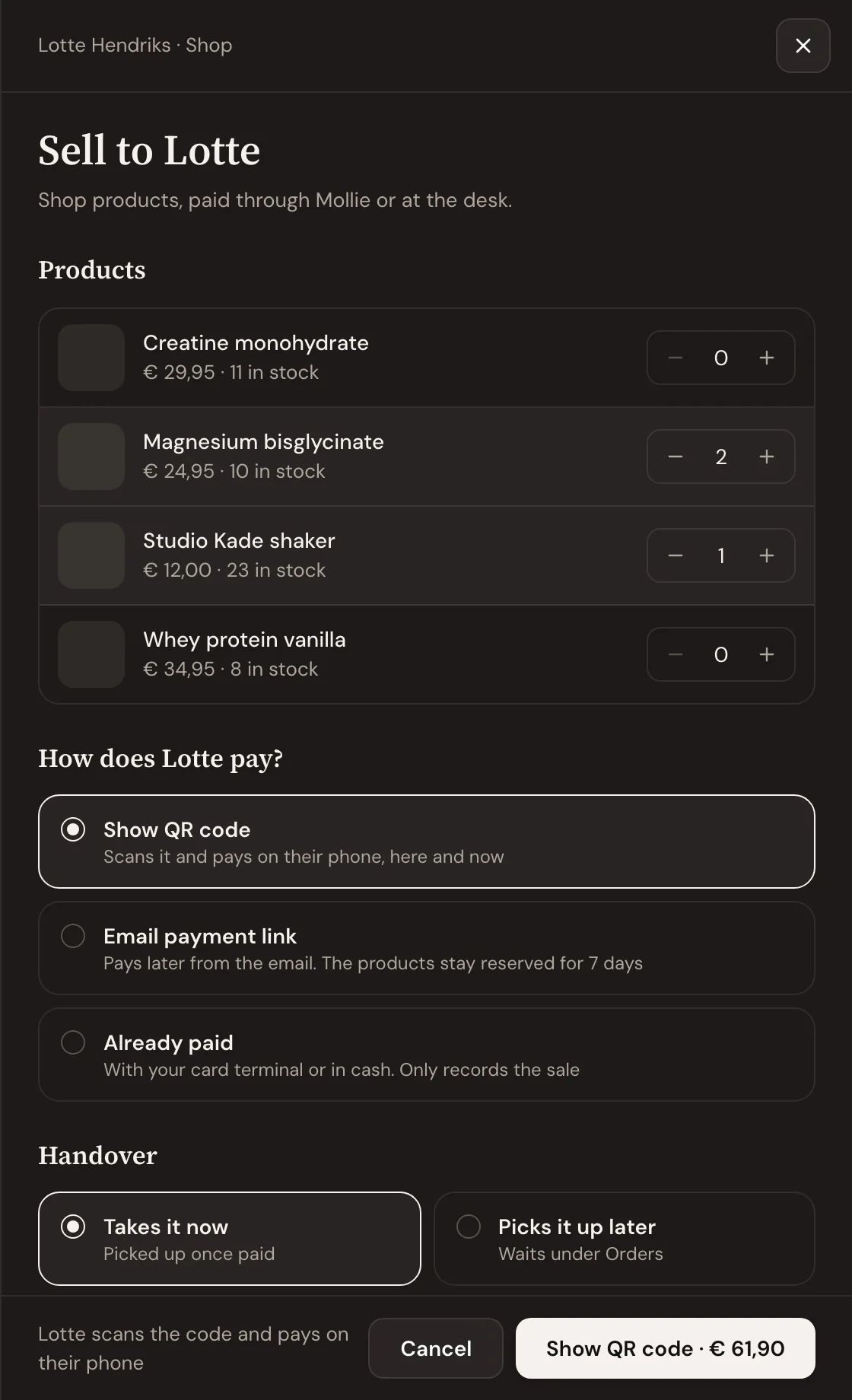
Tap + next to each product. Each row shows the price and how many are left, and you can't sell more than you have. The total sits on the button at the bottom.
Choose how the client pays
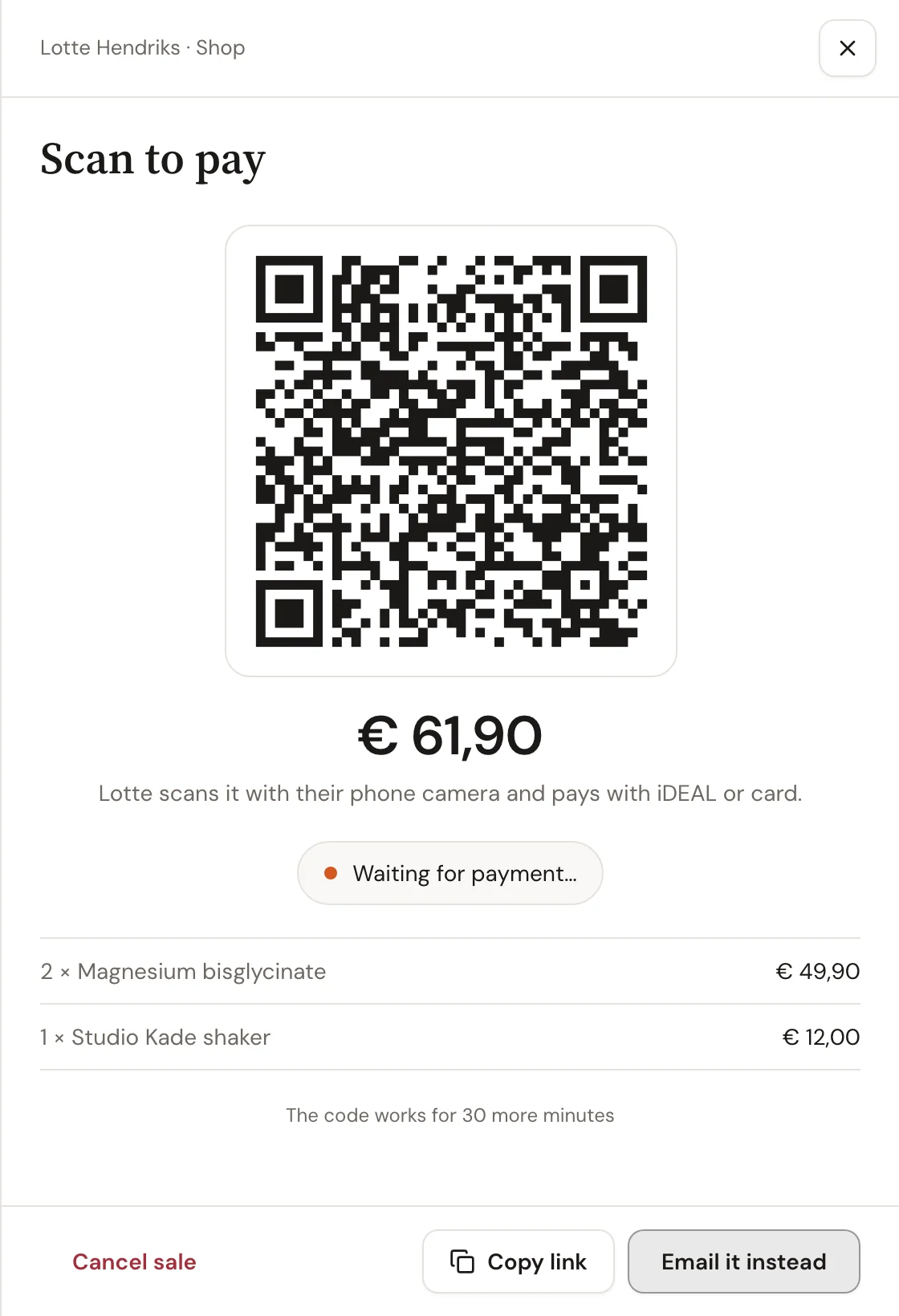
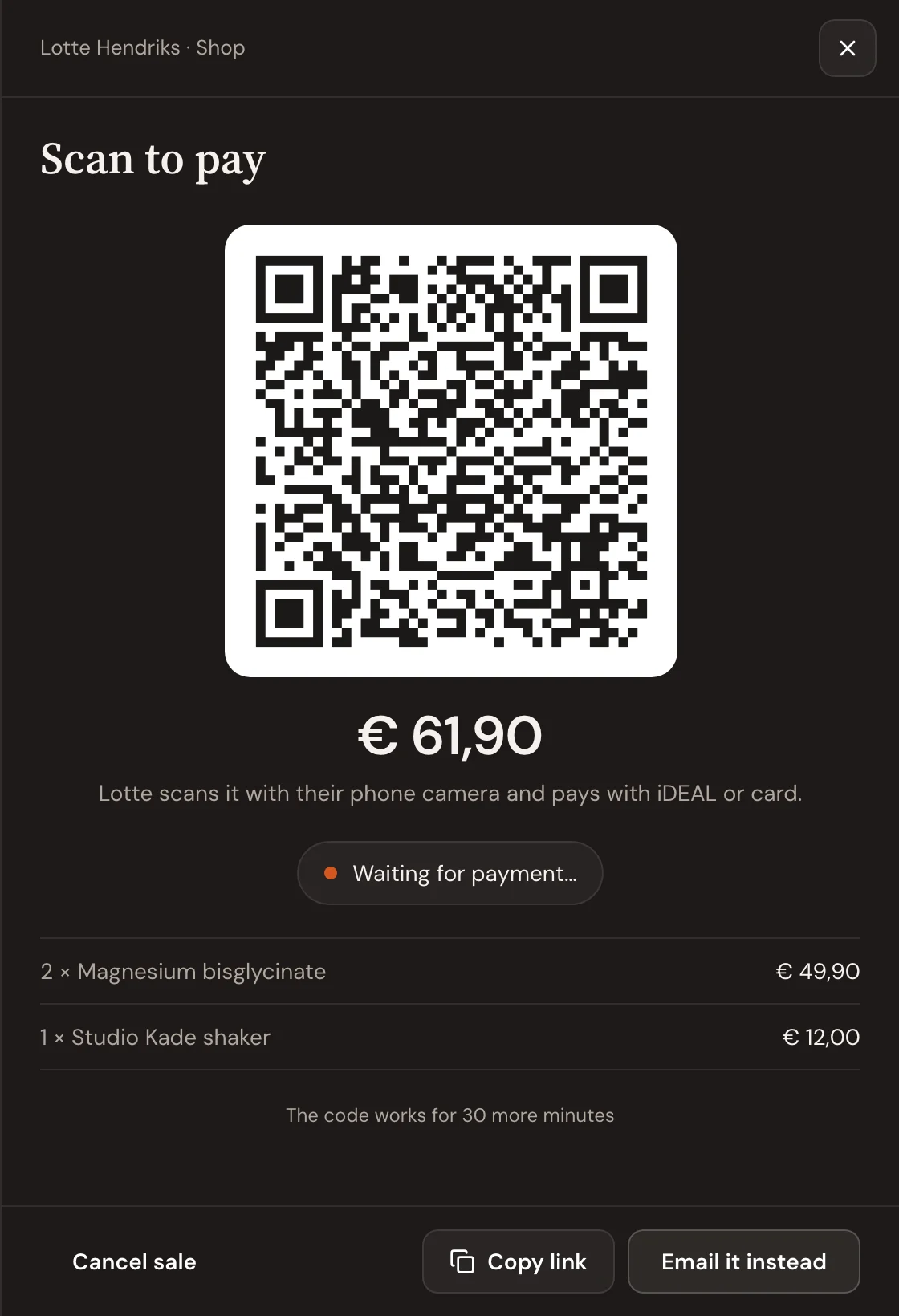
- Show QR code: the client scans it with their phone camera and pays with iDEAL or card, right there. The panel turns to Paid the moment the money is in.
- Email payment link: the client pays later from the email. The products stay reserved for 7 days.
- Already paid: the client paid with your card terminal or in cash. This only records the sale and the stock.
Then choose Takes it now or Picks it up later. A sale picked up later waits under Orders › To hand over until you choose Mark picked up.
Follow up on open sales
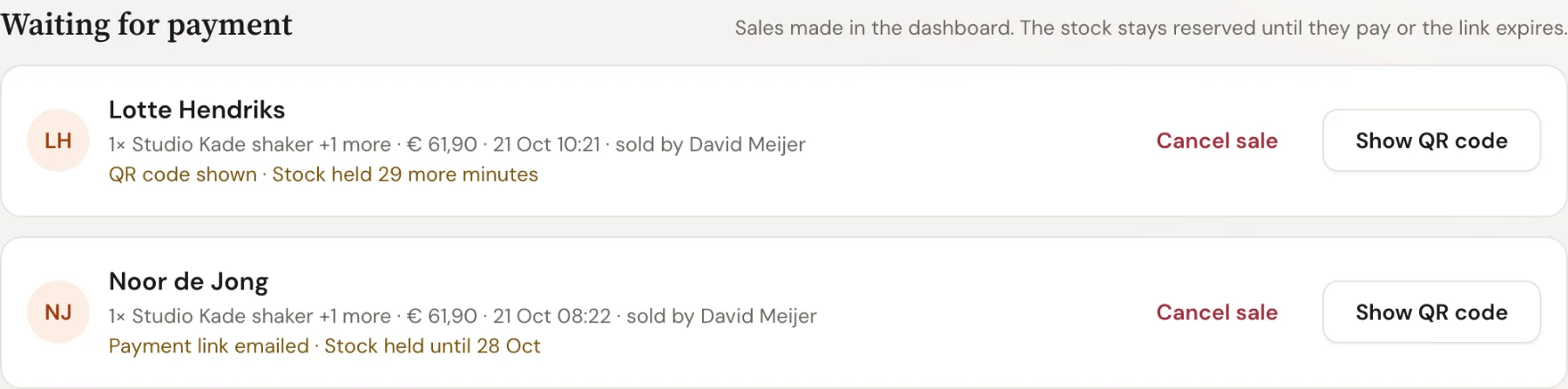
A sale that isn't paid yet shows under Orders › Waiting for payment. Show QR code brings the code back. Cancel sale asks once, then stops the link and puts the products back in stock. A QR code nobody paid expires after 30 minutes, an emailed link after 7 days, and the stock comes back on its own.
Troubleshooting
The panel says to finish the payment setup
QR codes and links are paid through your Mollie account, so it needs to be connected under Organization › Payments. Until then you can still record a sale as Already paid.
The client's payment failed
Nothing was charged and the sale stays open. The client scans the same code again, or opens the link again from the email.

 Book 30 minutes with Coach David