Sell a session pack or membership
Connect Mollie, create a session pack or a monthly membership with credits, and let clients buy it in the Trainnode app.
Trainnode team
2 min read
Packs and memberships both give clients credits, and every booking uses them. Clients buy them in the app's shop and pay through your own Mollie account. The money goes straight to you.
Payments are switched on per studio. If you don't see Payments and Products in the sidebar, ask us through the Help button.
Connect Mollie
Open Organization › Payments. Fill in your billing details, accept the Trainnode fee terms and choose Connect Mollie. You log in to Mollie, or create an account, and come back when it's done.
When everything is ready, the page says Mollie is ready and lists your payment methods. Turn on SEPA Direct Debit in Mollie if you sell memberships: monthly payments need it.
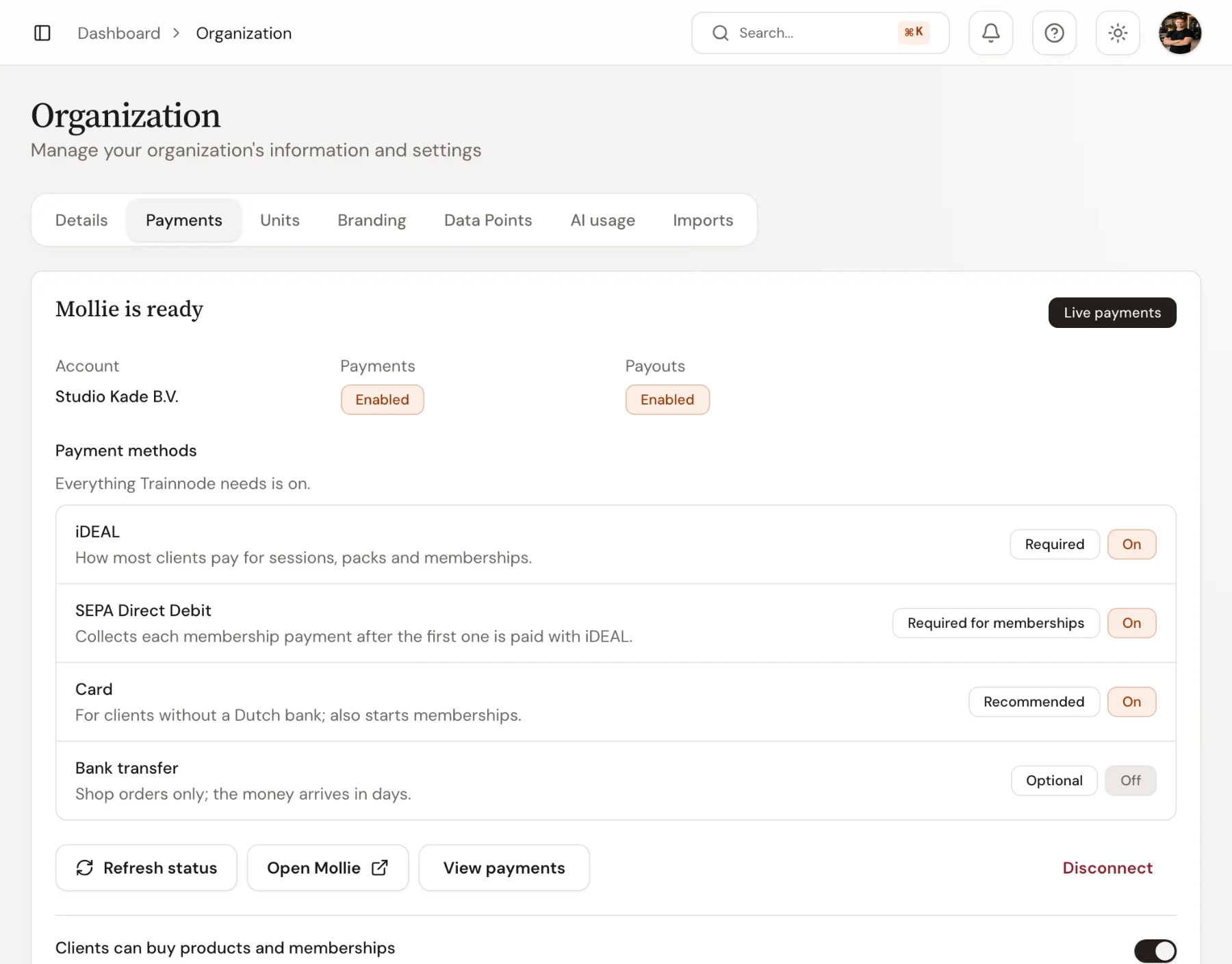
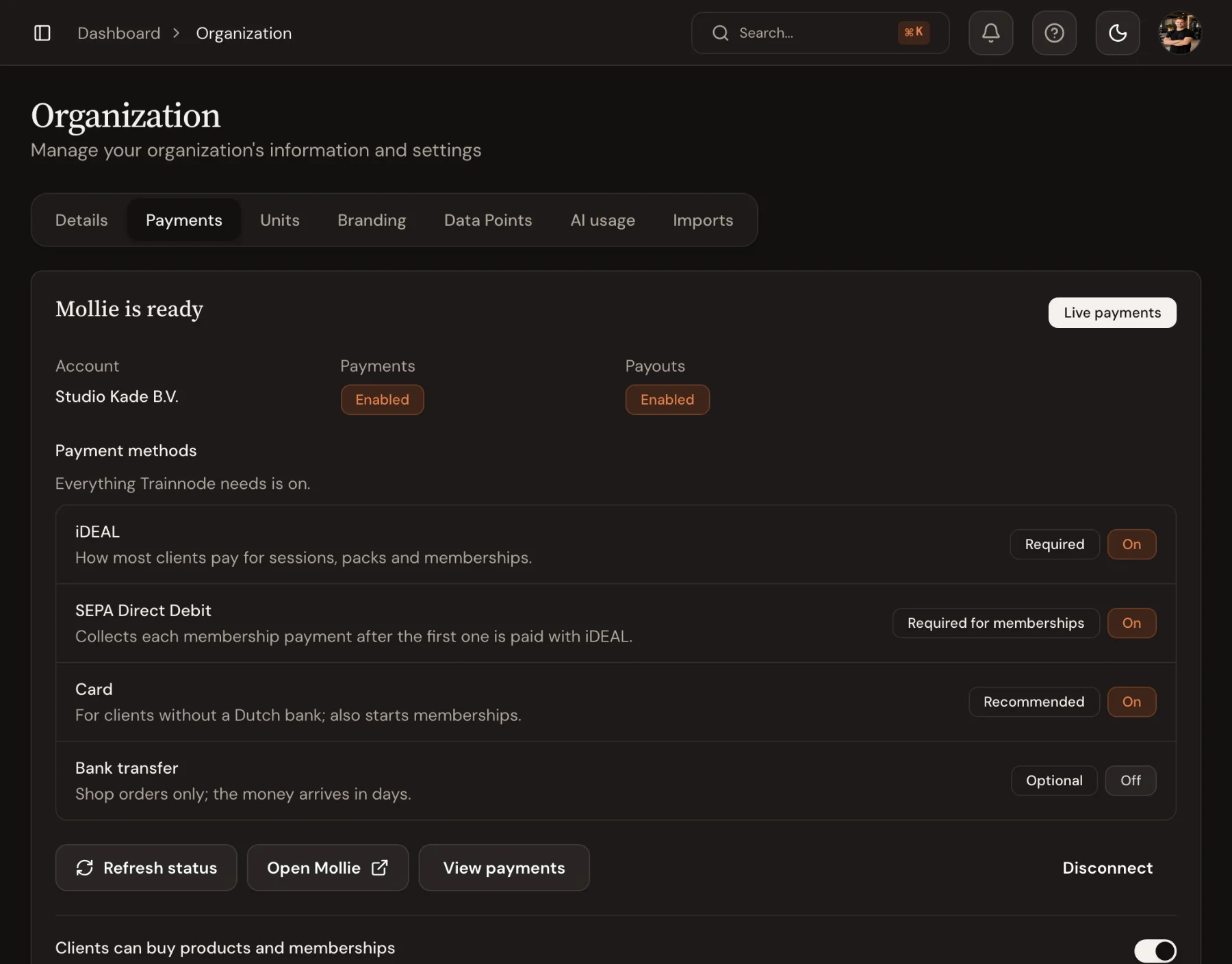
Trainnode charges a small fee per payment on top of Mollie's own: €0.15 for direct debit, €0.18 for iDEAL, €0.25 for card, €0.25 for bank transfer.
Add a session pack
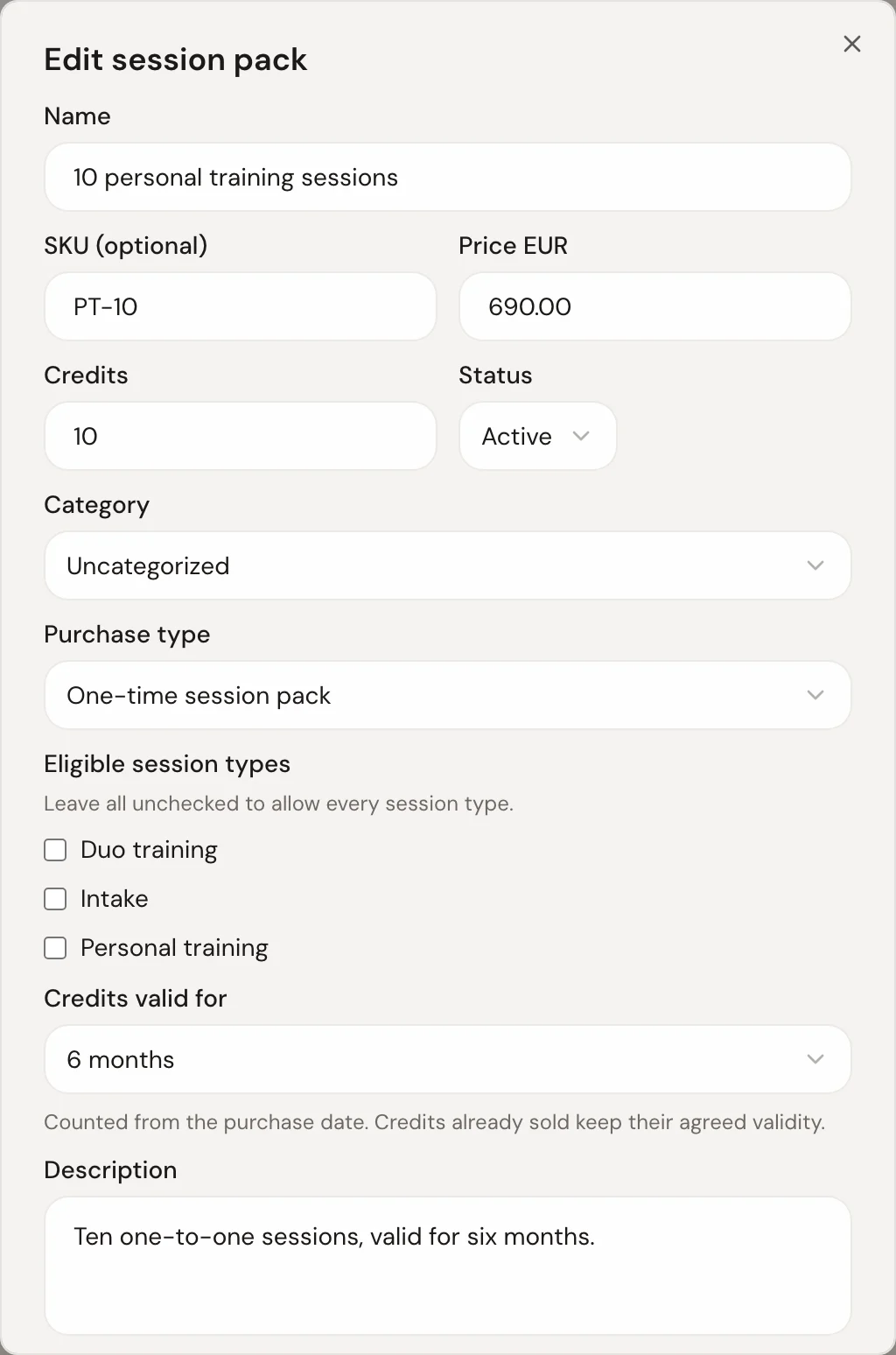
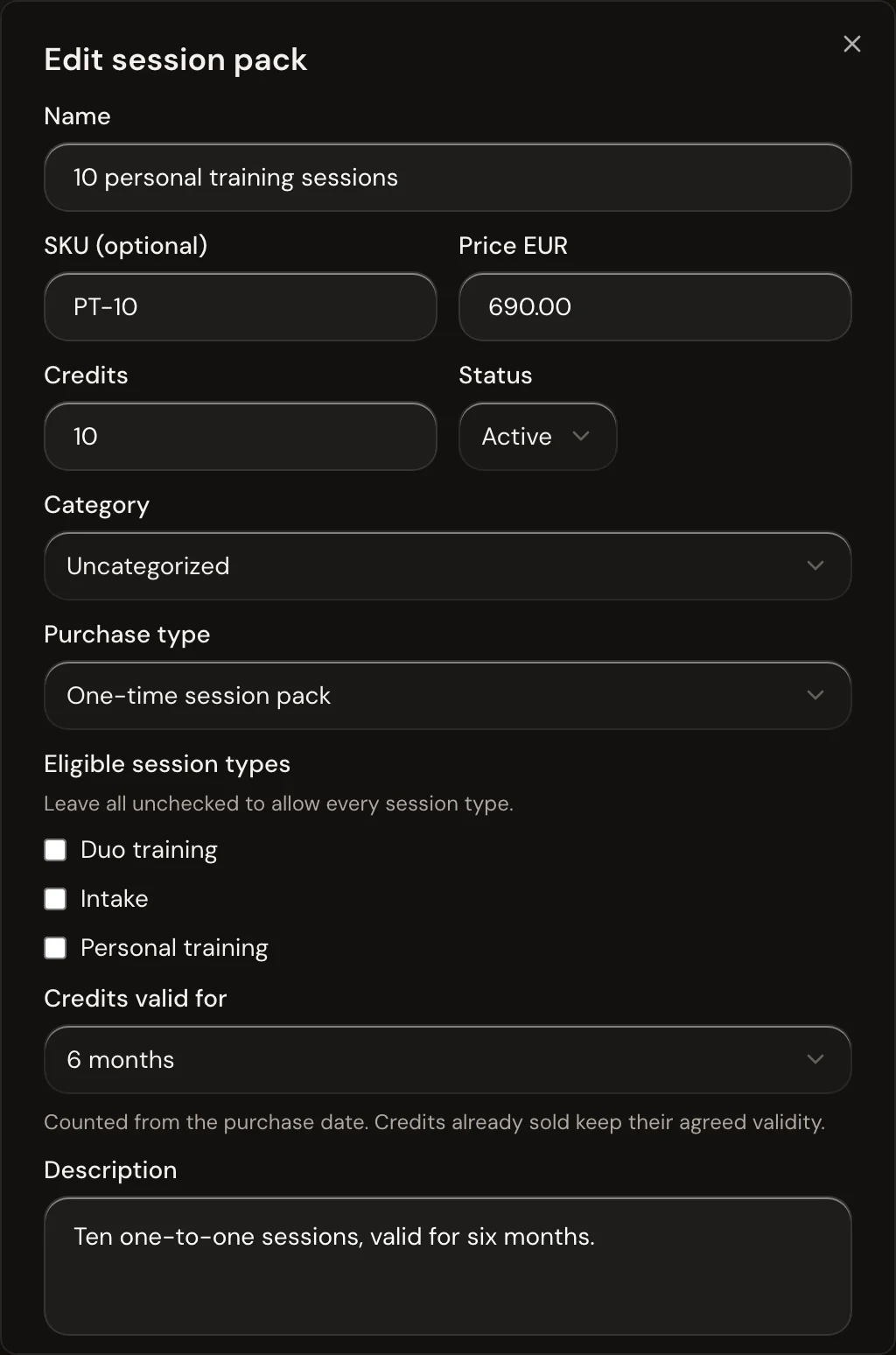
Open Products and choose New › Session pack. Fill in:
- Name and Price, for example 10 personal training sessions at €690
- Credits: how many sessions it buys
- Credits valid for: from 1 month to 1 year, or no expiry
- Eligible session types: leave all unchecked to allow every session type
Or add a membership
Choose New › Membership instead. Price and credits then apply to each billing cycle, and you get a few more choices:
- Bill every: usually 1 month
- Unused credits: expire at the end of the cycle, carry over for a limited time, or never expire
- Contract: a flexible membership, or a fixed minimum term
- Cancellation notice: how long before the end a client must cancel
Changing a membership later doesn't change memberships clients already have. They keep their agreed terms.
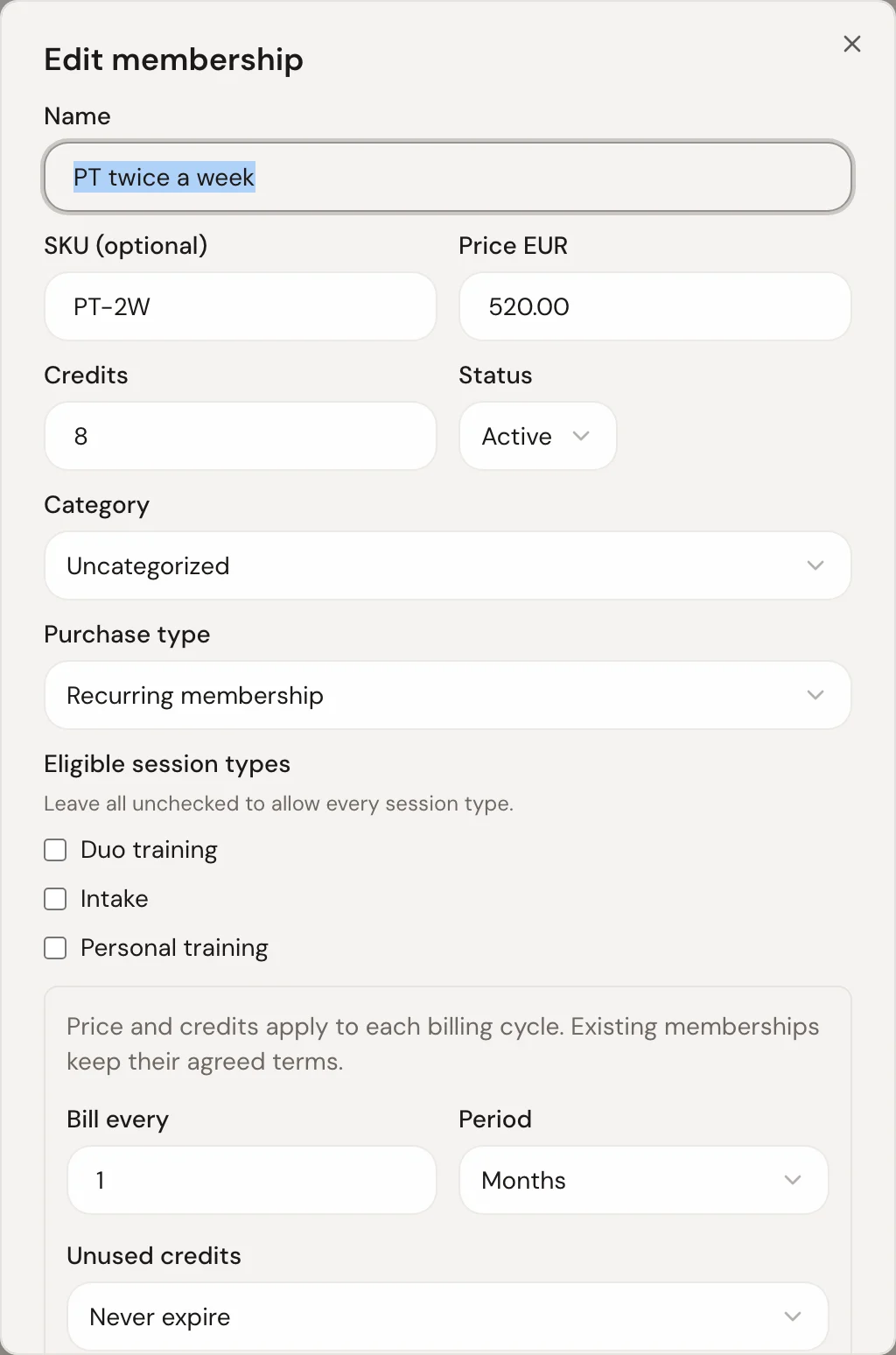
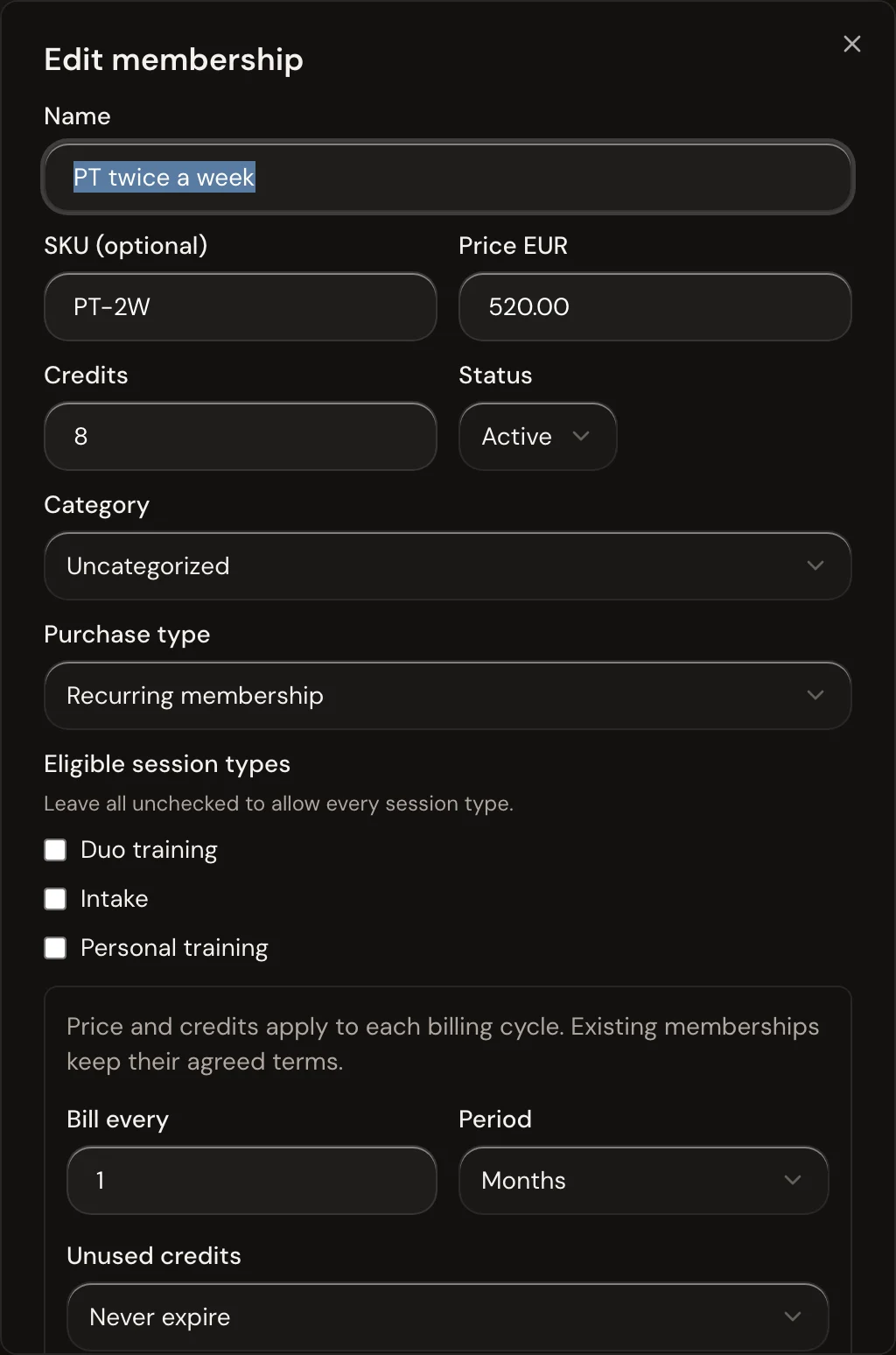
Both now show under Session packs & memberships on the Catalog tab, each with one status: On sale, Hidden or the reason clients can't buy it yet. Edit or hide one from the ⋯ menu on its row.
Clients buy it in the app
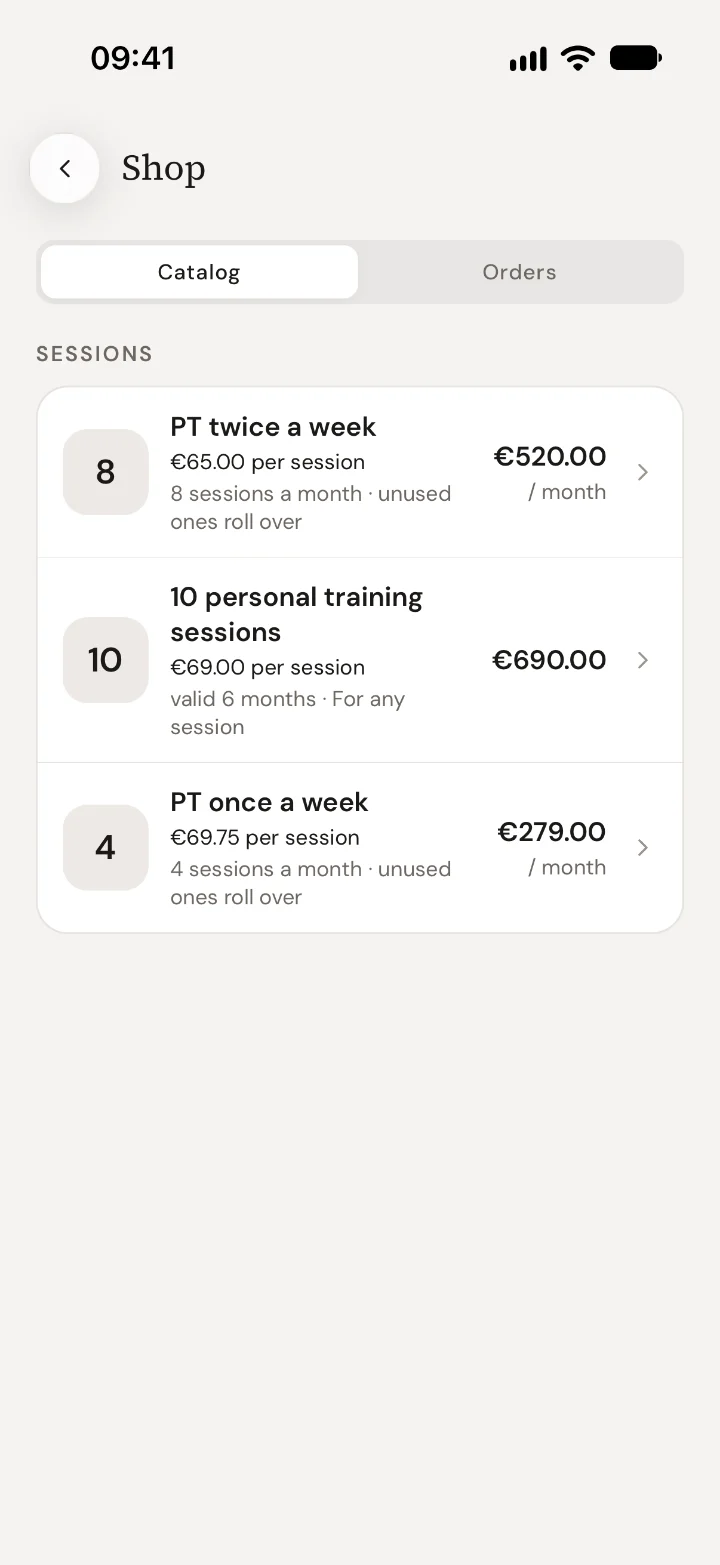
The products appear in the app's Shop, with the price per session. Clients pay with iDEAL, card or direct debit, and the credits land in their balance right away.
Make your session types use credits
In Booking setup, set your session types to Costs credits. From then on, every booking takes a credit, and late cancellations follow your cancellation rule.
Troubleshooting
Products shows “Checkout isn’t live yet”
The message says which step is missing: connecting Mollie, finishing Mollie's onboarding, choosing the website profile, turning on a payment method or accepting the fee terms.
Can I give a client a membership they pay outside the app?
Yes. Open the client, go to Payments and assign a membership there.
Can I invite a client to a membership myself?
Yes. Open Payments and choose Invite to membership. The client gets an email to approve the first payment. Until they do, they're listed under Memberships › Waiting for the client, where you can withdraw the invitation.
Can I give credits by hand?
Admins can adjust a client's credits from the client's Payments tab, for example as a goodwill gesture.

 Book 30 minutes with David