Book and pay for a session in the Trainnode app
How to book a personal training session at your studio in the Trainnode app, pay with credits or by card, and cancel or move it.
Trainnode team
1 min read
Your studio uses Trainnode for bookings. Here's how to book a session, pay for it and change it if your plans change.
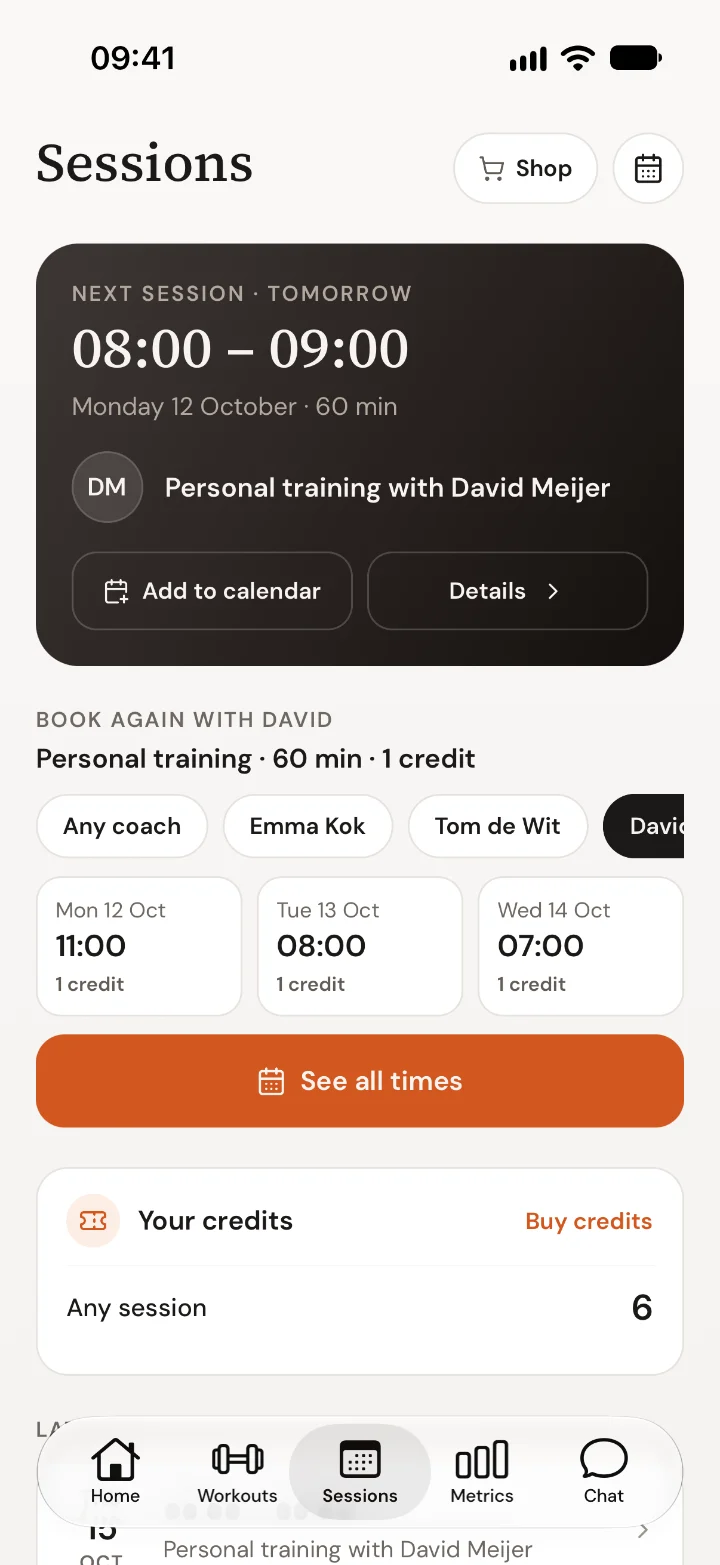
Open Sessions
Tap Sessions at the bottom of the app. You see your next session at the top, quick times with your usual coach, and how many credits you have.
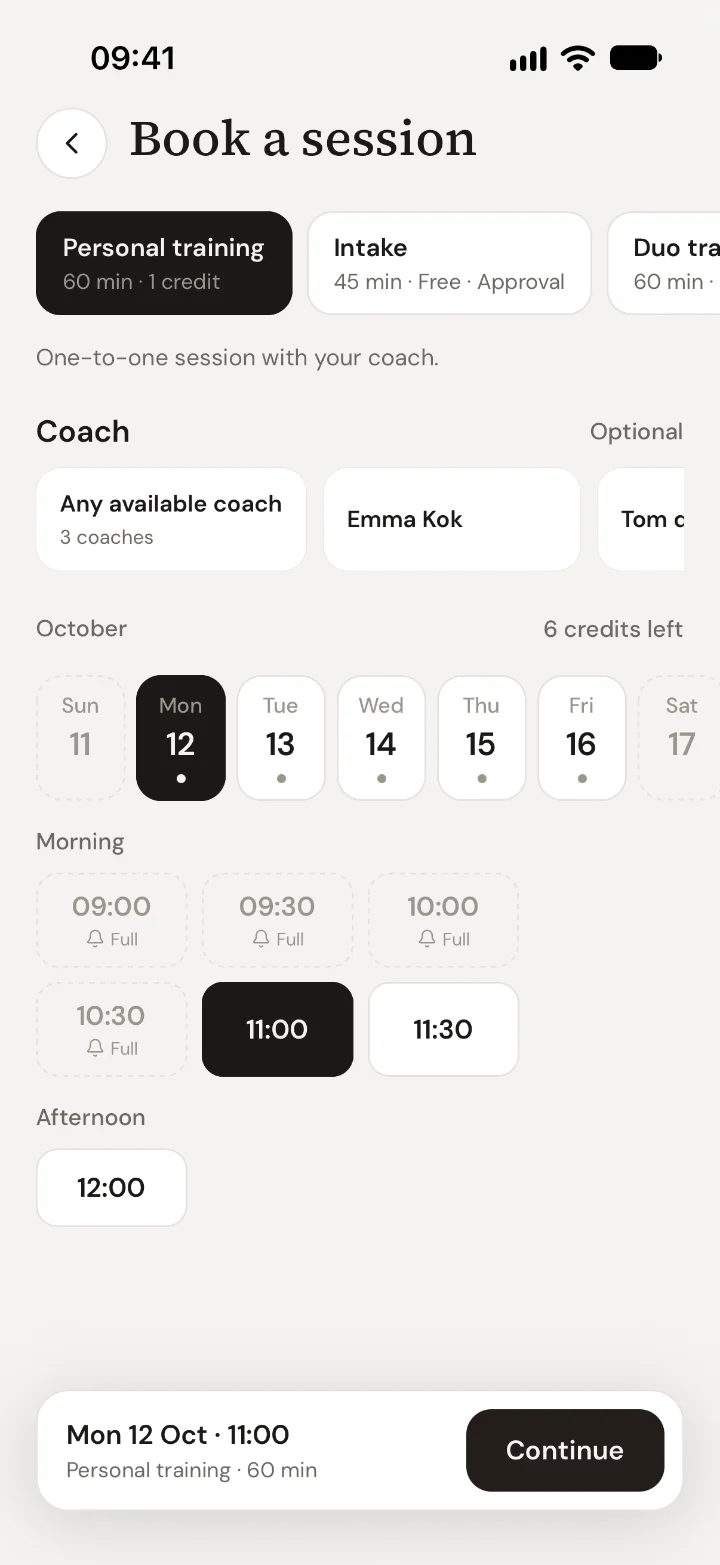
Pick a time
Tap See all times. Choose the type of session, a coach (or any available coach), a day and a time. Times marked Full have a bell: tap it to join the waiting list, and you'll get a message if the time frees up.
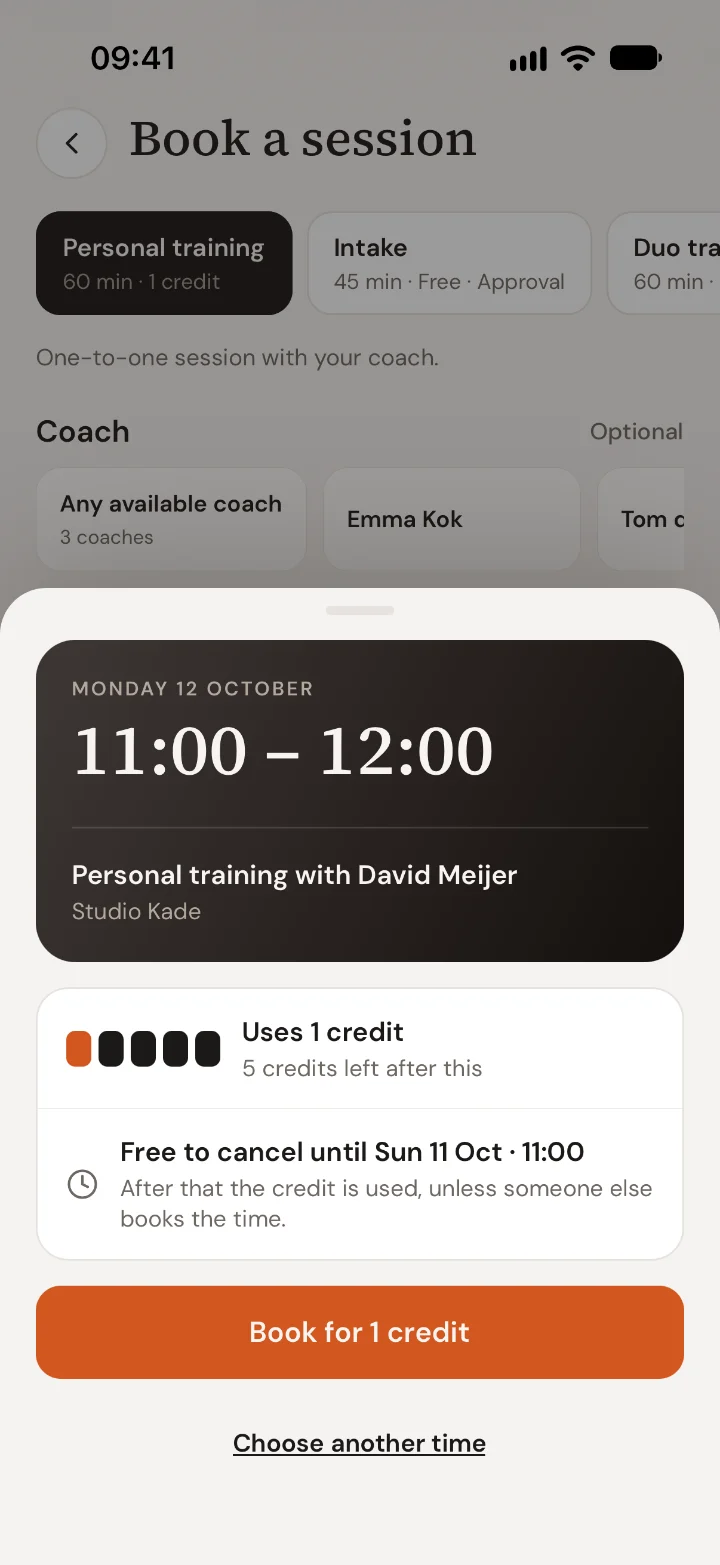
Check and book
Tap Continue. The app shows the time, your coach, what it costs and until when you can cancel for free. Tap Book to confirm.
- With credits: one credit is reserved for the session.
- Paying per session: you pay with iDEAL or card, and the session is booked when the payment goes through.
- Needs approval: some sessions are confirmed by your coach first. You'll get a message when they do.
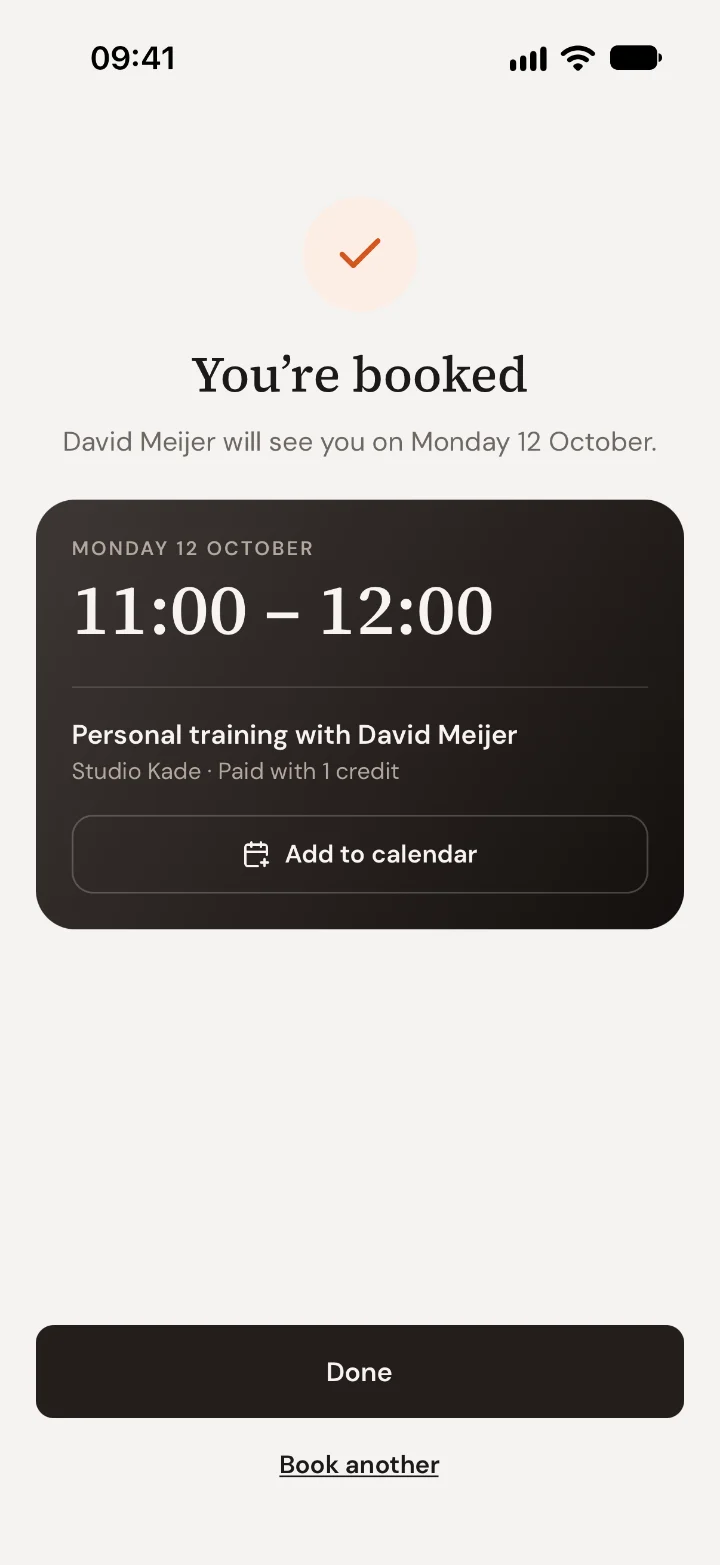
Add it to your calendar
After booking, tap Add to calendar so the session is in your phone's calendar too. You'll also get a reminder the day before.
Buying credits
No credits left? Tap Buy credits on the Sessions screen, or open the Shop. You'll see the packs and memberships your studio offers, with the price per session. Memberships are paid by direct debit every month.
Cancelling or moving a session
Open the session from Sessions, tap Details and then Cancel session. Want a different time instead? Ask your coach in Chat to move it.
Cancelling before the time shown at booking is free, and you get your credit or money back. After that, your studio's cancellation rule applies; the app always tells you what will happen before you confirm.
Still stuck? Ask your coach in Chat.

 Book 30 minutes with David