Metrics & Apple Health
Body metrics and recovery, read against the client’s usual.
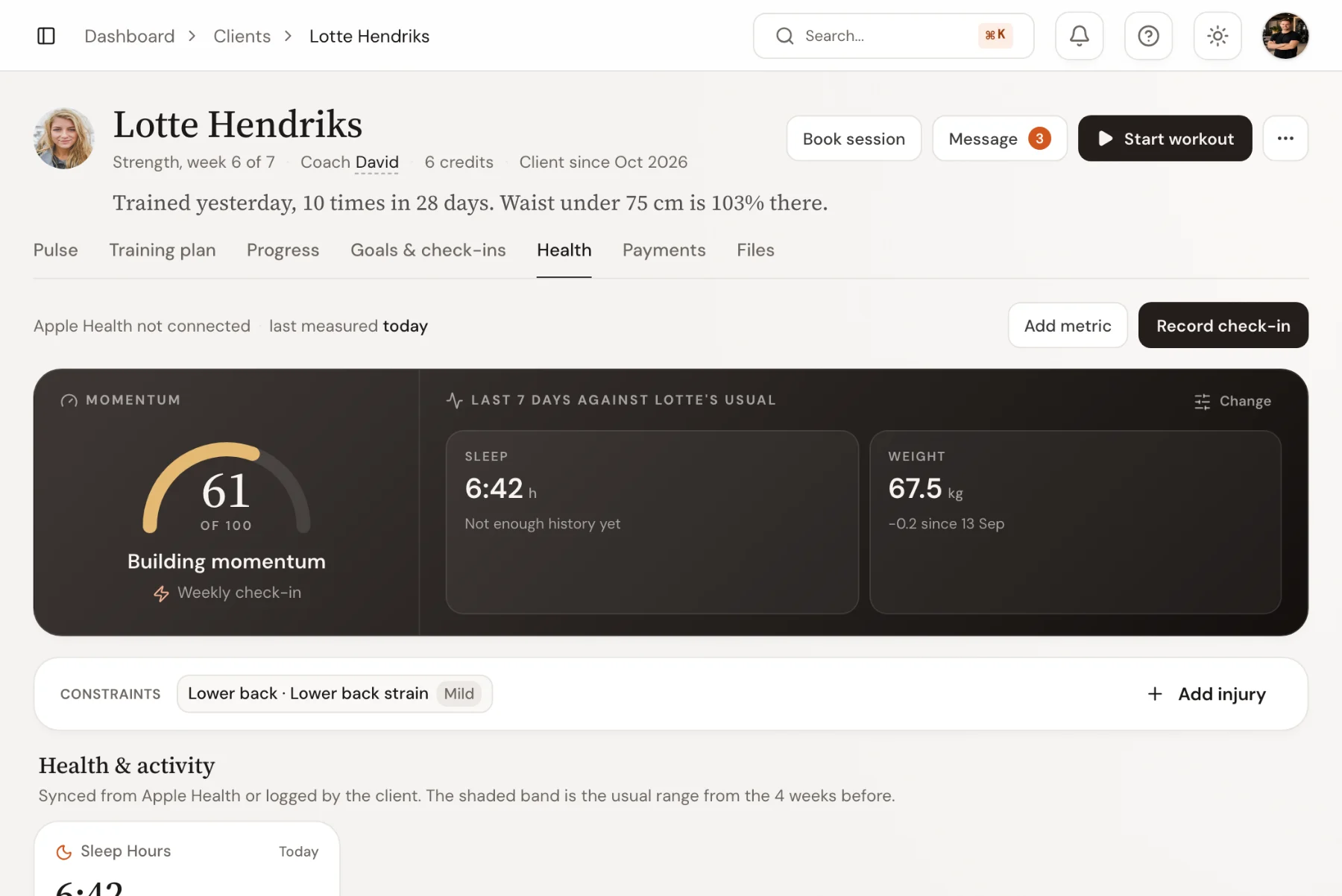
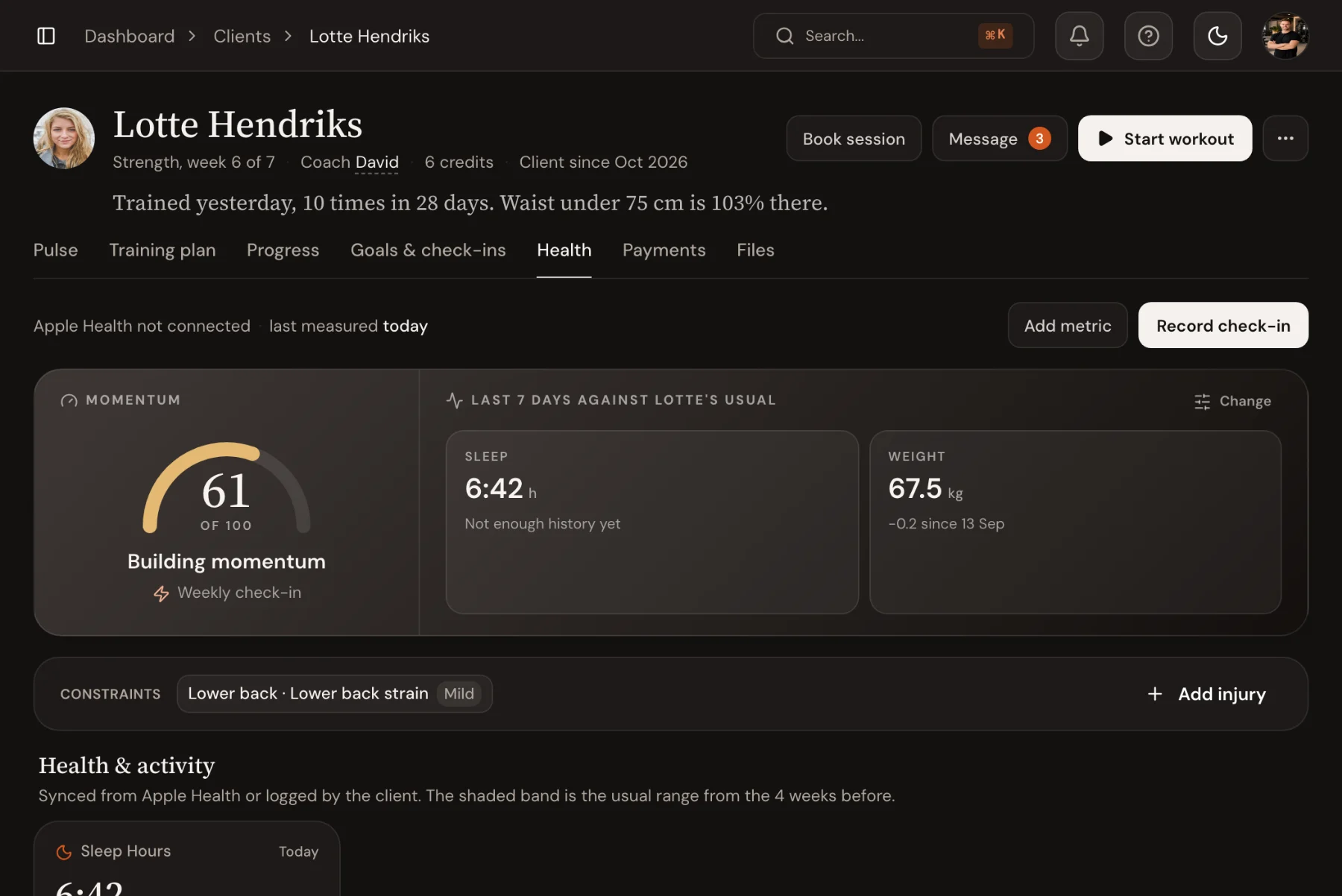
Track weight, waist, body fat, sleep and anything else you measure. Apple Health keeps the daily numbers current, read-only, and each week is compared with the client’s own normal, so an off week stands out without you hunting for it.
14-day free trial · No credit card
Apple Health
Sleep, steps and weight, without anyone typing them.
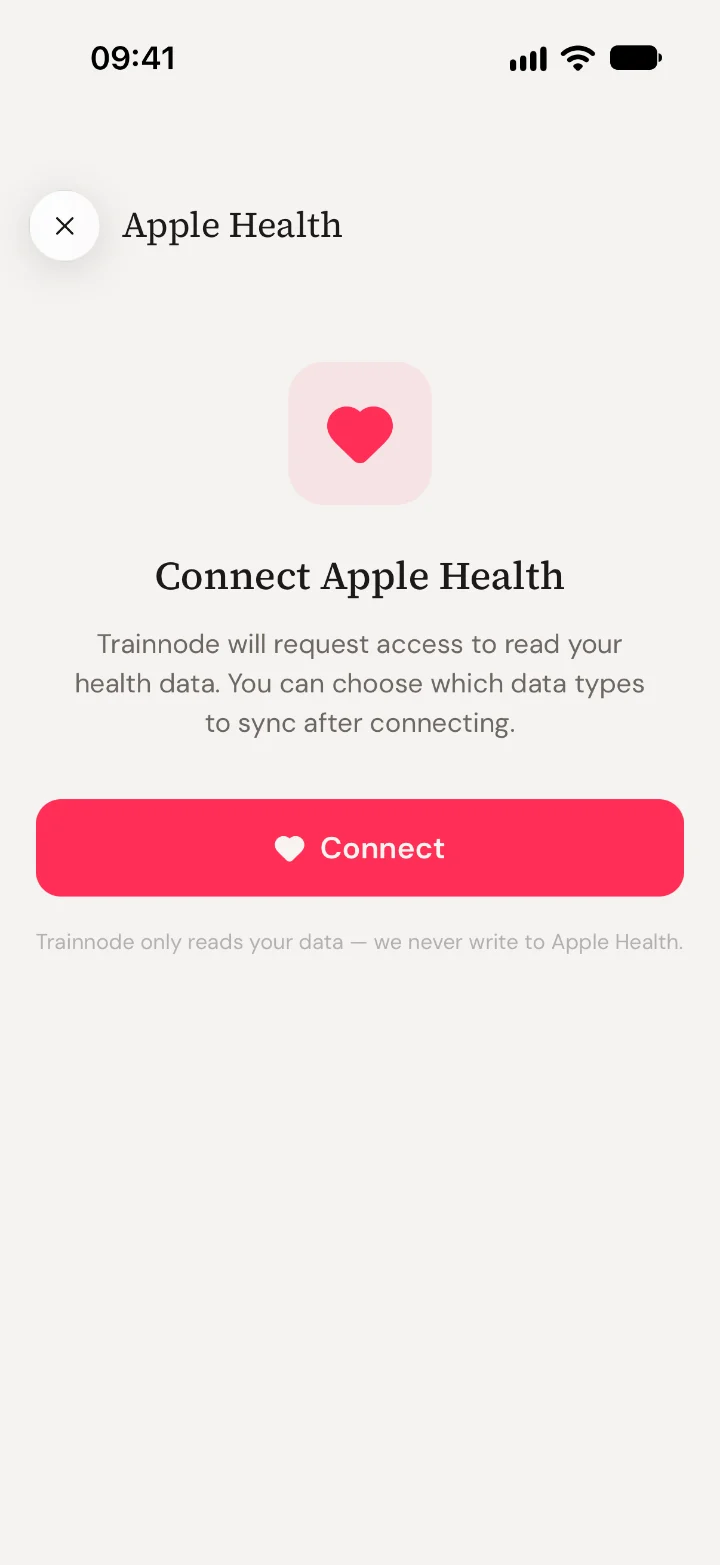
On iPhone, clients connect Apple Health once. Trainnode then reads weight, body fat, steps, sleep, resting heart rate and workouts, and never writes anything back.
- Read-only, never written back
- Syncs when the client opens the app
- Each number labelled with where it came from
Track anything
From bodyweight to whatever you measure.
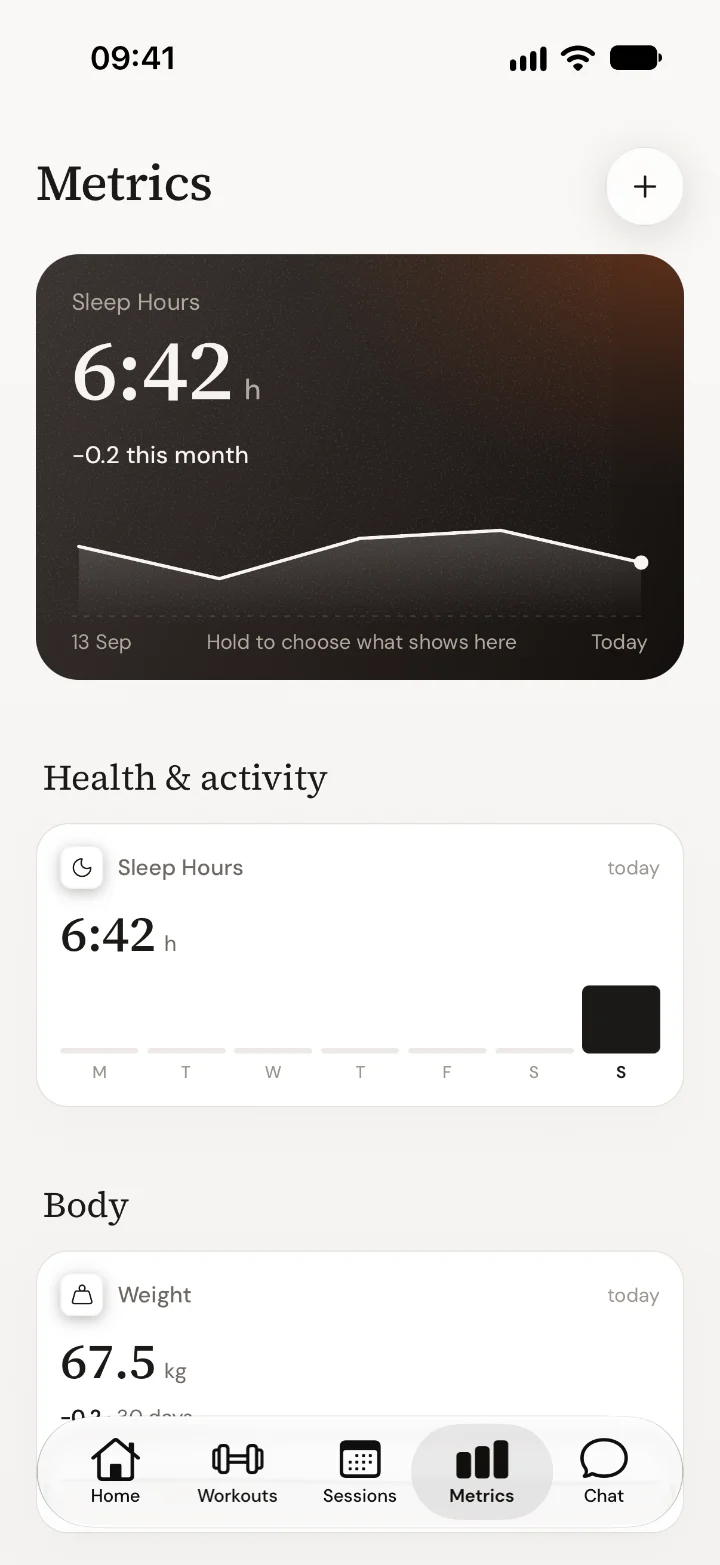
Start from common metrics or make your own with a name, unit and precision. Record body fat from 3, 4 or 7 skinfold sites and Trainnode does the maths. Clients log in the app, you log in-person check-ins, and check-in answers can feed a metric too.
- Weight, body fat, tape measurements and custom metrics
- Skinfold body fat calculated for you
- Logged by the client, the coach or a check-in
Recovery
An off week flags itself.
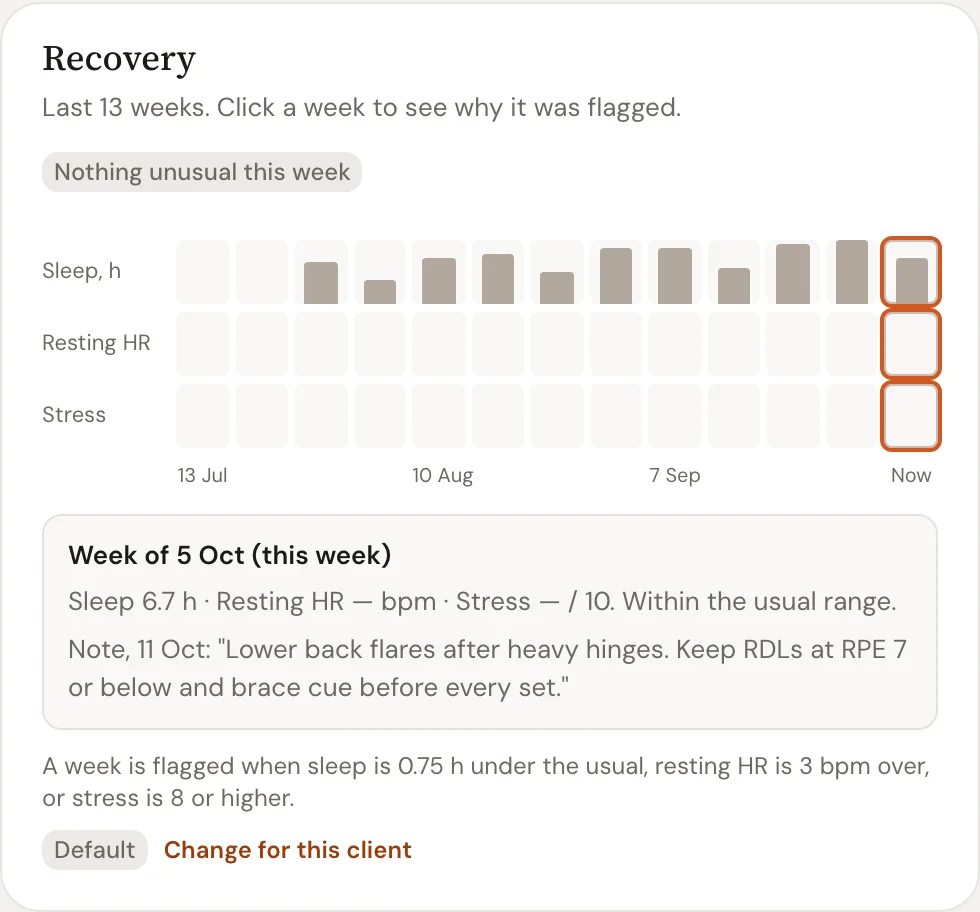
Thirteen weeks of sleep, resting heart rate and stress sit on one card. A week is flagged when sleep falls under the client’s usual, resting heart rate rises or stress runs high, and you can change those margins per client.
- Each week against the client’s own range
- Margins you can change per client
- Your notes from that week beside the numbers
Frequently asked questions
- What does Apple Health sync, and which way?
- On iPhone, Trainnode reads metrics like weight, body fat, steps, sleep, resting heart rate and workouts from Apple Health, read-only. It never writes anything back.
- Is Apple Health required?
- No. Any metric can be entered by hand by the client or the coach, and entries are labelled by source so you can see where a number came from.
- Does it work on Android?
- Apple Health sync is iPhone-only, since it relies on Apple’s HealthKit. Android clients track every metric by hand.
- What does “against the usual” mean?
- Trainnode compares the last week with the client’s own range from the weeks before, and flags a week when sleep drops, resting heart rate rises or stress climbs past the margins you set.
Ready to coach with less admin?
Start your free trial today, or see everything Trainnode does.