Set calorie and macro targets for training and rest days
Calculate a client’s calories, protein, carbs and fat from their weight and goal in Trainnode, split training and rest days, and sync the targets to their app.
Trainnode team
1 min read
Targets give the client two numbers to aim for instead of a menu. Set them once per type of day; the app picks the right one each day.
Open the plan
Open the client, go to Health and choose Create plan in the Nutrition section (or Edit plan if they have one).
Let Trainnode calculate, then adjust
Under Goal & activity, pick the goal and how active the client is. Body stats come from their profile and measurements. Trainnode fills in calories, protein, carbs and fat; change any number by hand, or the protein and fat per kilo under Formula knobs.
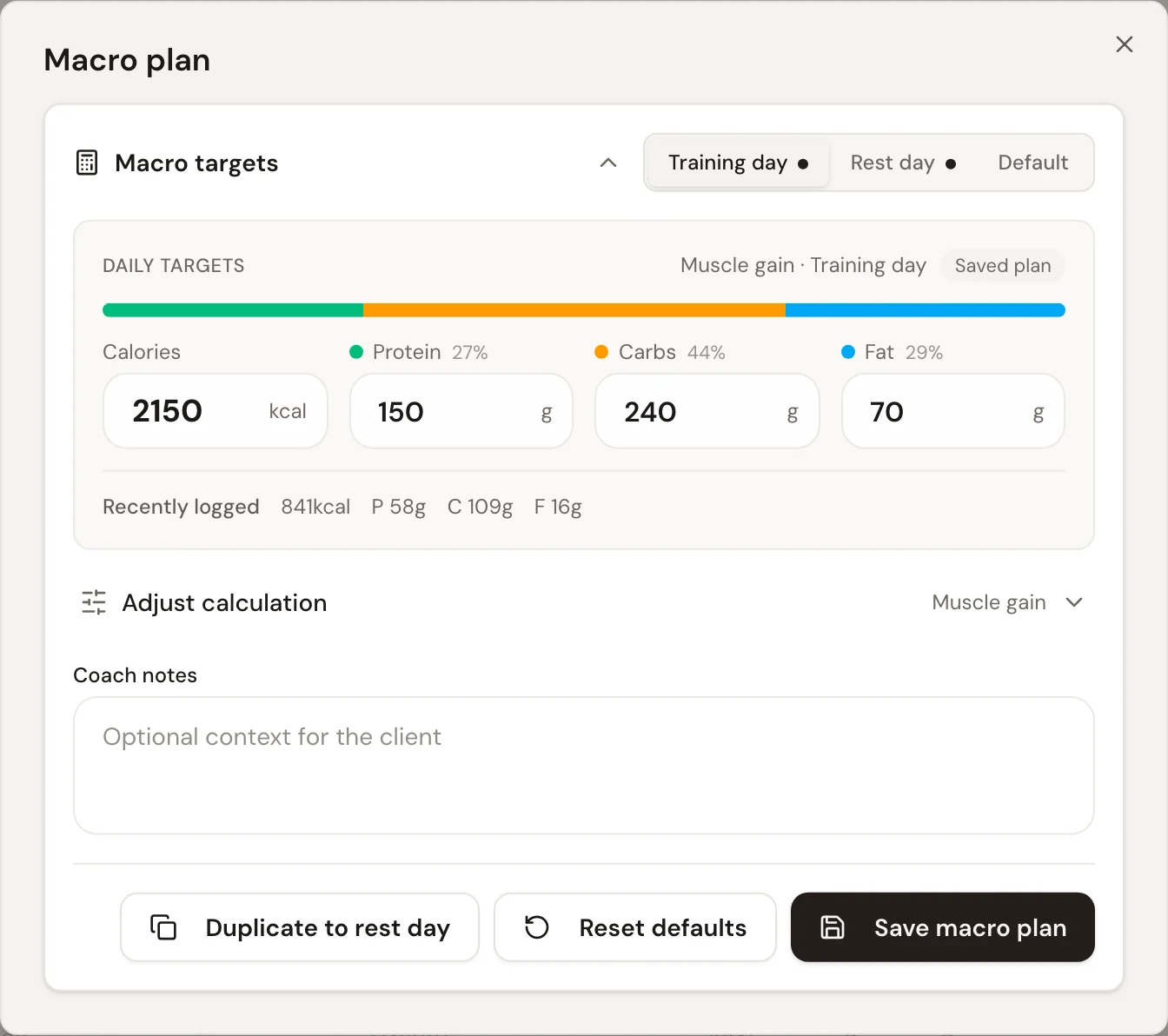
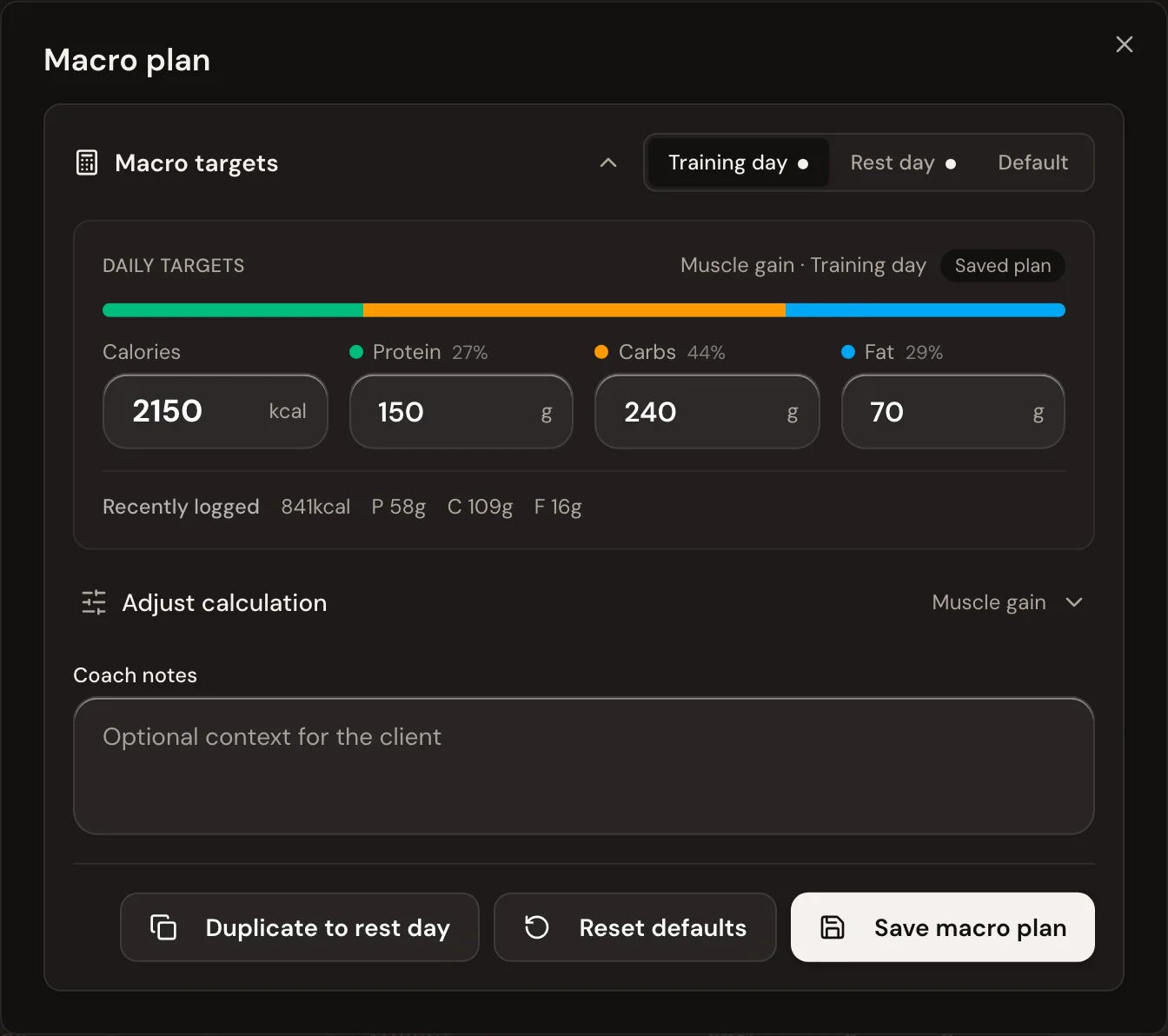
Split training and rest days
Choose Duplicate to rest day to start the rest-day plan from the training-day numbers, then lower what you want lower. Choose Save macro plan.
The targets sync to the client's app. On a day they finished a workout, the app uses the training-day plan; otherwise the rest-day plan.
Good to know
- Add a note under Coach notes for anything the numbers don't say. The client sees it with their targets.
- Want the targets in their weekly score? Add Calories on plan or Protein target hit as a Momentum goal.

 Book 30 minutes with Coach David