Read a client’s food week and comment on a day
Open the Nutrition section on a client’s Health tab, read what stands out in their week, and post a comment the client sees on that day in the app.
Trainnode team
1 min read
Clients log what they eat in the app. You don't need to read every meal: the Nutrition section sums up the week and points out what stands out, and you comment on the day it's about.
Open the client’s Health tab
Open the client and go to Health. The Nutrition section shows what they logged in the app this week. Use the arrows to go back a week.
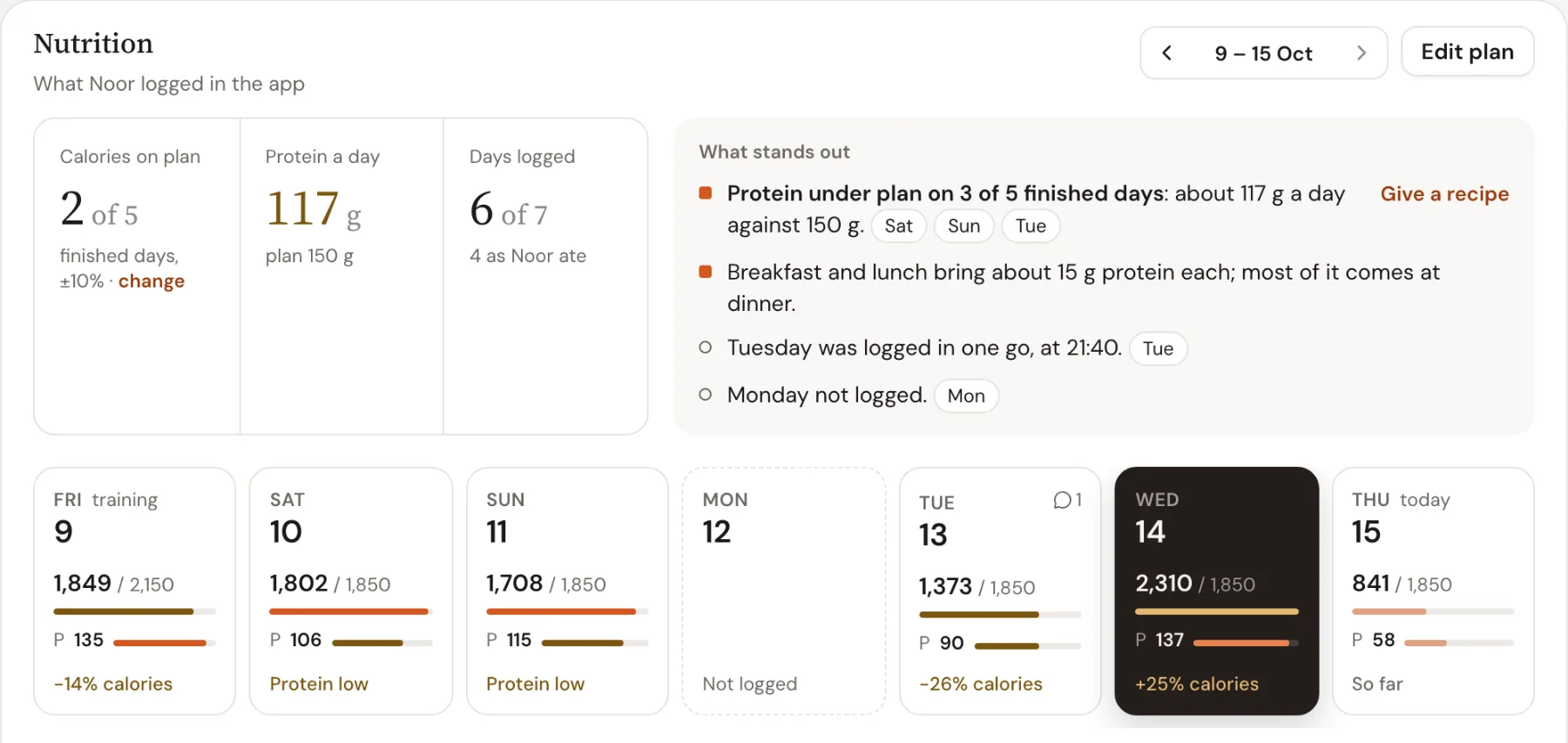
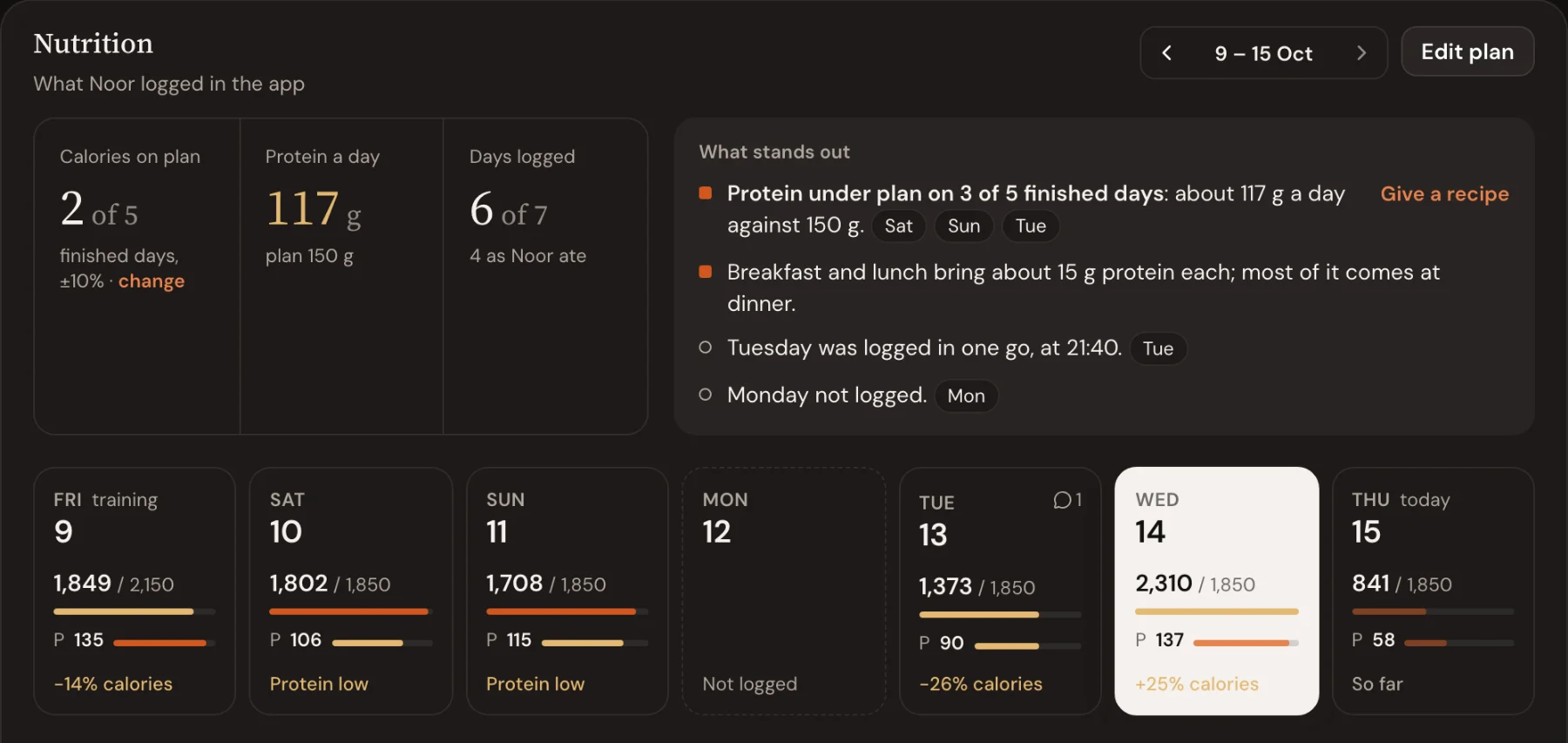
At the top you see three figures:
- Calories on plan: finished days within range of the plan for that day (±10% unless you change it)
- Protein a day: the average, against the plan
- Days logged: how many of the seven days have food, and how many were logged as the client ate
Read what stands out
Next to the figures, What stands out points out patterns once the client has three finished days:
- Protein under plan on most days, with Give a recipe next to it
- Meals that bring little protein
- Days not logged
- Days logged in one go, afterwards (from memory, so read them as an estimate)
Each day card says On plan, Protein low, how far over or under calories it was, or Not logged.
Open a day and post a comment
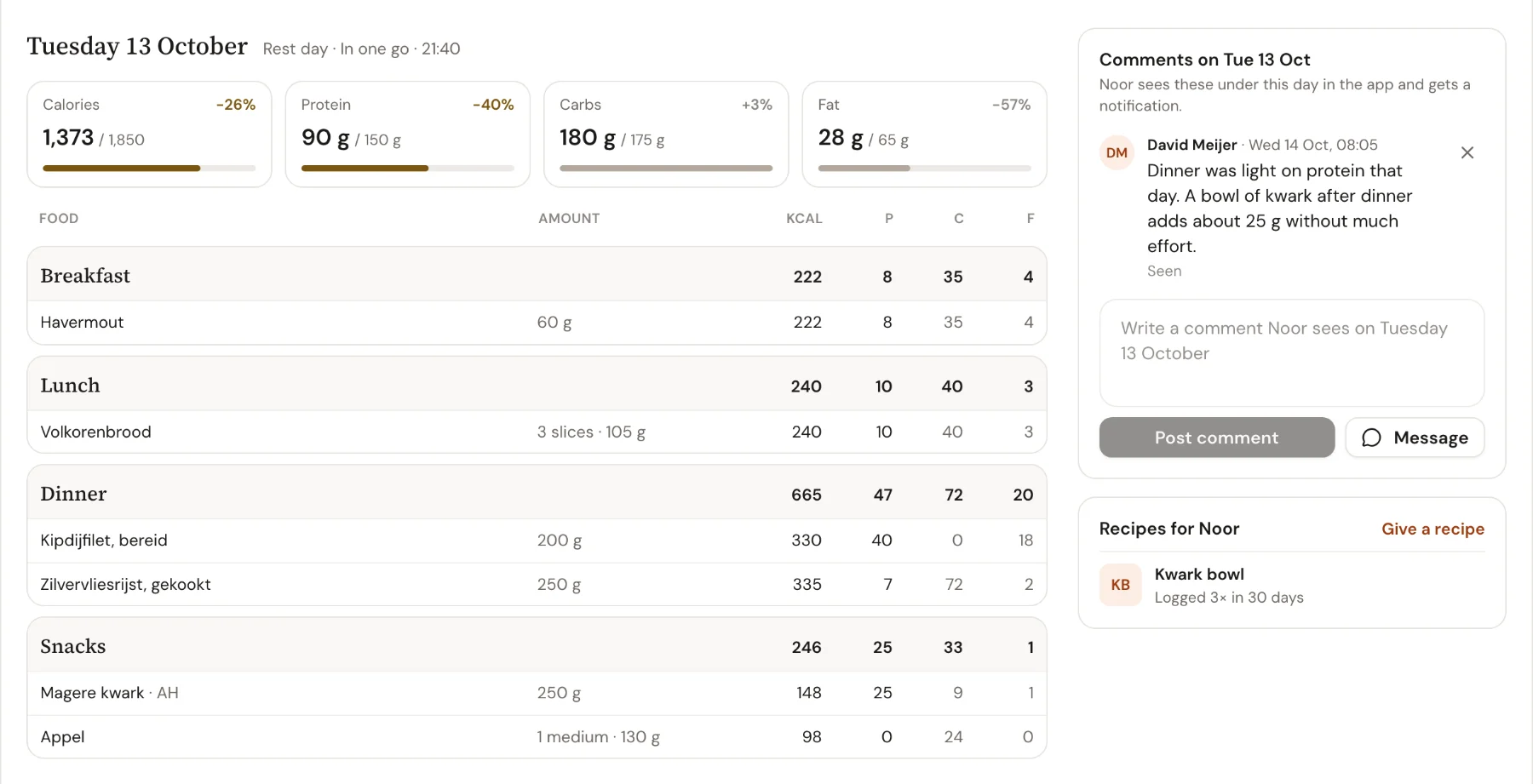
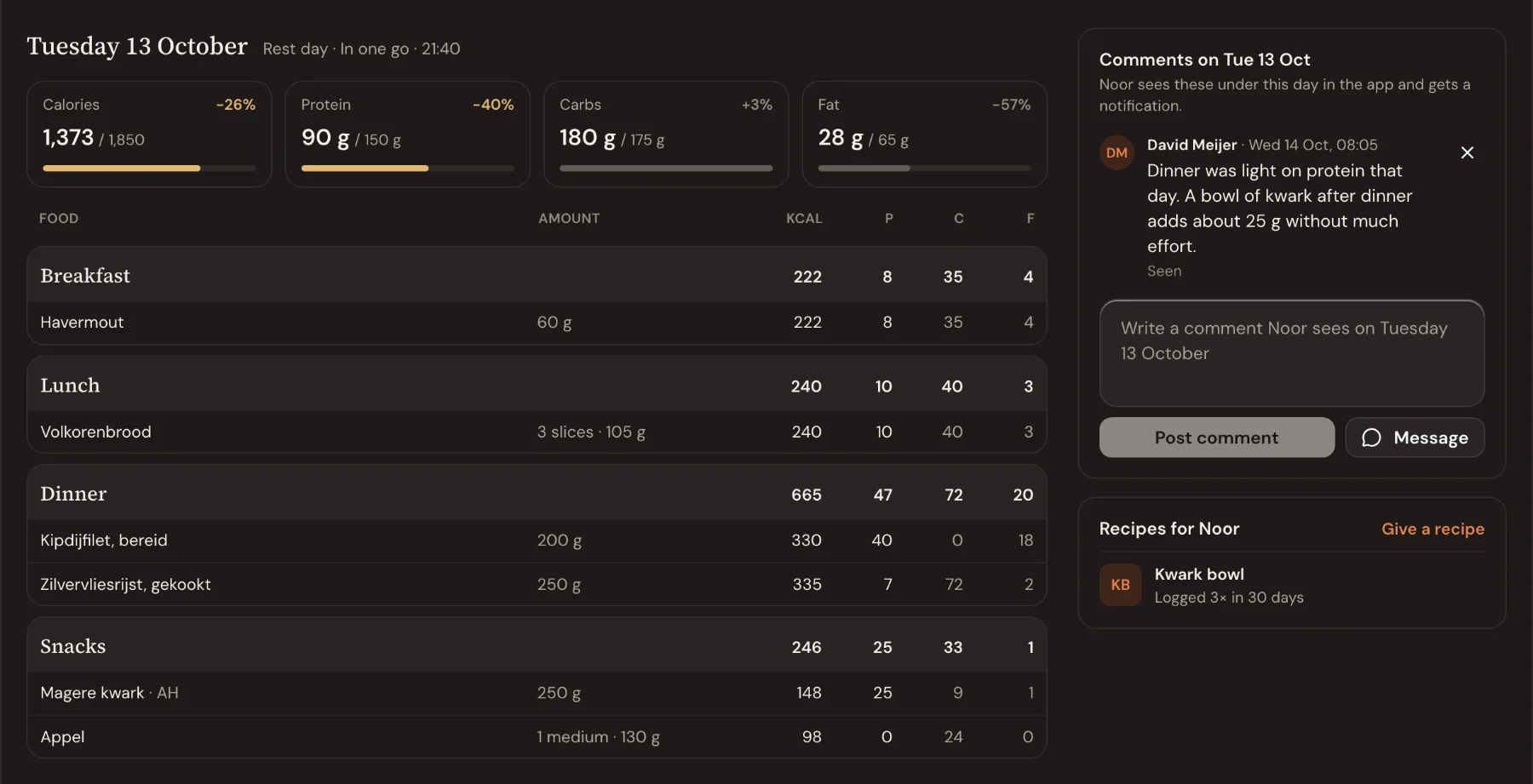
Click a day to see every meal with its amounts, calories and protein, carbs and fat, and how the day was logged (for example In one go · 22:40).
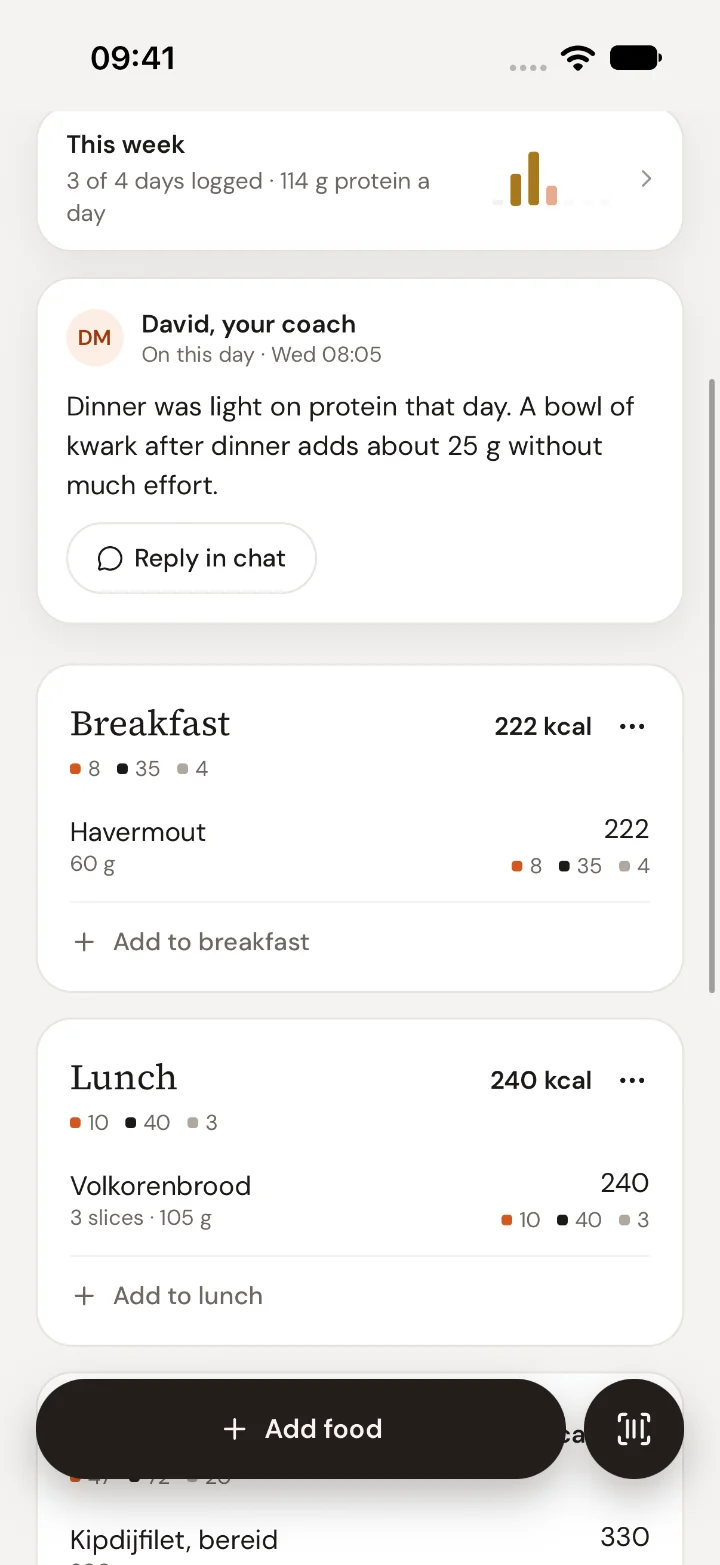
Write your comment in the box and choose Post comment. The client gets a notification and finds your comment on that day in their food log, with Reply in chat under it. Each comment shows Seen once they've read it.
Your dashboard
Your client’s app
Good to know
- You can choose how close counts as on plan: Count a day as on target within ±5, 10, 15 or 20%.
- The same week is in the coach app, on the client's page.
- No plan yet? Choose Create plan. See Set calorie and macro targets.

 Book 30 minutes with Coach David