Make studio recipes and give one to a client
Build a recipe in Recipes, choose which clients see it, and give one to a client from their food week with an optional message.
Trainnode team
1 min read
A recipe is easier to follow than advice. Make your studio's recipes once, and every client can log a portion in one tap.
Make a recipe
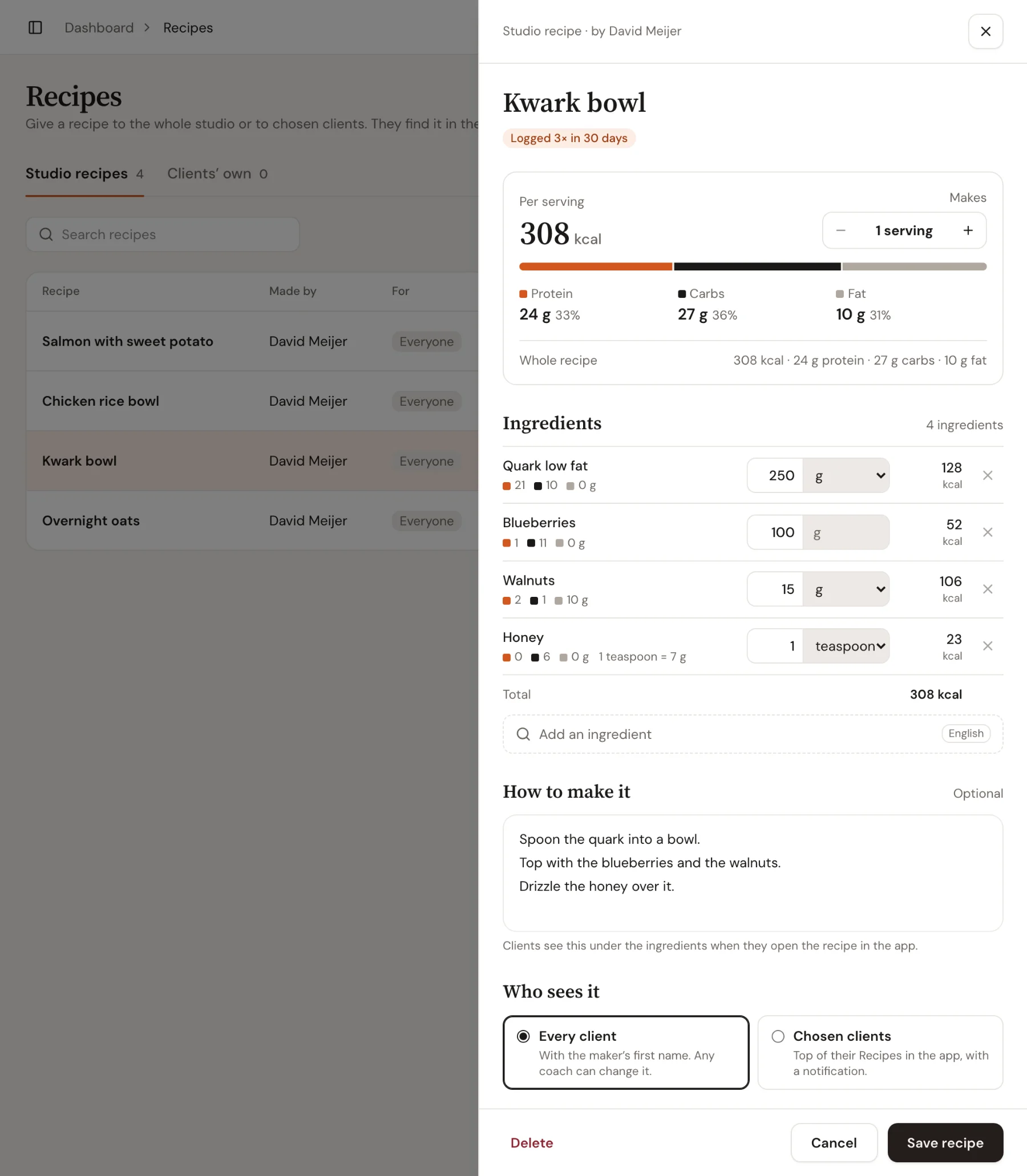
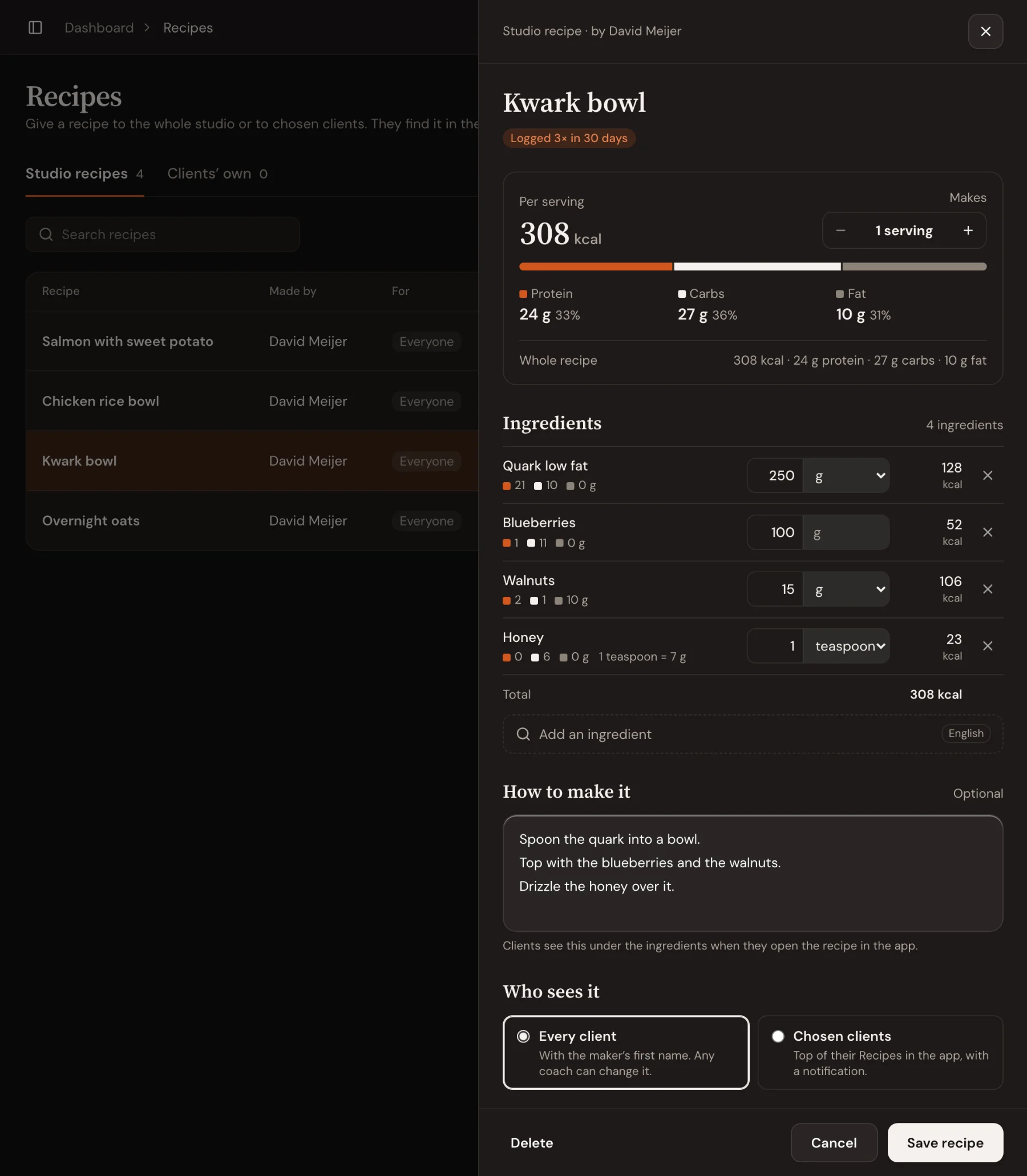
Go to Recipes and choose New recipe. Give it a name, set how many servings it Makes, and add the ingredients. Pieces count in their own size (1 egg, 2 slices), the rest in grams. Add the steps under How to make it if you like.
The calories and protein, carbs and fat per serving add up as you go.
Choose who sees it
Under Who sees it:
- Every client: the recipe shows in every client's app under Add food › Recipes, with your first name.
- Chosen clients: it goes to the top of their Recipes, with a notification.
Choose Save recipe.
Give a recipe from a client’s week
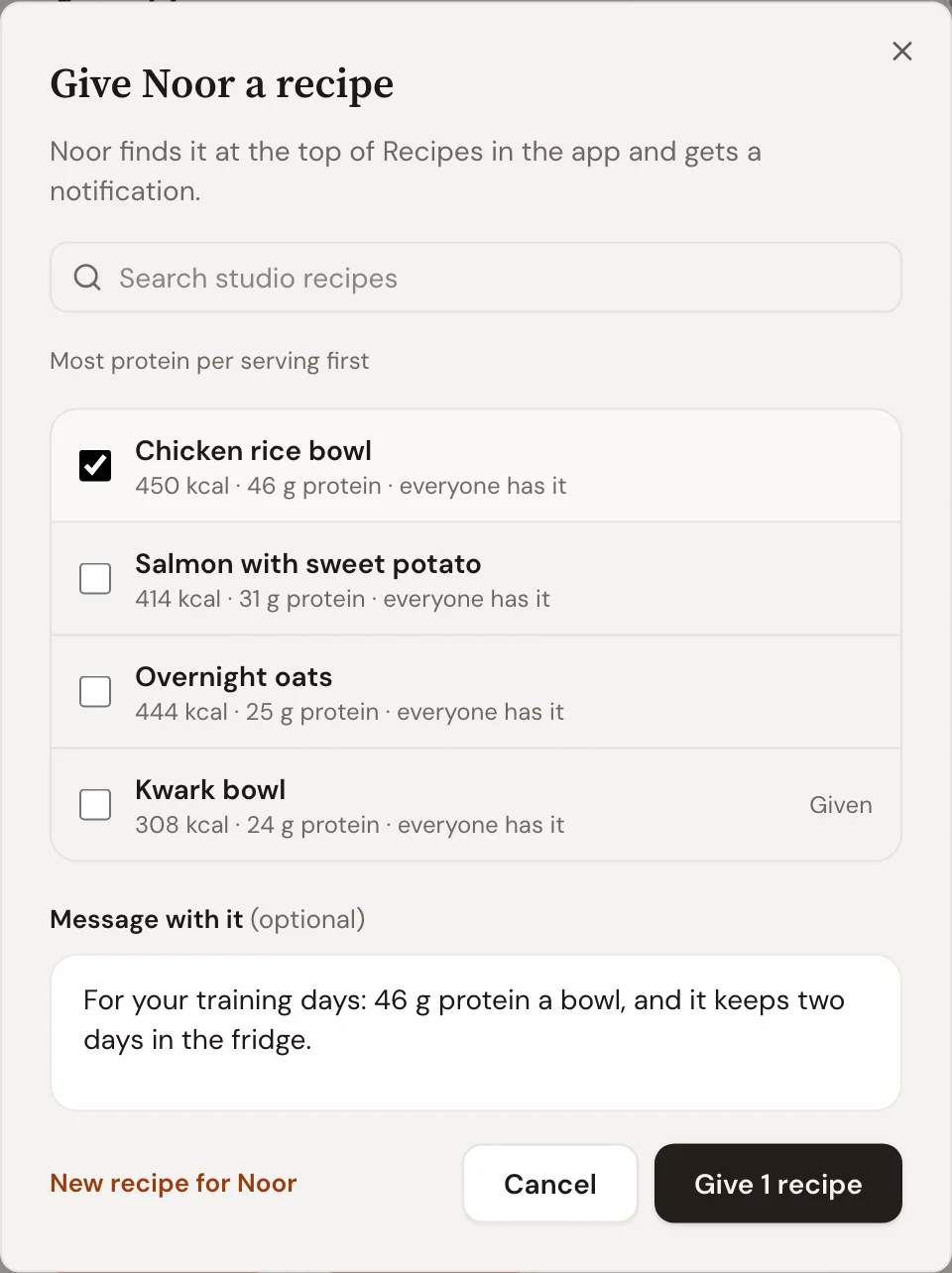
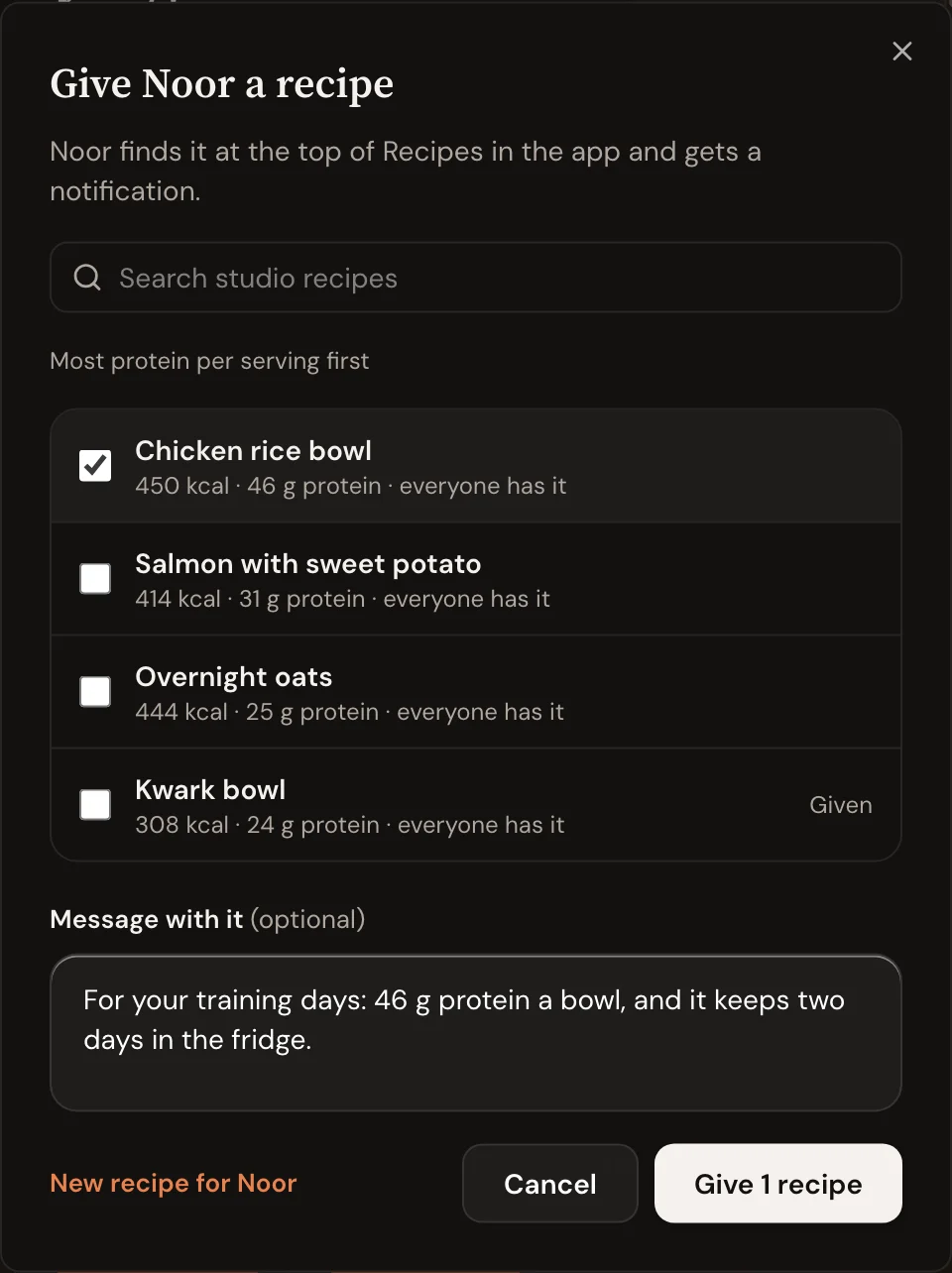
When a client's protein is short, choose Give a recipe in their Nutrition section, next to the finding. Studio recipes are sorted with the most protein per serving first. Pick one or more, add a Message with it if you like, and give it.
The client finds it at the top of their Recipes and gets a notification. In the Nutrition section you see how often they've logged it in the last 30 days.
Good to know
- Recipes clients save themselves are on the Clients’ own tab.
- Changing a recipe only changes it from now on. Days already logged keep their numbers.

 Book 30 minutes with Coach David