Log your food in the Trainnode app
How to add what you eat in the Trainnode app: search a food, scan a barcode, count slices and pieces, repeat a meal and read your coach’s comments.
Trainnode team
1 min read
If your coach has set calorie and macro targets for you, the app shows how your day adds up as you go. Your coach sees your week and can leave a comment on a day.
Add a food
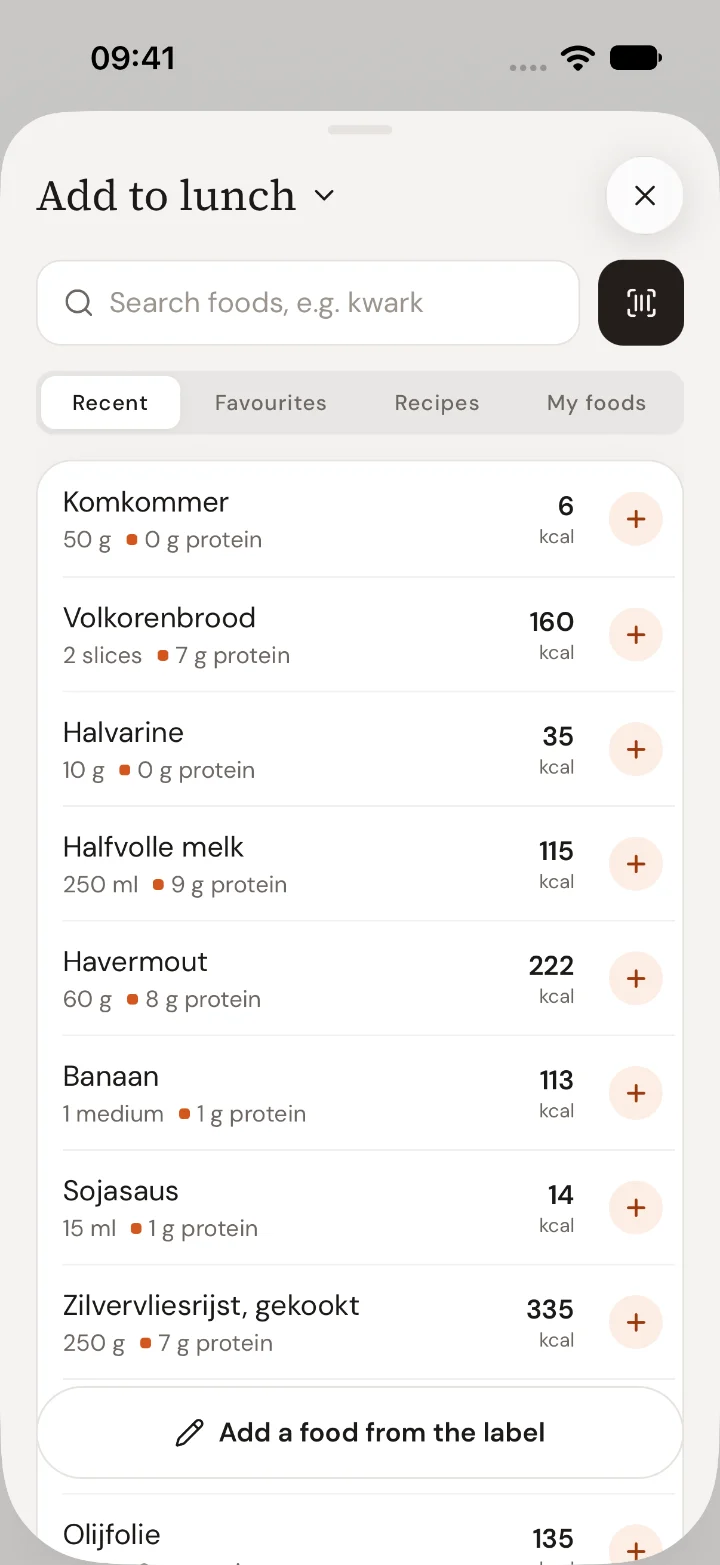
Tap Log food on Home, or open Food and tap Add food. Search for what you ate, for example kwark. Foods you had before are at the top, and Recent, Favourites, Recipes and My foods keep the ones you use often one tap away.
Choose how much
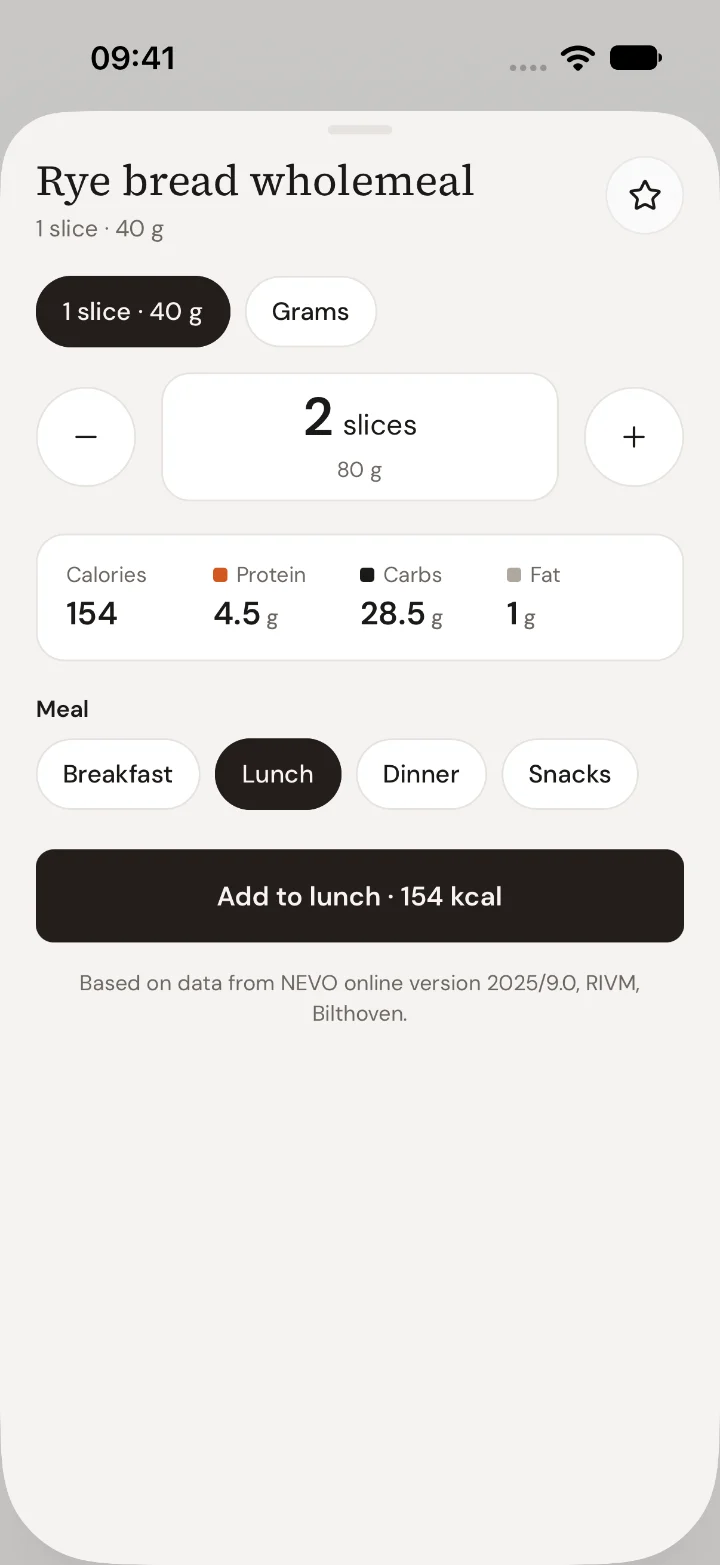
Pick a serving, such as 1 slice, and count up with +: the app shows 2 slices, not 70 g. You can also switch to Grams. Check the meal and tap Add to that meal.
Scan a barcode
Tap the barcode button next to Add food and hold the barcode in the frame. It scans by itself. Not found? See Add a product that isn't found yet.
Repeat a meal
On a new day, tap Log yesterday's breakfast again to copy a whole meal. On a past day, a meal's ··· menu has Copy to today and Save as recipe.
Read your coach’s comment
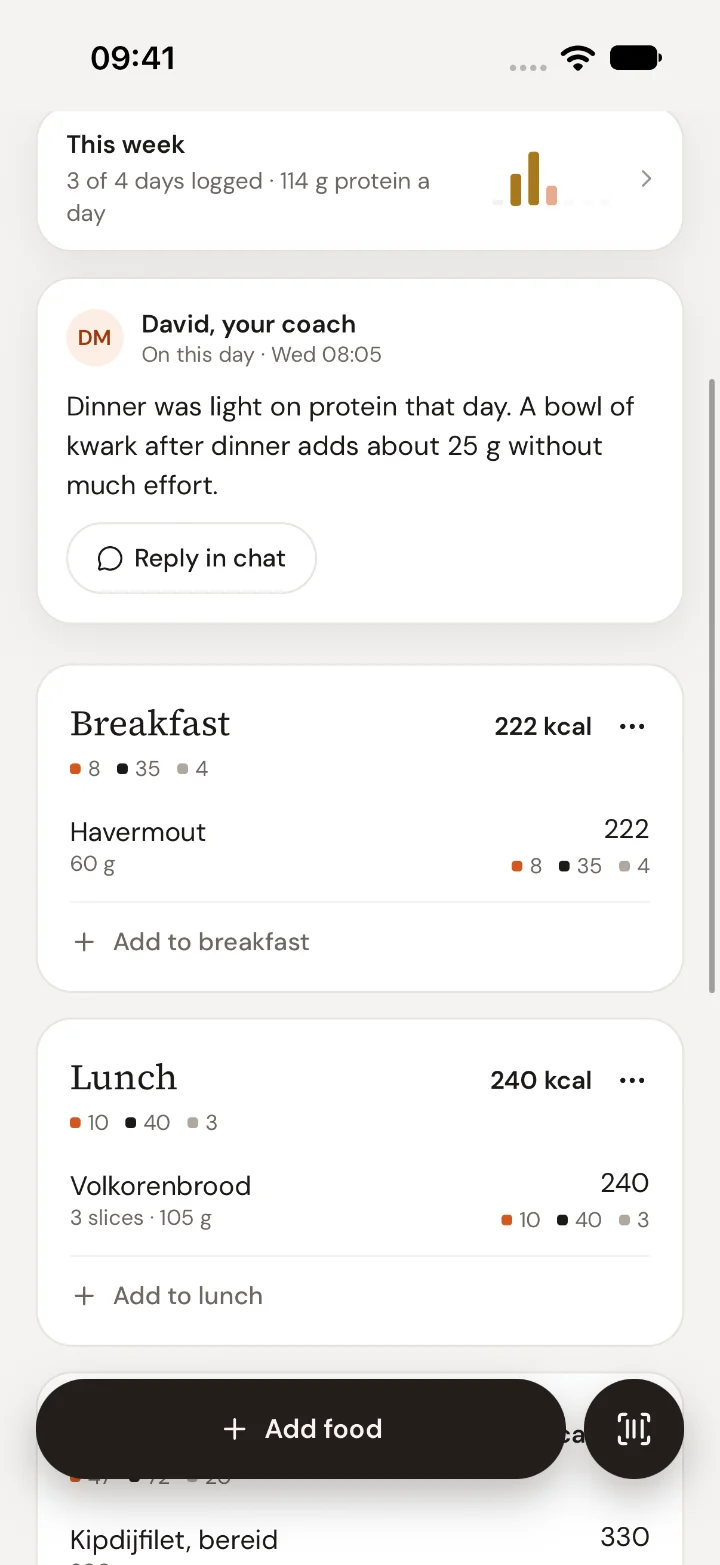
When your coach comments on a day, you get a notification and the comment sits on that day, above your meals. Tap Reply in chat to answer.
Good to know
- Tap a food to change the amount or move it to another meal. Swipe left to delete it; Undo brings it back.
- Going over a target is shown, not judged. Log the day as it was; that is what your coach can help with.
- A day you log here replaces the totals from Apple Health for that day.

 Book 30 minutes with Coach David