Message your coach in the Trainnode app
How to send your coach a message, photo or video in the Trainnode app, who reads it, and how to get notified when they reply.
Trainnode team
1 min read
Before you start:iPhone and Android app
Questions about your plan, a session you want to move, a sore knee: send it to your coach in the app.
Open Chat
Tap Chat at the bottom. You see the conversation with your studio. Every coach you train with reads this chat, so whoever is working can help.
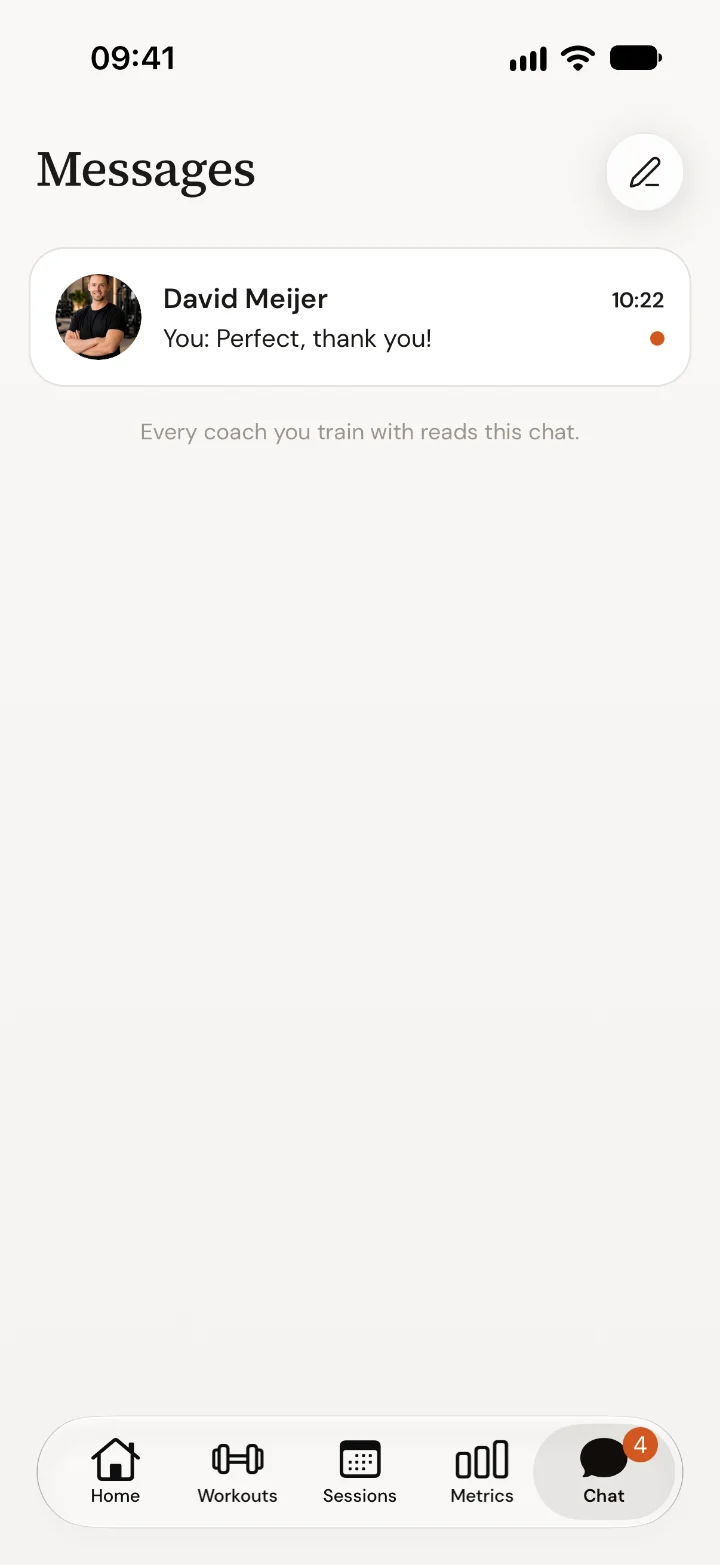
Write your message
Tap the conversation and type in the box at the bottom. Tap + to add a photo or video, for example a set you want your coach to check.
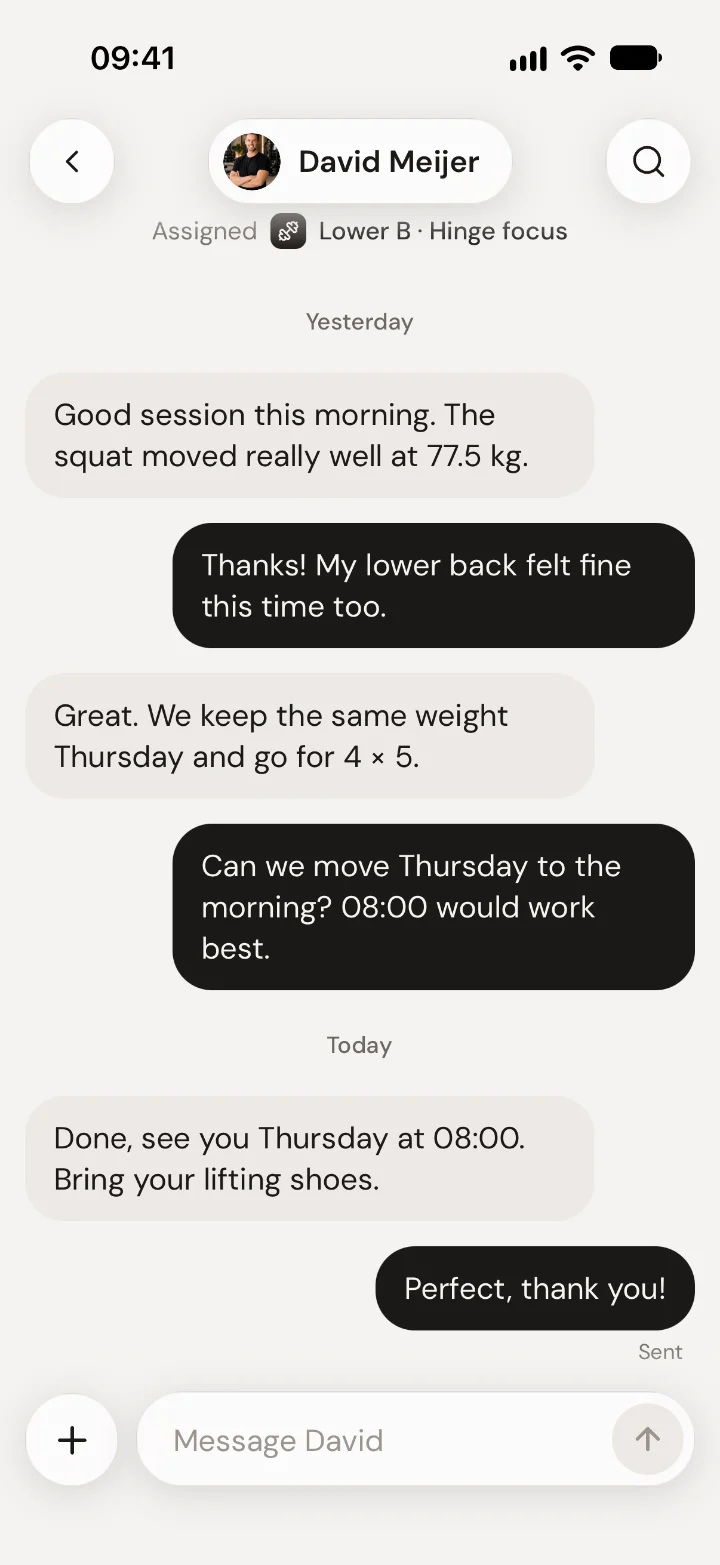
Get the reply
Your coach's reply comes in as a notification. No notifications? Turn them on for Trainnode in your phone's settings.
Good to know
- The chat also shows small updates, such as a new workout from your coach, so you can see what changed.
- For anything urgent on the day of a session, call your studio.
Read next
App help1 minGet started with the Trainnode appHow to sign in to the Trainnode app with the invite from your studio, what the short tour shows, and where to find your workouts and sessions.App help1 minCancel or move a session in the Trainnode appHow to cancel a booked session in the Trainnode app, when you get your credit or money back, and how to move a session to another time.App help1 minFill in your check-in in the Trainnode appWhat the weekly check-in from your coach is for, how to fill it in in the Trainnode app, and what happens with your answers.

 Book 30 minutes with David