Invite coaches and assign their clients
Add a coach or admin to your Trainnode studio, choose what they can do, and give each client a primary coach so the right person follows them up.
Trainnode team
1 min read
Every coach in your studio gets their own login. Admins run the studio: payments, products, booking setup and the team. Coaches coach: their clients, workouts, messages and their own hours.
Invite a coach
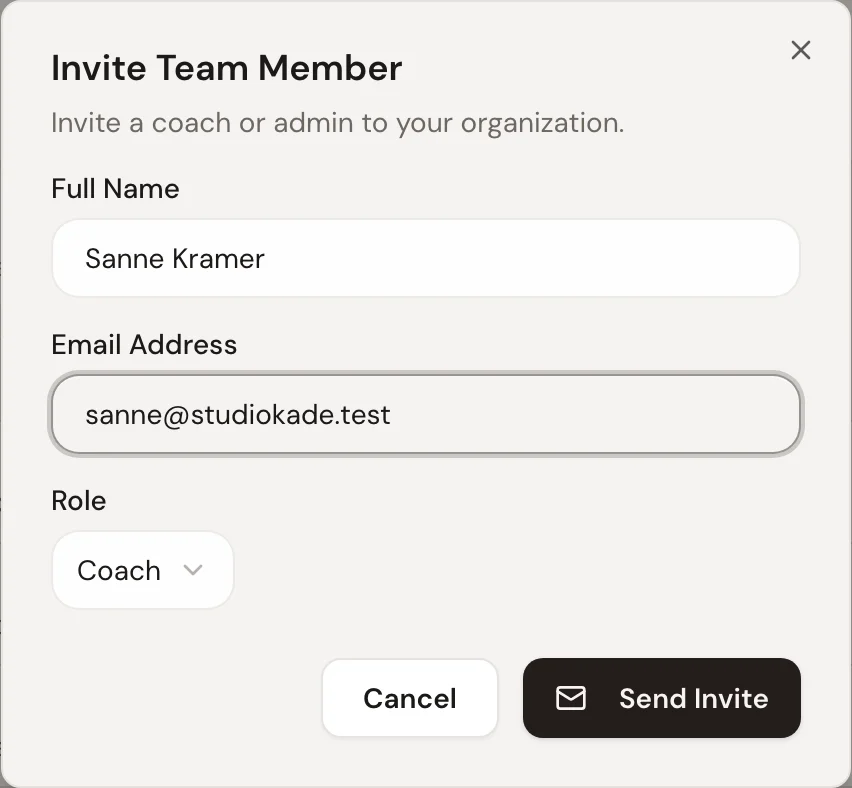
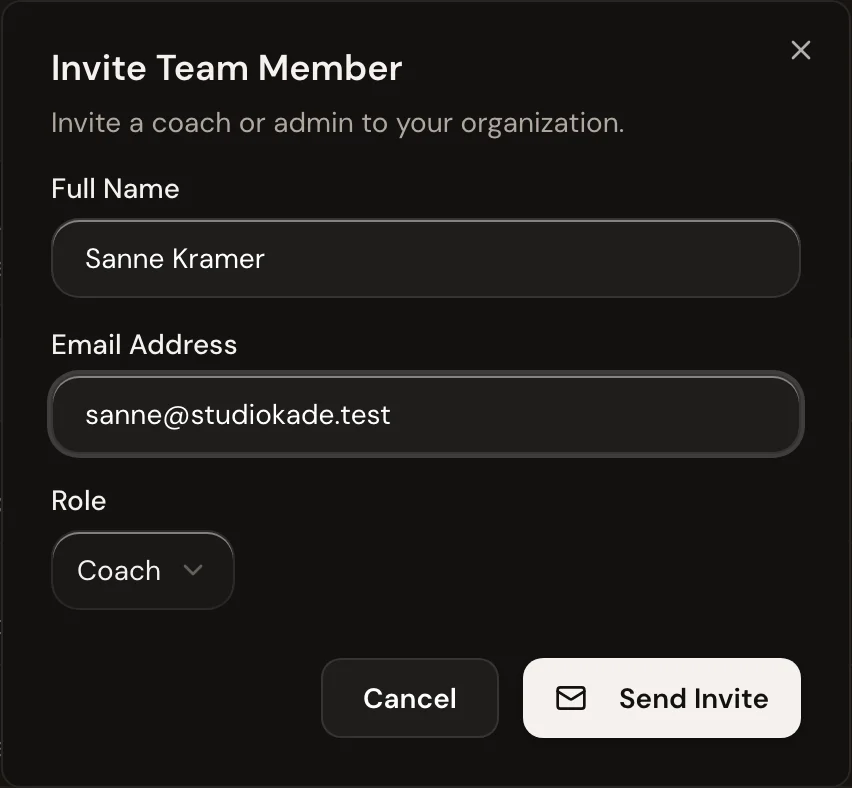
Go to Team and choose Invite team member. Fill in their name and email, and pick a role:
- Coach: sees and coaches clients, plans workouts, runs sessions and sets their own availability.
- Admin: everything a coach can do, plus payments, products, booking setup, the organization settings and the team. Coaches can invite other coaches; only admins can invite an admin.
Choose Send invite. The coach gets an email to set a password and sign in to the dashboard and the app.
Check the team
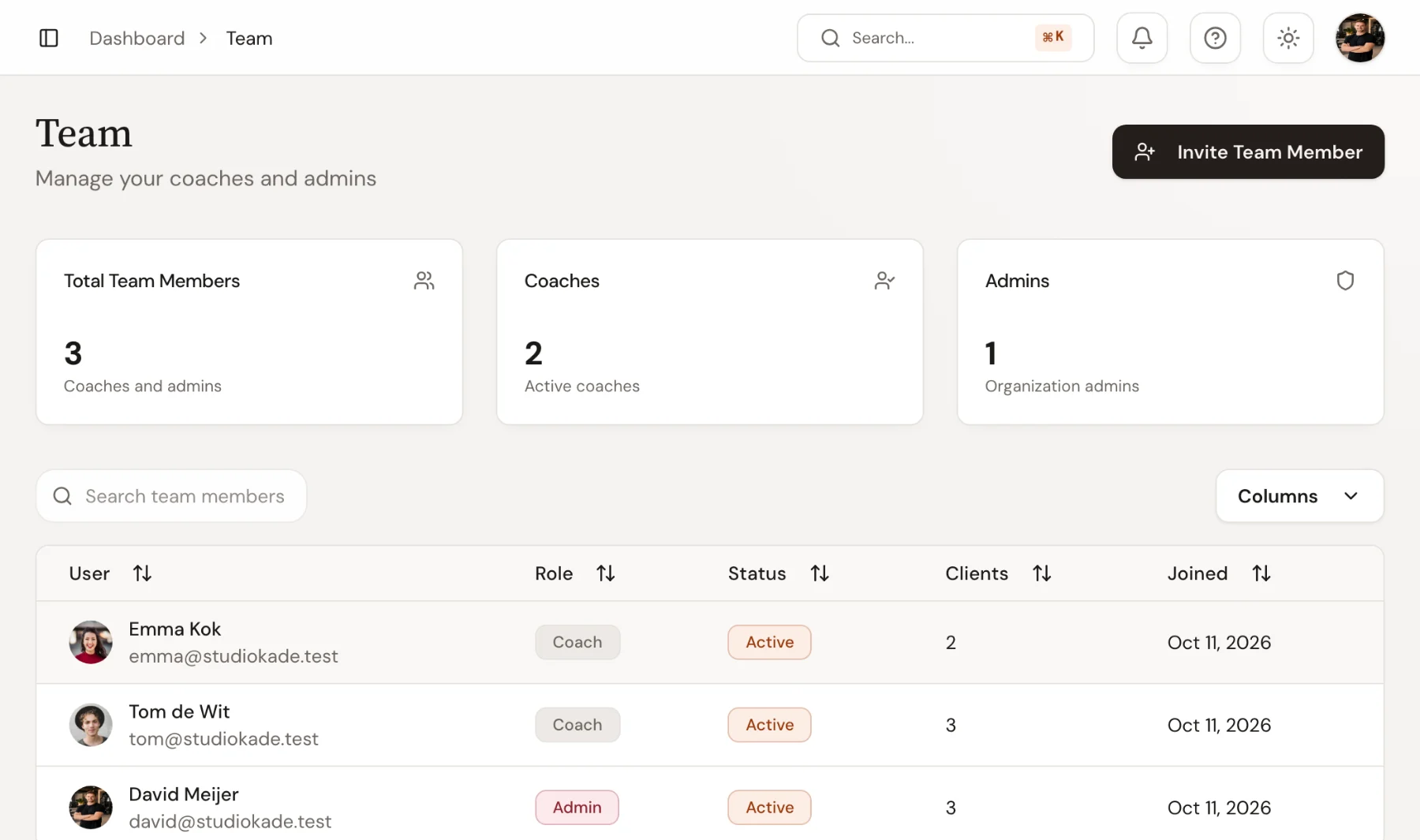
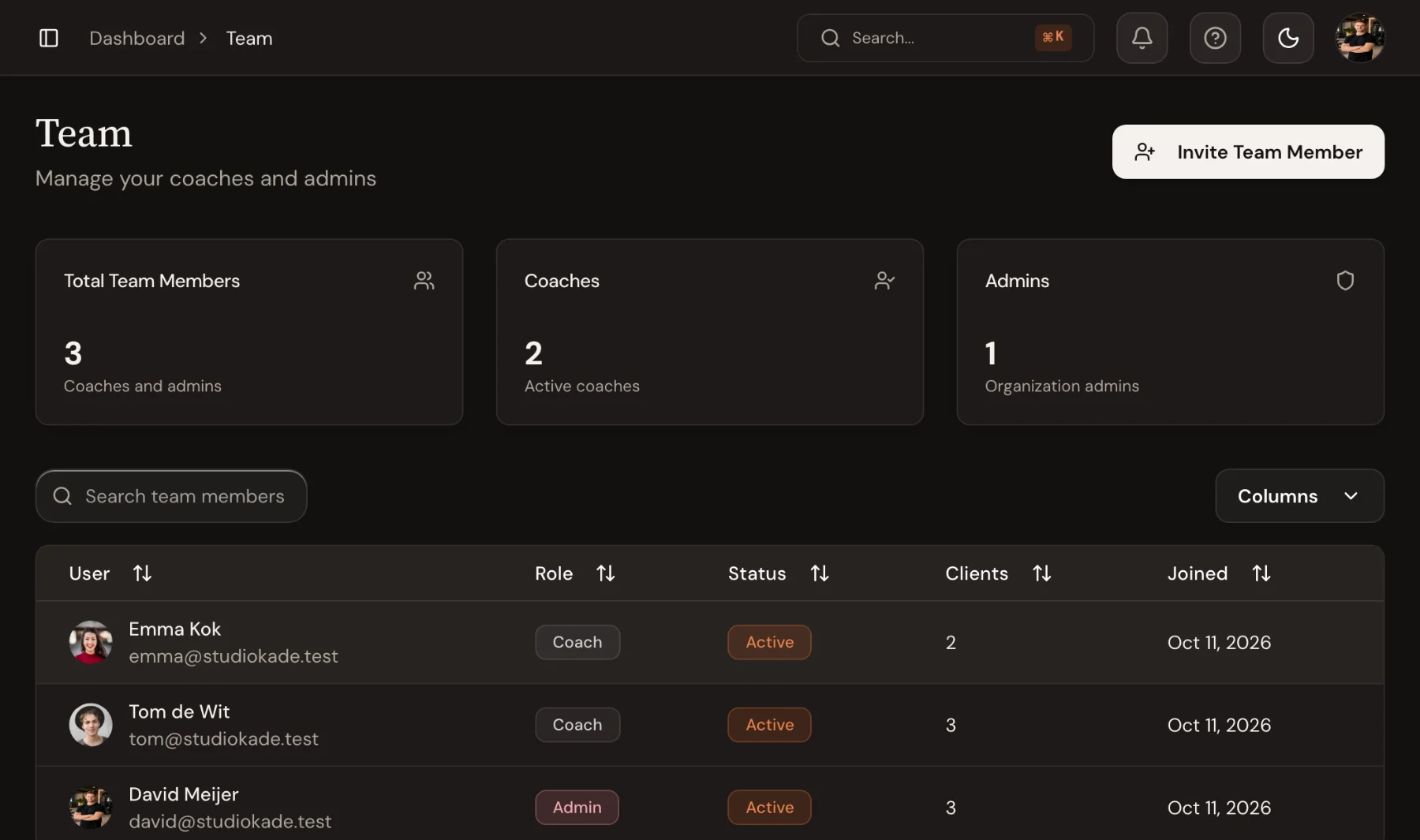
The Team page lists everyone with their role, status and how many clients they coach.
Give each client a coach
Open a client and use Assign coach in the header, or change it straight from the Coach column in the client list. A client can have more than one coach; mark one as Primary.
The primary coach is the one named as the client's coach across the dashboard, for example in the overview's Whole studio view, so everyone knows who follows the client up.
Let each coach set their hours
If you use online booking, ask every coach to fill in their weekly hours under Availability. Clients can only book a coach in the hours they've added. See Set up online booking.

 Book 30 minutes with David