Import clients from a spreadsheet or another app
Upload a CSV or Excel export, match the columns, check the rows and send every client an invite to the Trainnode app.
Trainnode team
1 min read
Moving from another platform or a spreadsheet? Import your whole client list at once. Nothing is saved until you've checked it, and invites only go out when you say so.
Upload your file
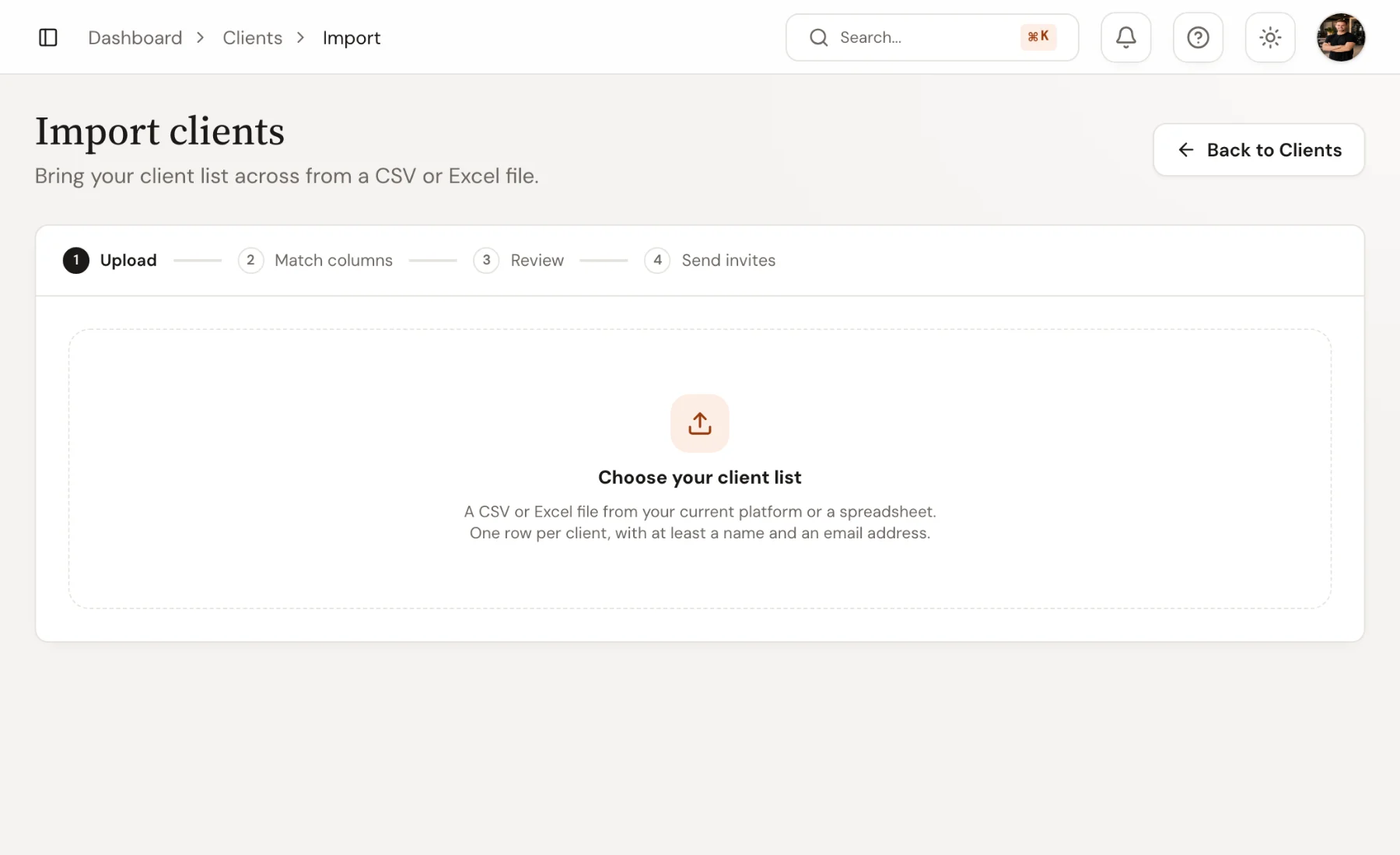
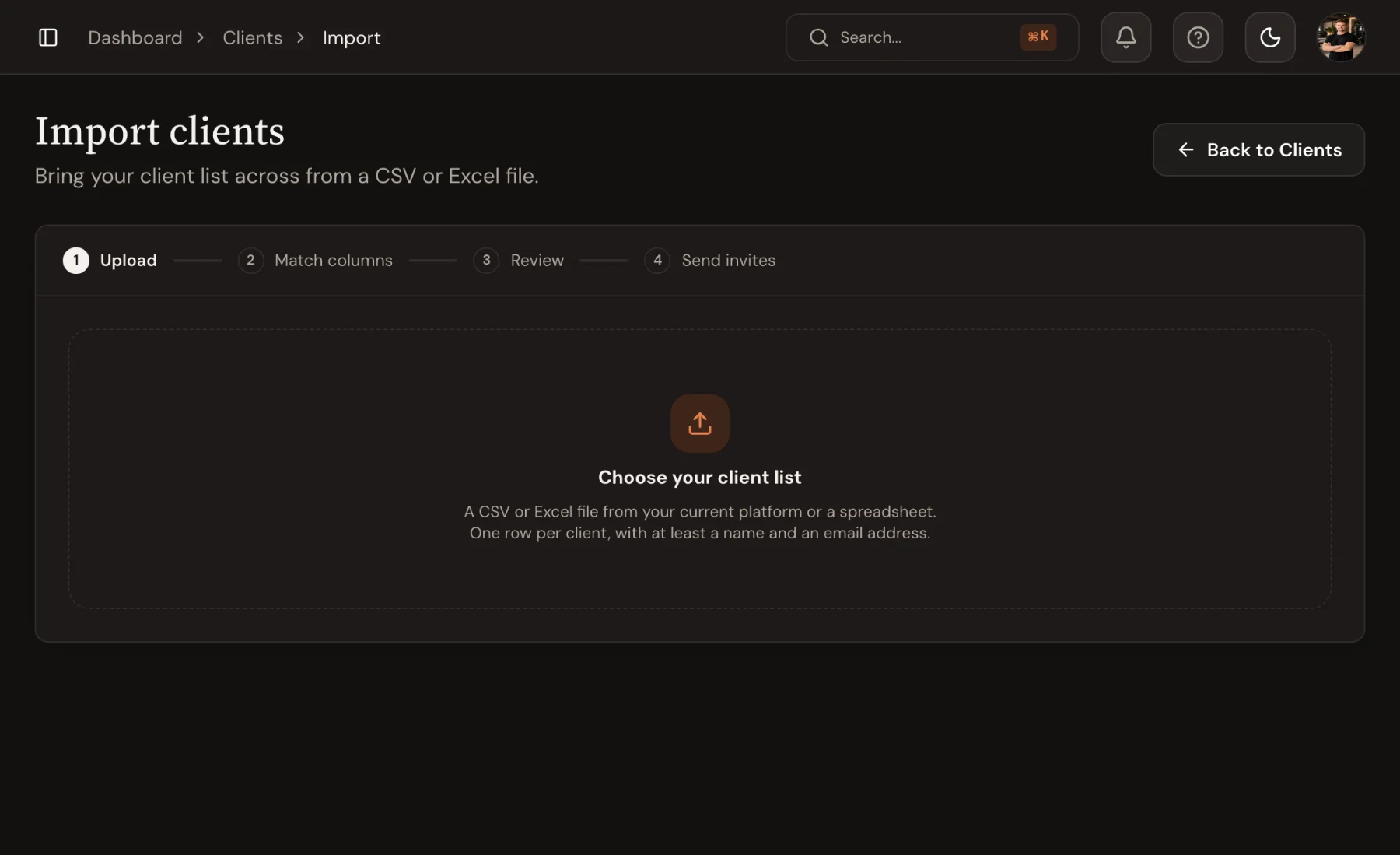
Go to Clients and choose Import clients. Upload a CSV or Excel file with one row per client and at least a name and an email address. An export from your current platform usually works as it is.
Match your columns
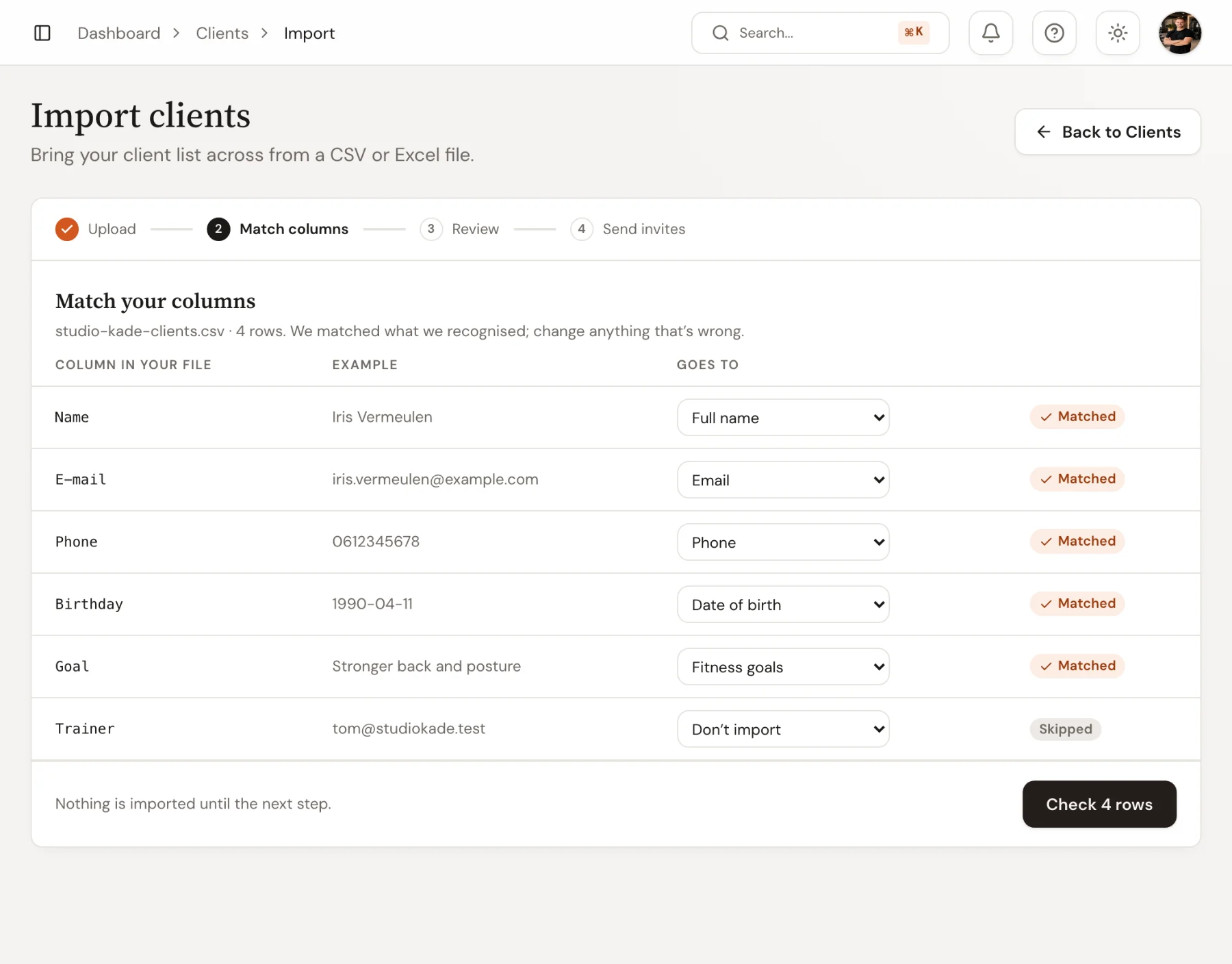
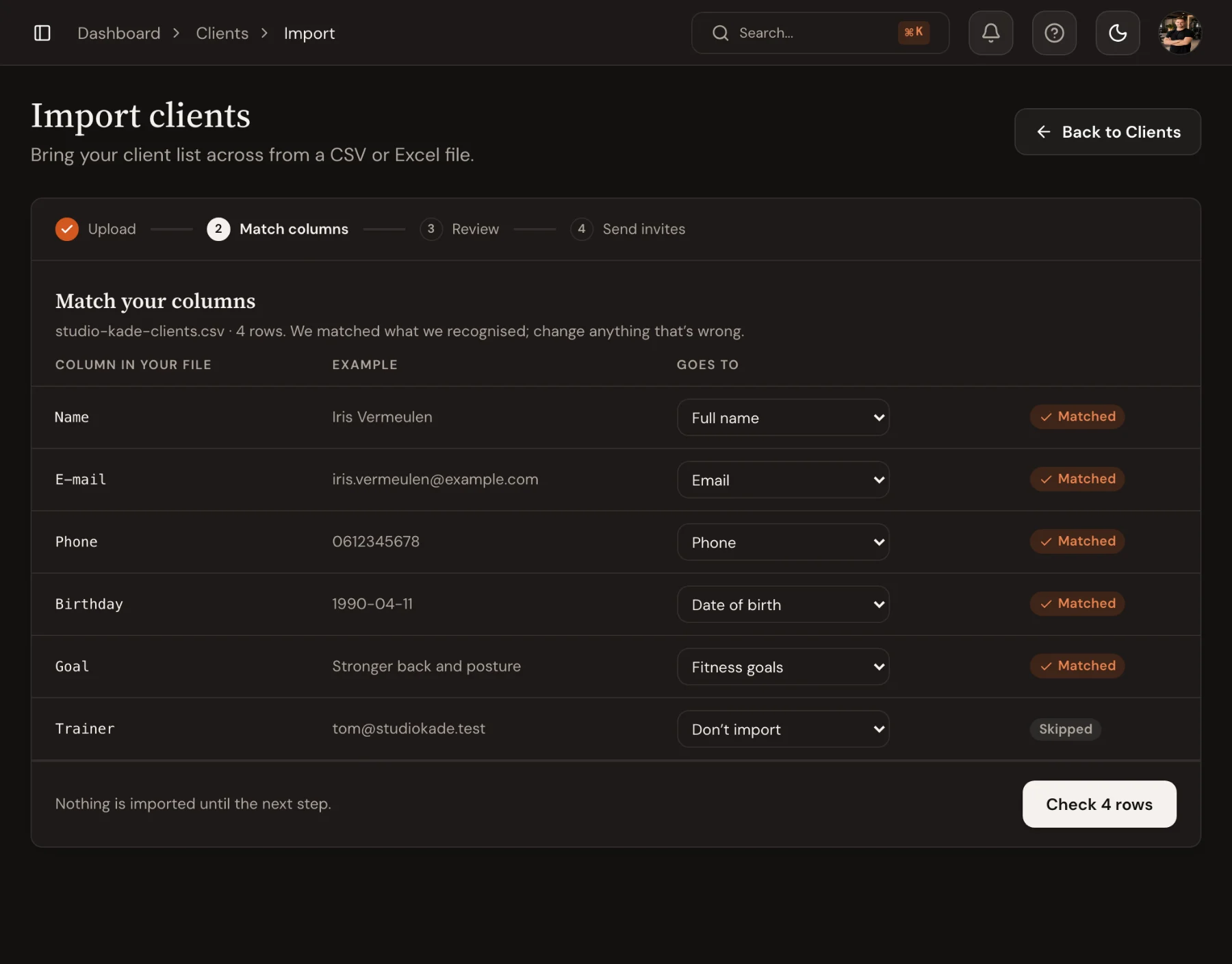
Trainnode reads the first rows and matches each column to a field: full name (or first and last name), email, phone, date of birth, gender, fitness goals, medical notes, coach (by email), other coaches, and an ID from your old system. Each match shows an example from your file. Change any match, or choose Don't import for columns you don't need.
Review the rows
Trainnode checks every row and shows what's ready, what needs a look and what it can't import, such as a row without an email address. Fix the file and upload it again, or skip those rows. The clients are added when you confirm.
Send invites
Each imported client can get an email with a sign-in link and the app. Send them now, or later when your products and booking are set up. Each client gets the invite once.
Planning a full switch? Read Moving your studio to new software without losing clients for a four-week plan and the message to send.

 Book 30 minutes with David