Get started with the Trainnode app
How to sign in to the Trainnode app with the invite from your studio, what the short tour shows, and where to find your workouts and sessions.
Trainnode team
1 min read
Your studio uses Trainnode for training and bookings. Here's how to get in and find your way around.
Open the invite
Your studio sends you an email with a link. Open it on your phone and tap the link. It signs you in, no password needed. If you don't have the app yet, the email has links to the App Store and Google Play.
No email? Check your spam folder, then ask your studio to send it again. Use the email address your studio has for you.
Take the short tour
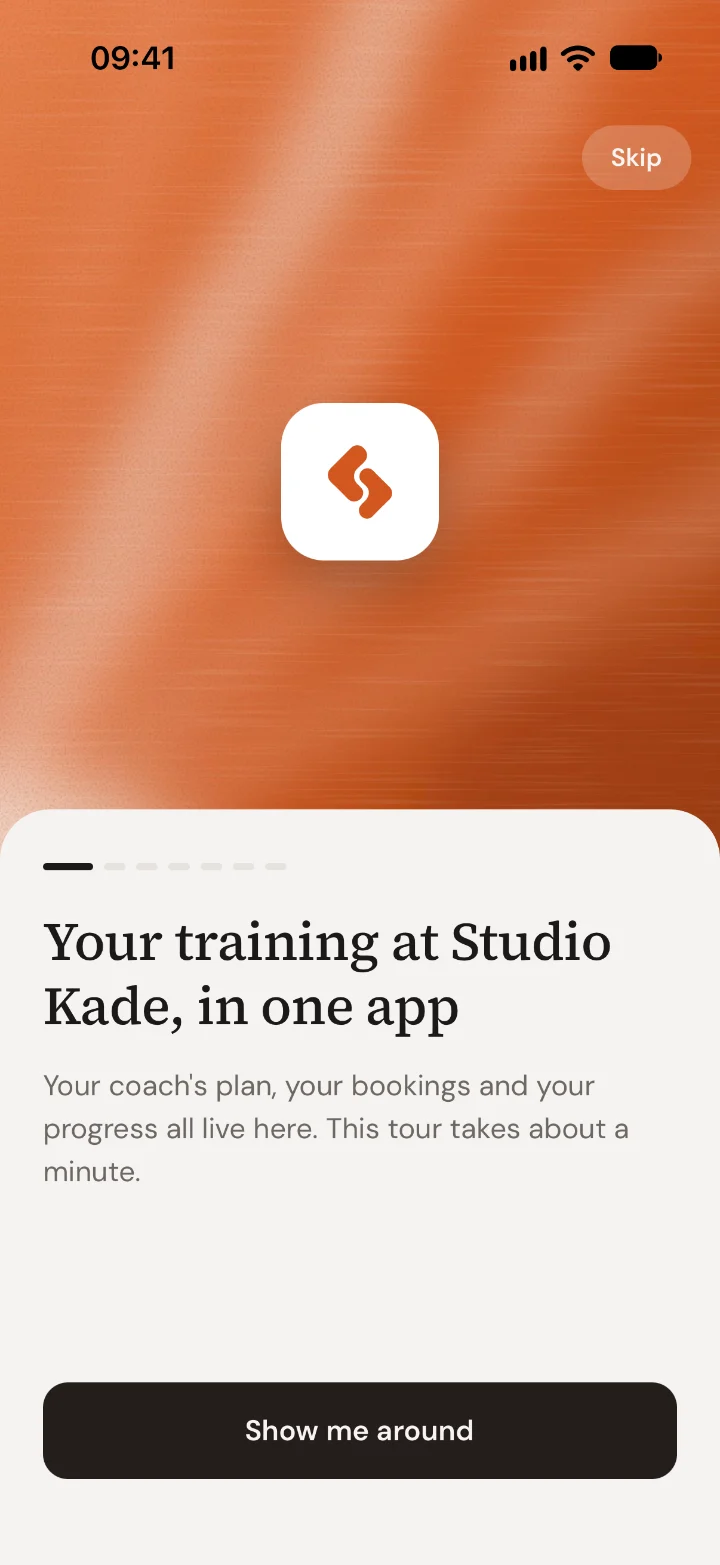
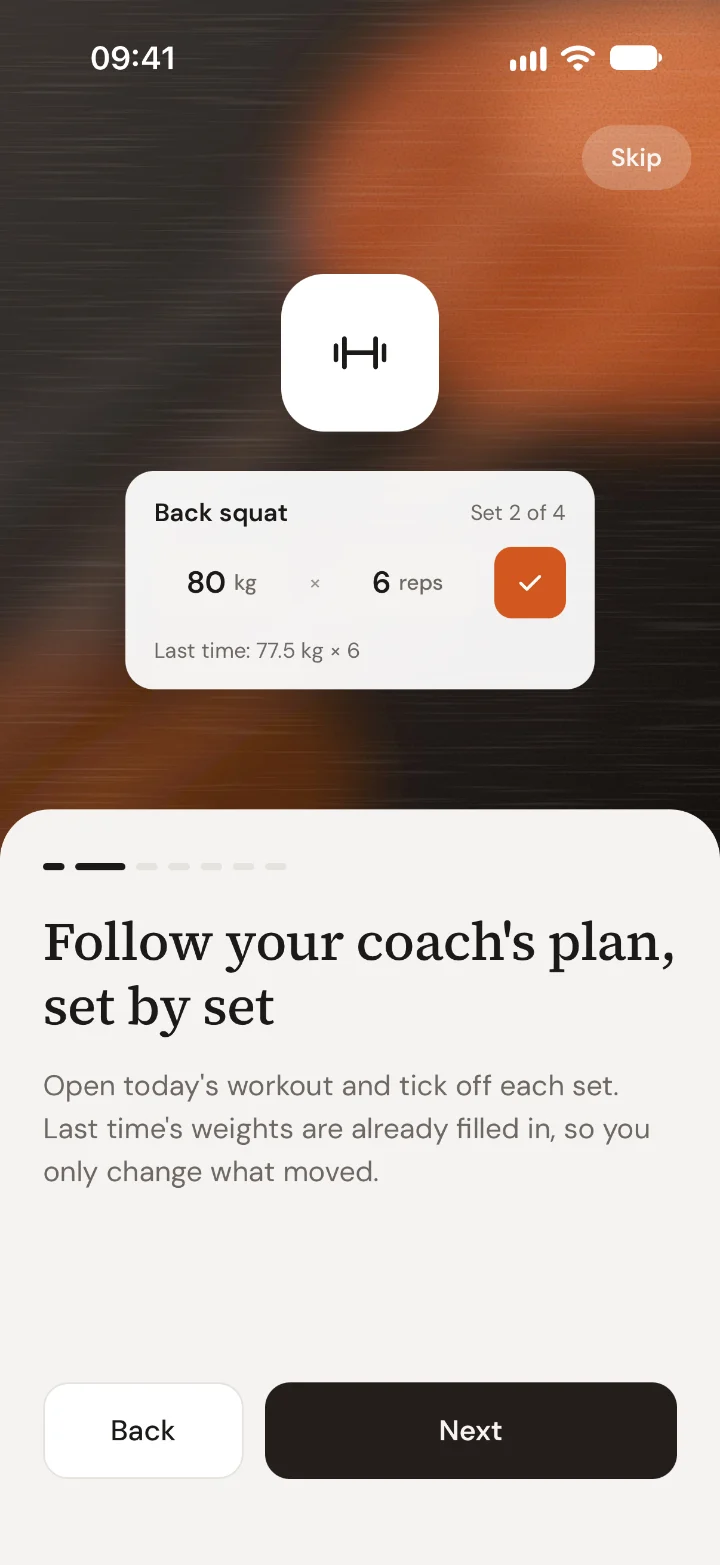
The first time you open the app, a short tour shows what's where. It takes about a minute. Tap Show me around, or Skip if you'd rather look yourself.
Allow notifications
The app asks if it can send you notifications. Tap Turn on notifications to hear when your coach replies, a new workout is ready or a session is coming up. You can change this later in your phone's settings.
Find your way around
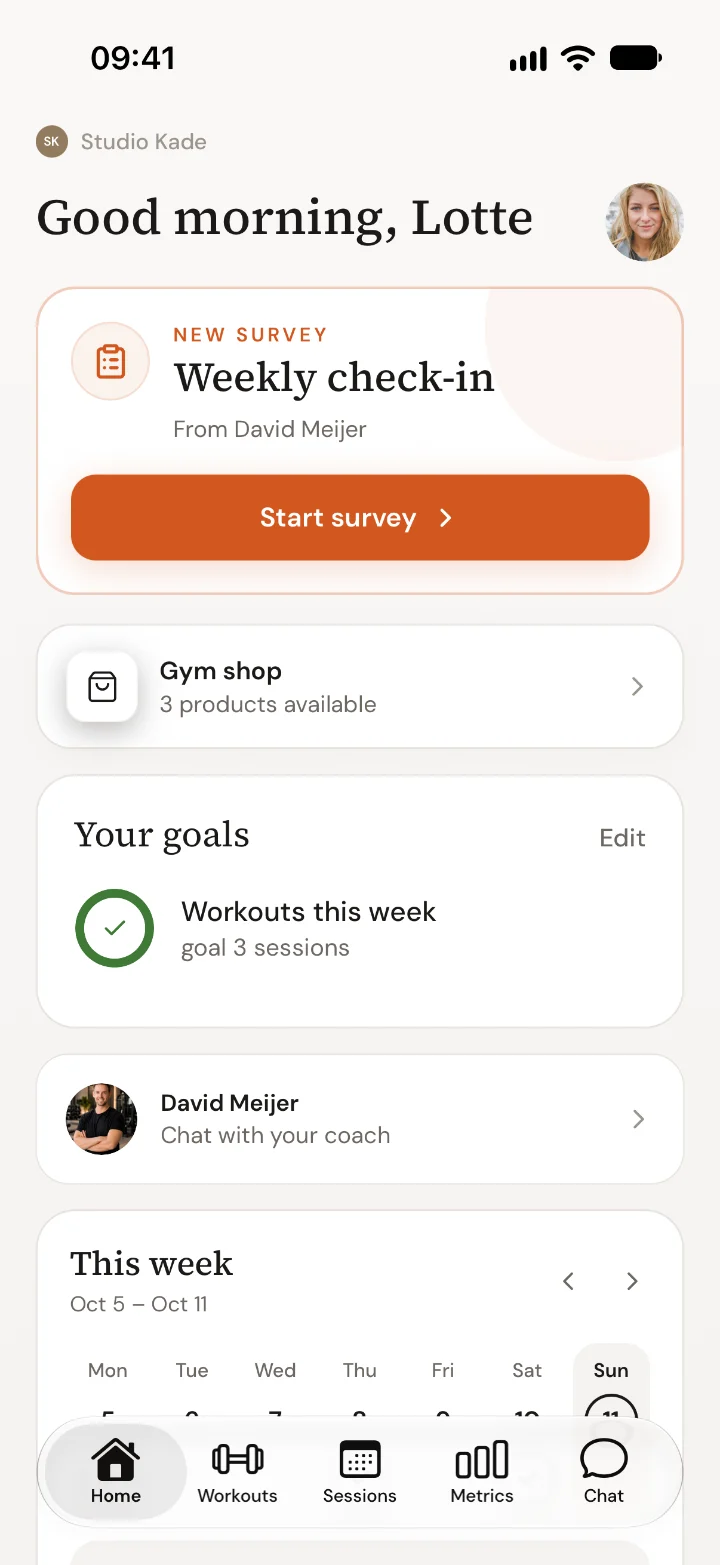
The bar at the bottom has five tabs:
- Home: what's next today, your check-ins and your coach
- Workouts: the training your coach planned for you
- Sessions: book, see and cancel your sessions, and buy credits
- Metrics: body weight, sleep and other numbers you track
- Chat: messages with your coach
Signing in later
The app keeps you signed in. If you're ever signed out, open the app and enter your email: tap Email me a sign-in code and use the code from the email, or sign in with a password if you set one.
Questions? Ask your coach in Chat.

 Book 30 minutes with David