Set up strength ratio analysis
Create a strength ratio set with an anchor lift and target ratios, then see which of a client’s lifts are balanced, ahead or behind.
Trainnode team
1 min read
A ratio set is a set of targets: one anchor lift, and how strong every other lift should be compared to it. Make it once and check any client against it. For the thinking behind the numbers, read Strength ratios: what a balanced lifter looks like.
Create a ratio set
Go to Strength ratios and choose New ratio set, or pick one under Start from a template on the same page. On the form, Use a template fills in a ready-made set of targets; or start from scratch. Under Name and purpose, give it a name and an optional one-line description.
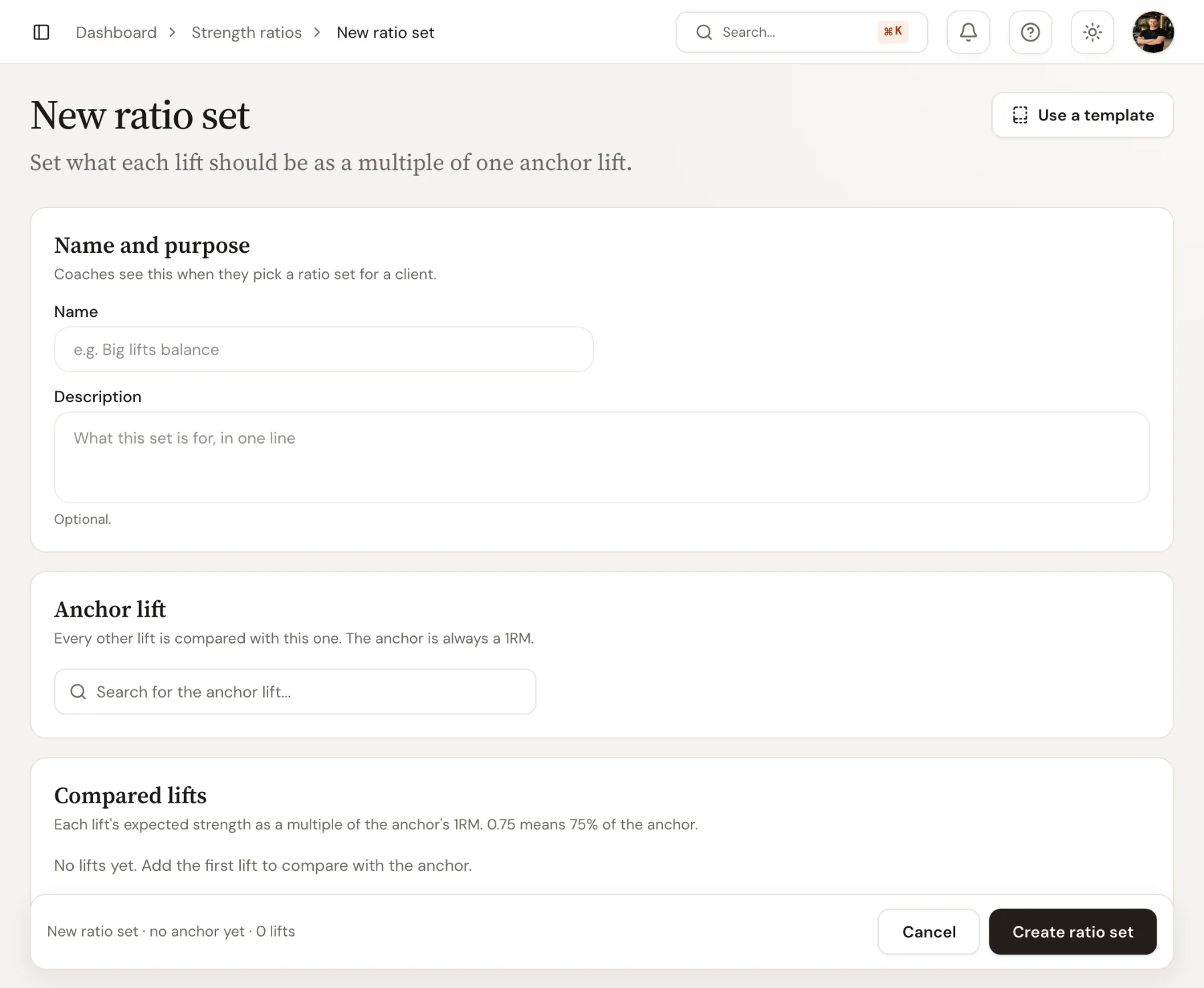
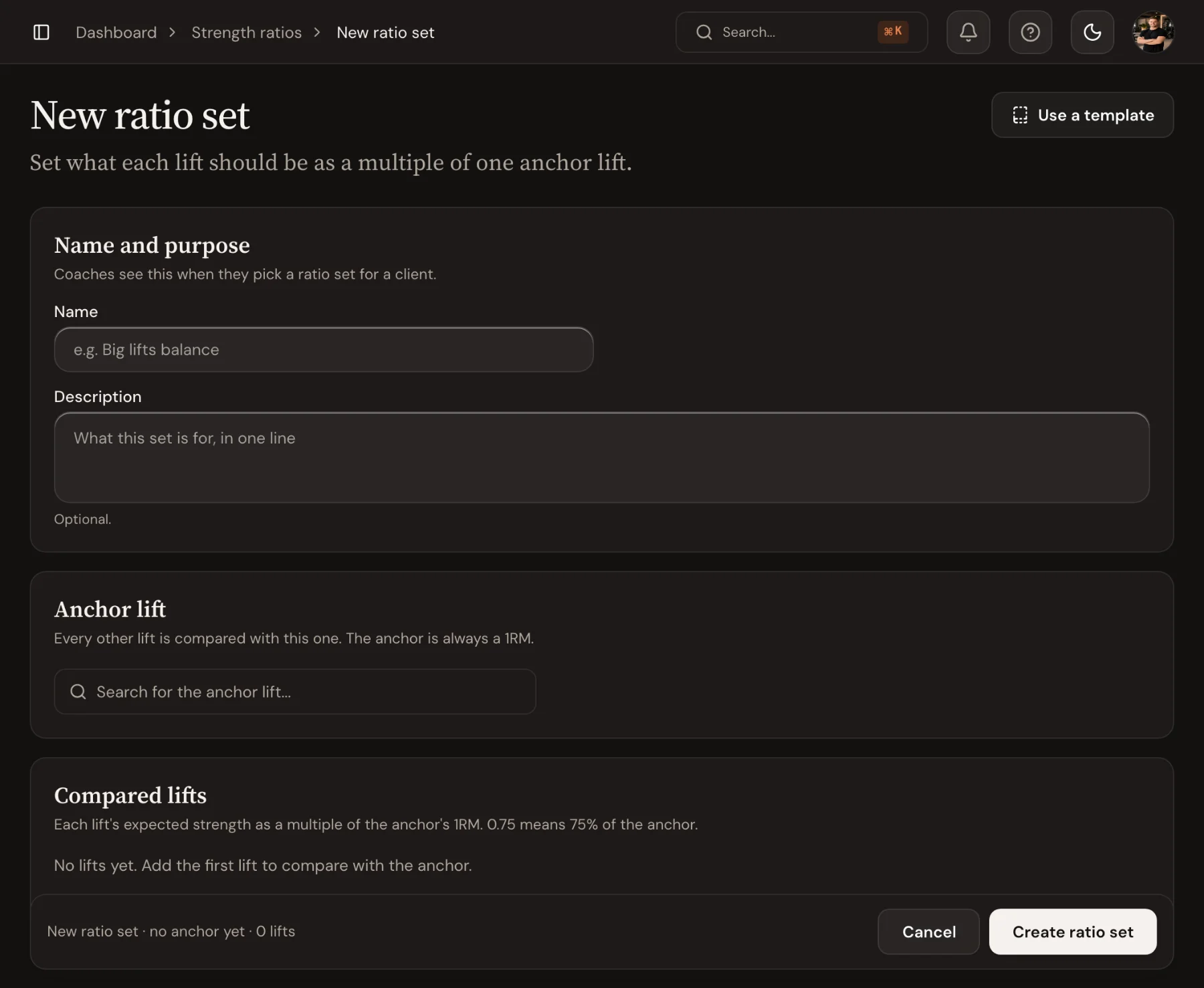
Pick the anchor and add targets
Under Anchor lift, choose the lift the others are measured against, usually the back squat. Then under Compared lifts, choose Add lift for each one and set its Expected ratio: 0.75 means the lift should be 75% of the anchor. For lifts where bodyweight counts, such as pull-ups, tick + bodyweight. Choose Create ratio set.
Check a client
Open the ratio set and use Pick a client or coach. Trainnode calculates estimated maxes from what the client logged. The figures show the anchor's estimated 1RM, how many lifts are in balance and which one is furthest behind. Below, Each lift against the anchor shows every lift as a bar from −20% to +20%, marked Balanced, x% behind or x% ahead. After new training, choose Compare again. The same bars appear on the client's page under the Ratios tab.
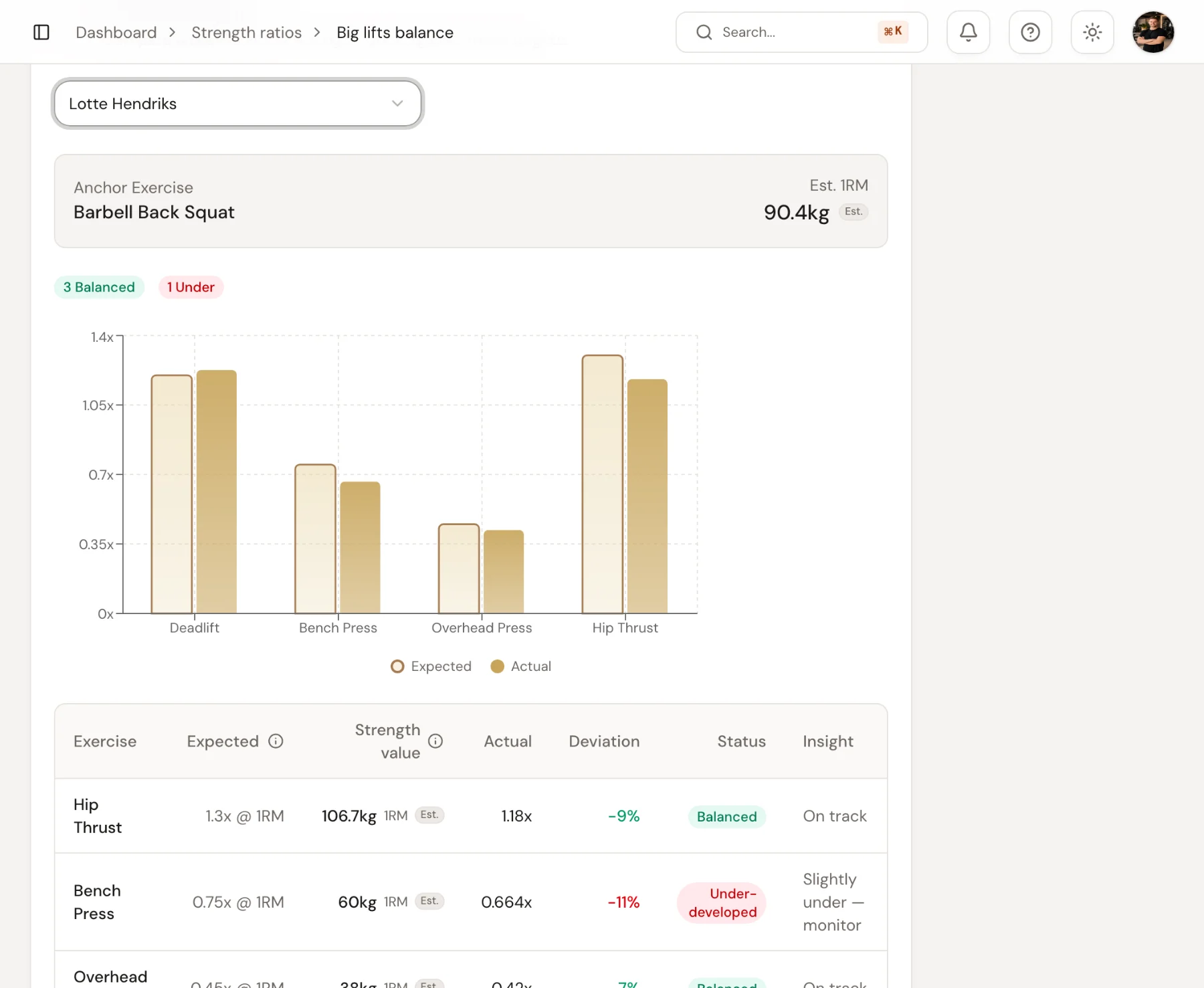
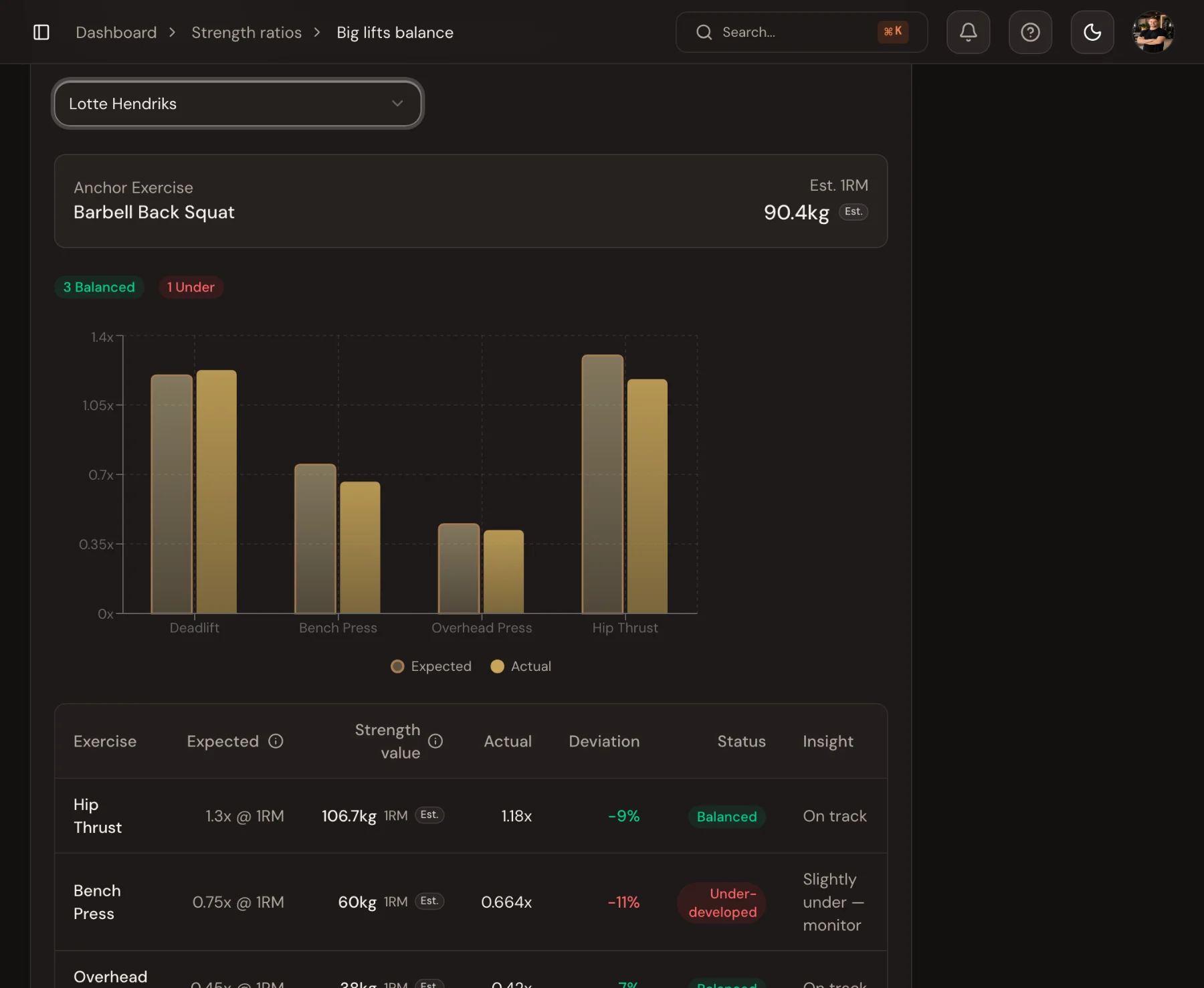
Use the result to shape the next phase: give the lagging lift more attention for four to six weeks, then check again.

 Book 30 minutes with Coach David