Connect Apple Health to the Trainnode app
How to connect Apple Health so your sleep, steps, weight and other workouts show up for your coach in Trainnode, and how to turn it off.
Trainnode team
1 min read
Connecting Apple Health brings numbers you already track on your iPhone or Apple Watch into Trainnode, such as sleep, steps and body weight. Your coach sees them next to your training, without you typing anything in twice.
Open Apple Health in the app
Tap your photo on the Home screen to open your profile, then tap Apple Health. Tap Connect.
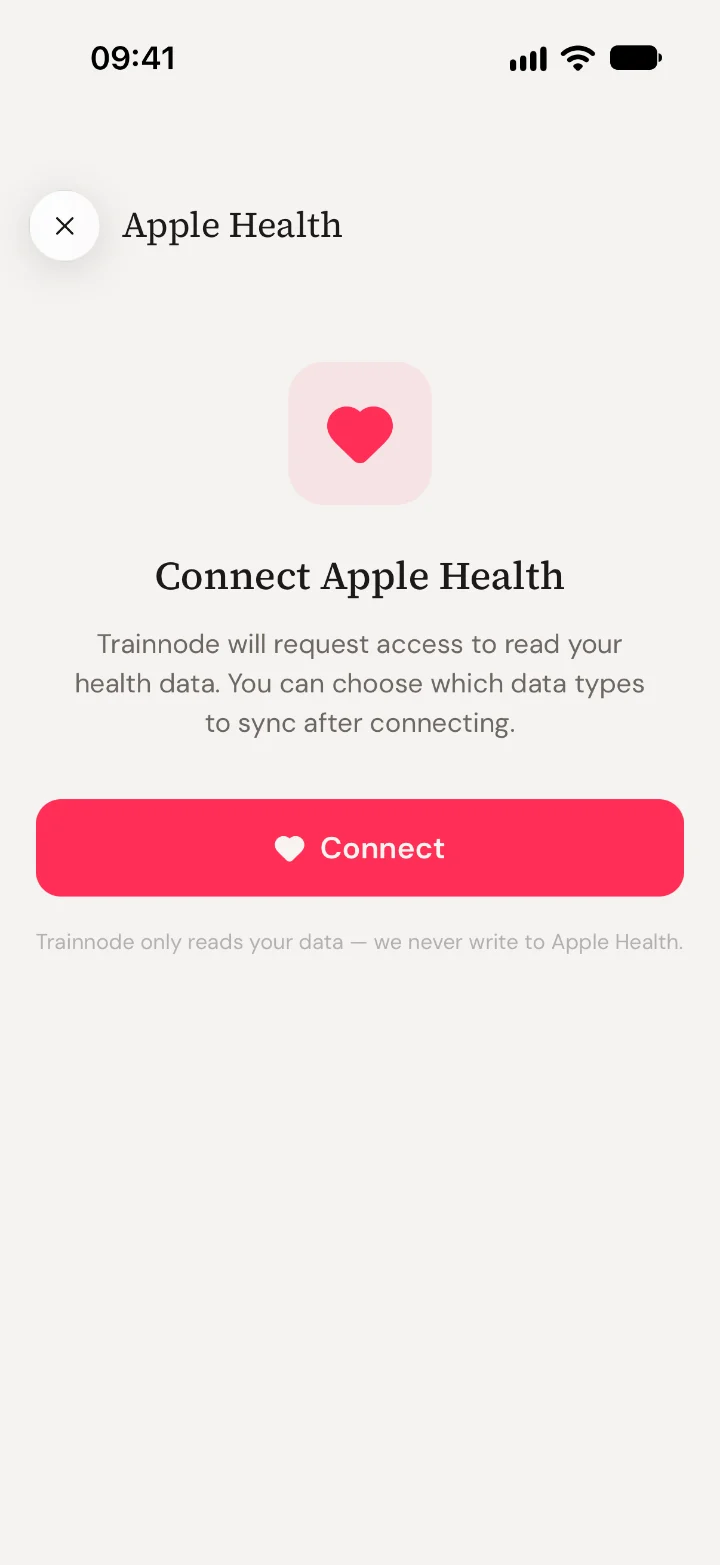
Choose what to share
Your iPhone asks which data Trainnode may read. Turn on what you want your coach to see. You can change this later in the Health app.
Pick what syncs
Back in Trainnode, switch each type of data on or off, such as sleep, steps, weight and resting heart rate. You can also bring in cardio workouts from your Apple Watch (runs, rides, swims and other workouts over five minutes).
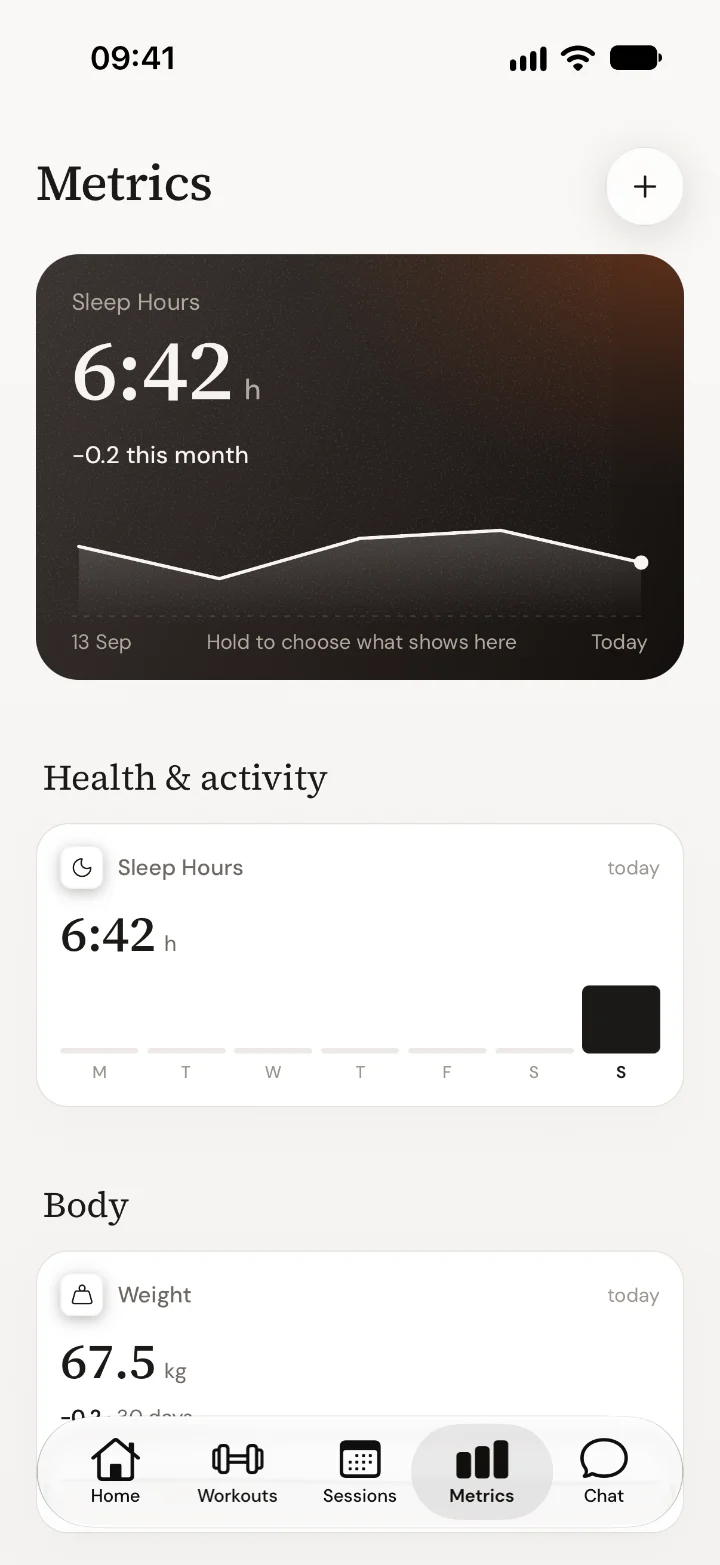
See it in Metrics
Your numbers appear under Metrics in the app, and your coach sees the same numbers on your profile.
Good to know
- Trainnode only reads. It never writes anything to Apple Health.
- To stop syncing, open Apple Health in the app and tap Disconnect Apple Health. The data that already synced stays.
- Didn't get the permission question? Open the iPhone Settings › Privacy & Security › Health › Trainnode and turn the data on there.
- Android: Apple Health is iPhone only. You can enter your numbers in Metrics by hand.
Questions about what your coach does with the numbers? Ask them in Chat.

 Book 30 minutes with David